Publishing
Write it once. Publish it everywhere, on time.
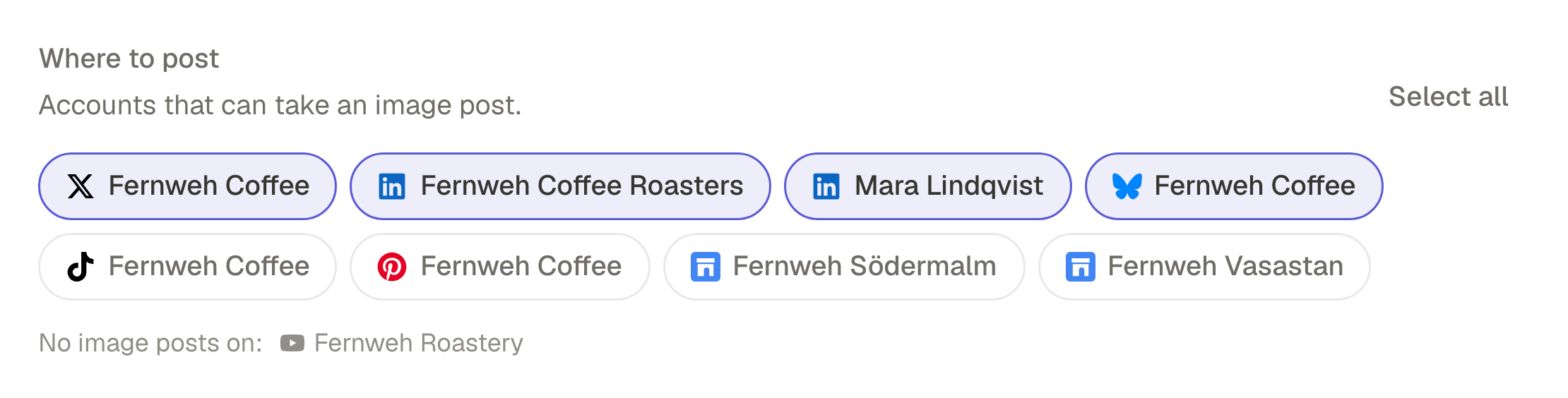
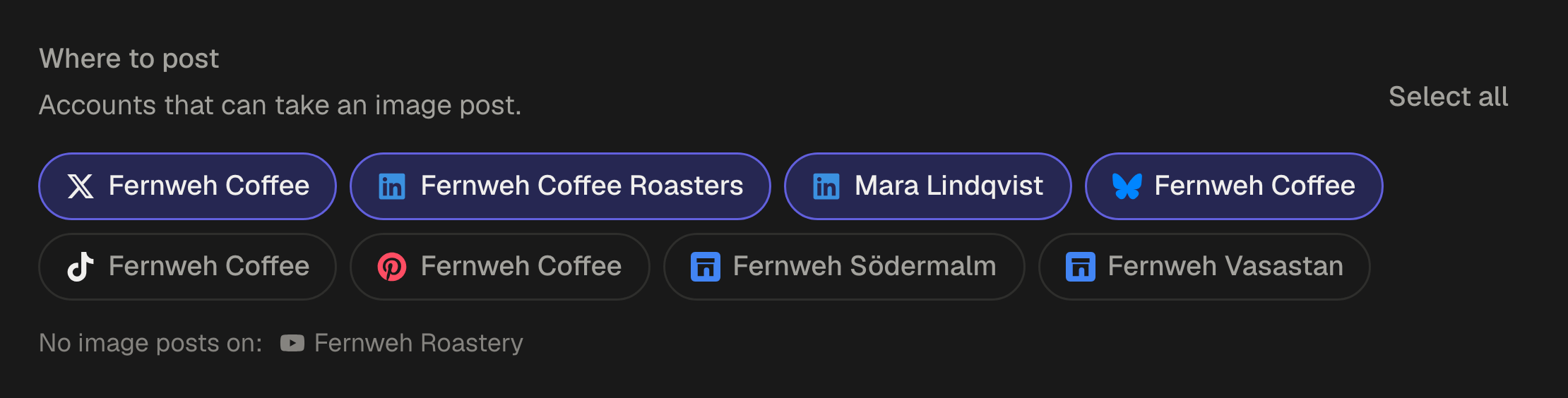
Pick the accounts, change the caption where a network needs its own, then publish now, choose a date or hand it to a queue. Each account is published to on its own, and you see how each one went.
Composer
One editor. Every network at once.
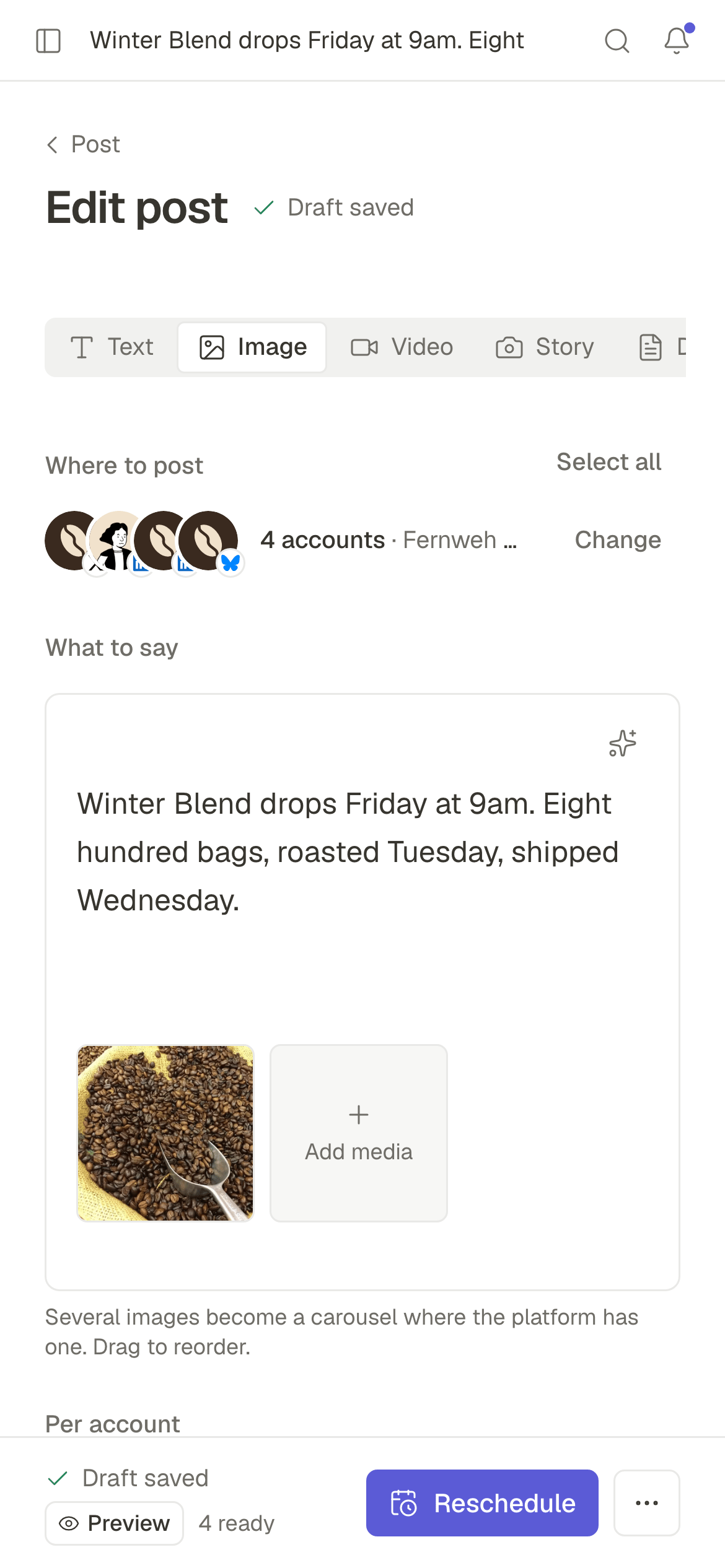
Write the caption, attach the media, pick the accounts. Ask the assistant when you want a first draft or a second take, and override just the network that needs something different.
Per-network versions
A different caption for LinkedIn, a title for YouTube, a link for X. Or let the assistant adapt the caption to one account's length limit and suggest its first comment.
An assistant that suggests, never decides
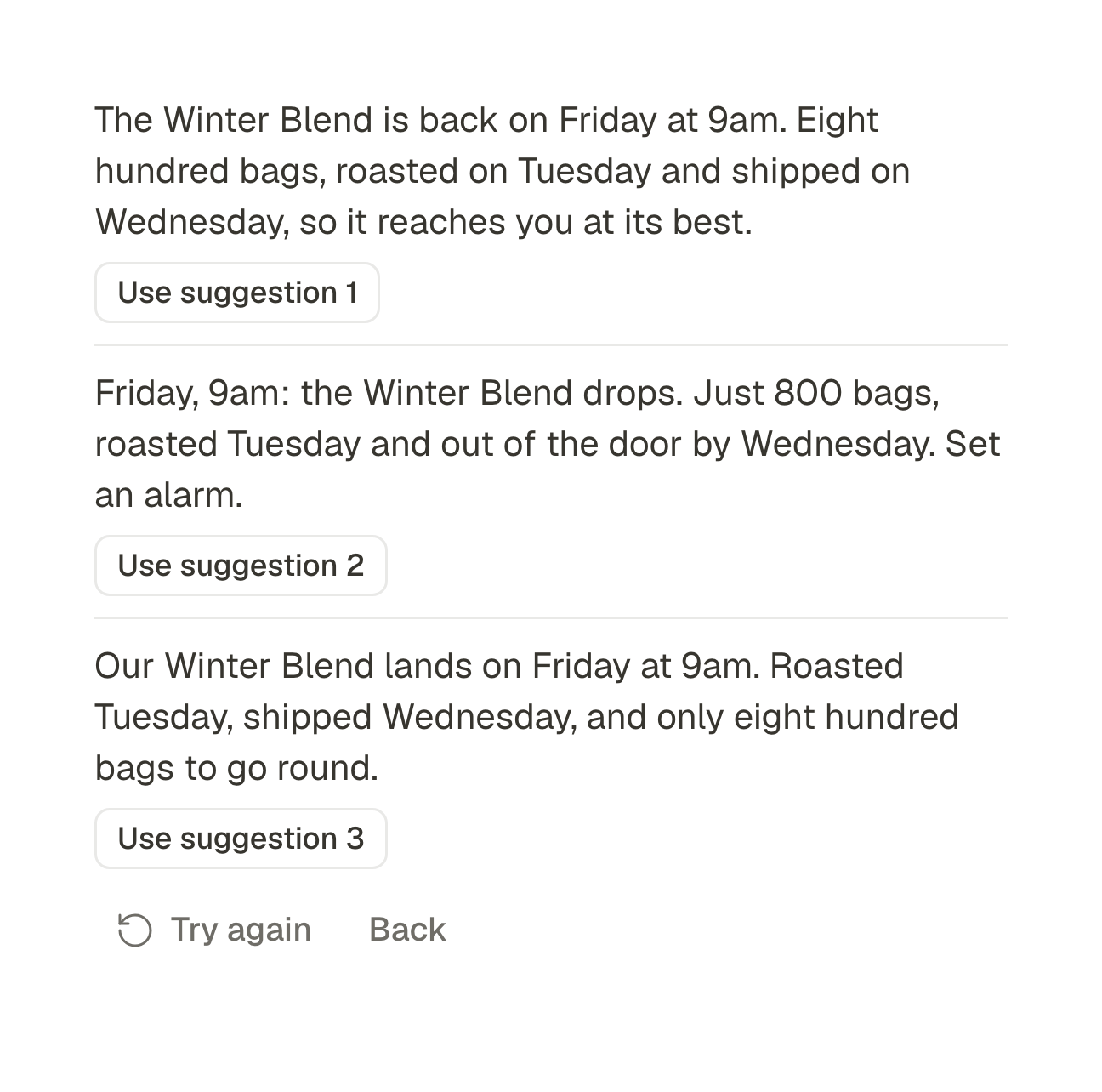
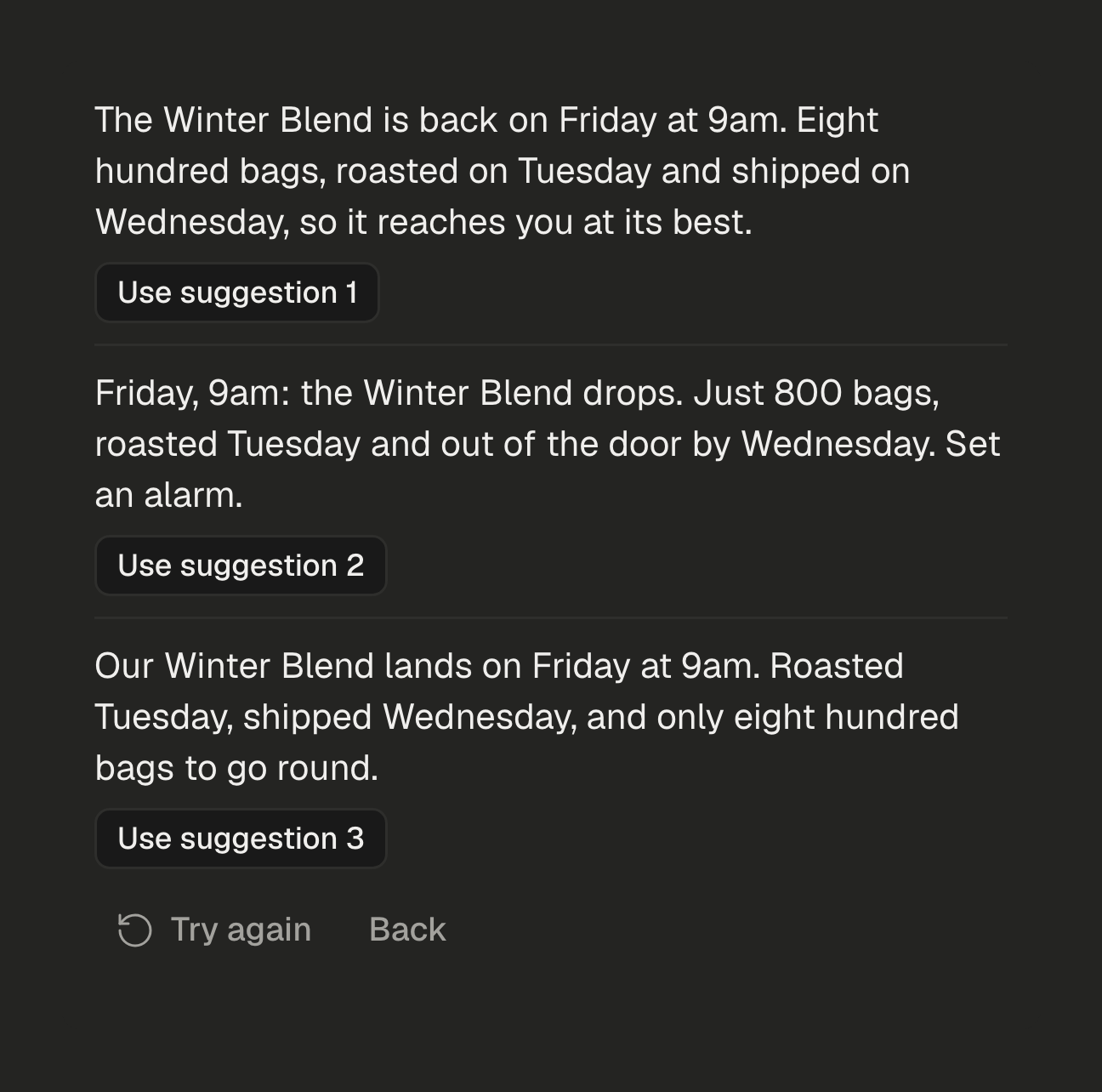
Write from a brief, then improve, shorten, lengthen, fix the spelling, change the tone, translate into seven languages or suggest hashtags. It offers a few versions and you add the one you want.
Checked before it goes out
Every network publishes its own rules: caption length, how many files, which formats. A post that breaks one is caught in the editor, not by the provider.
Nothing is ever lost
Drafts save themselves while you type, one save at a time, and again the moment you leave the page.
Scheduling
Schedule it. Or stop scheduling entirely.
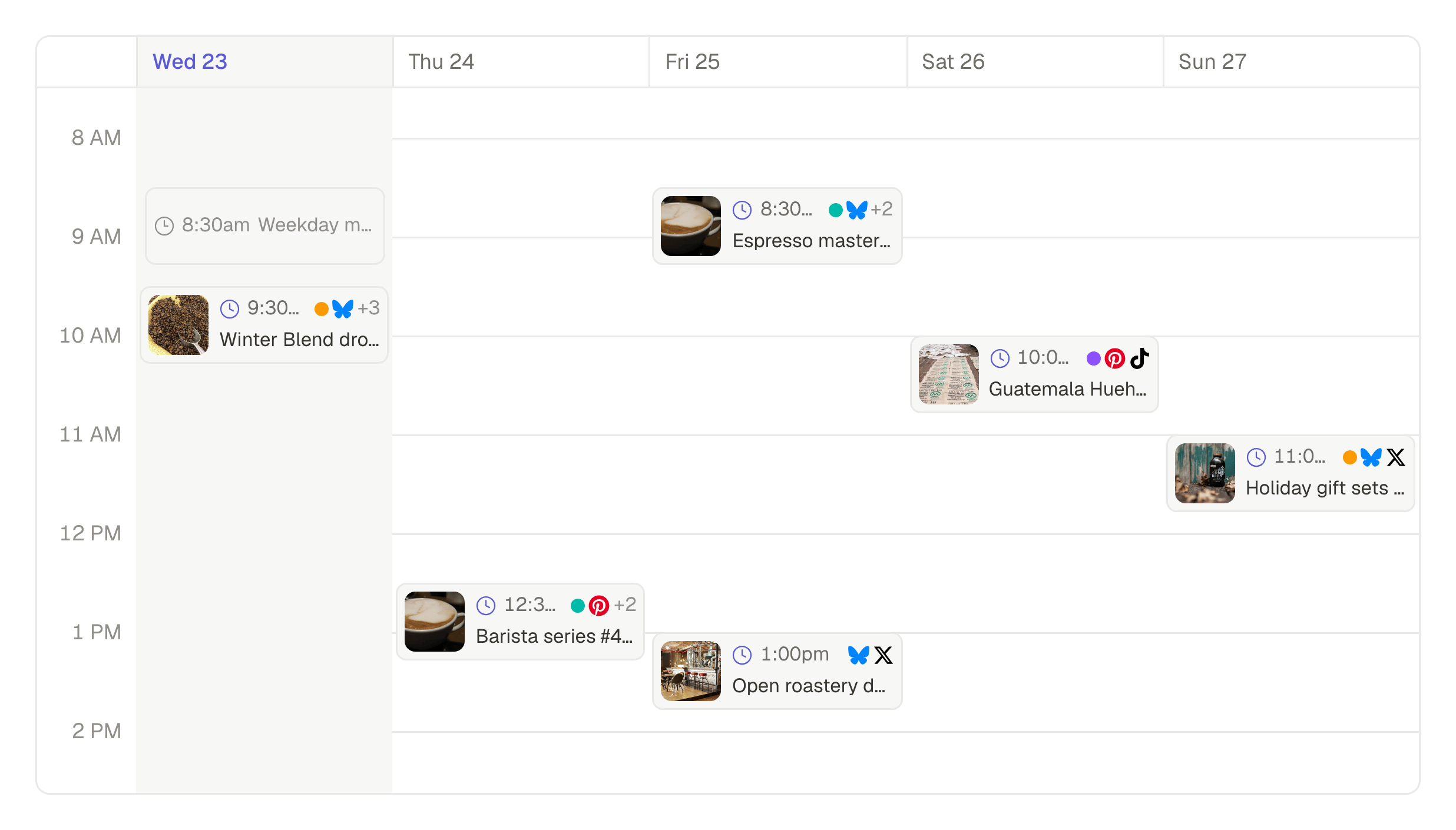
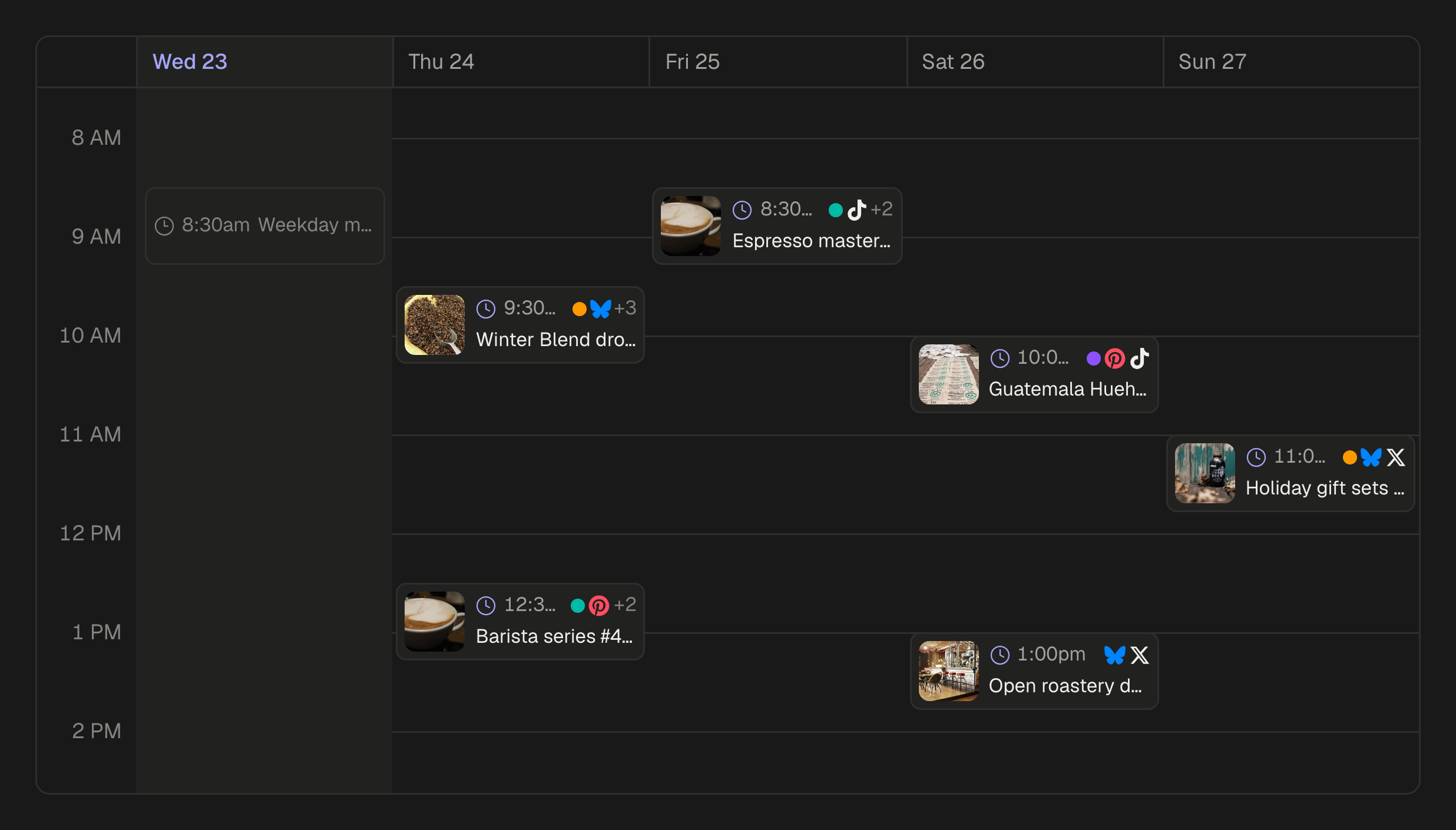
Give a post a date, or hand it to a queue and let the queue decide. Your whole month is one calendar, and changing a date takes two taps.
A calendar, not a list
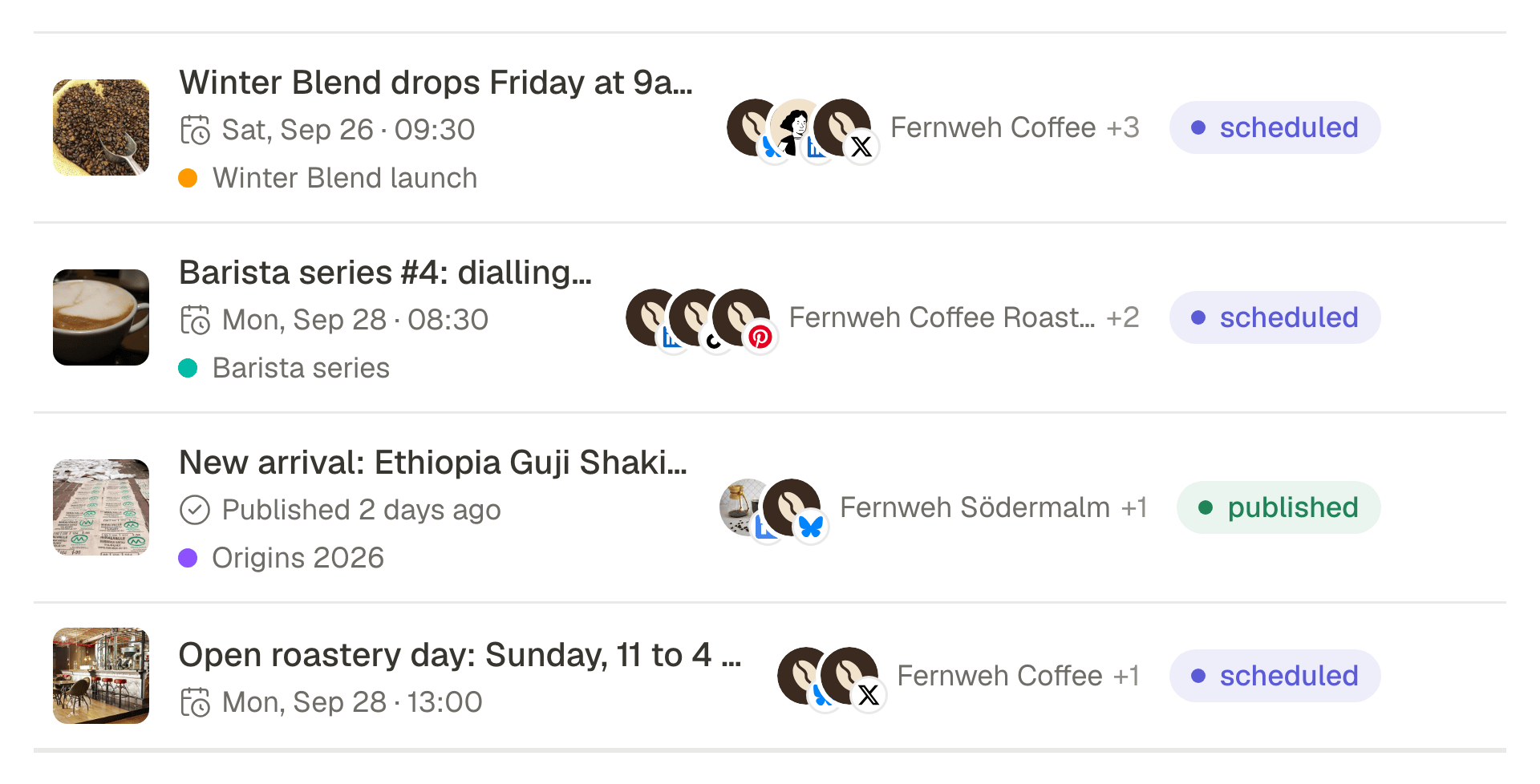
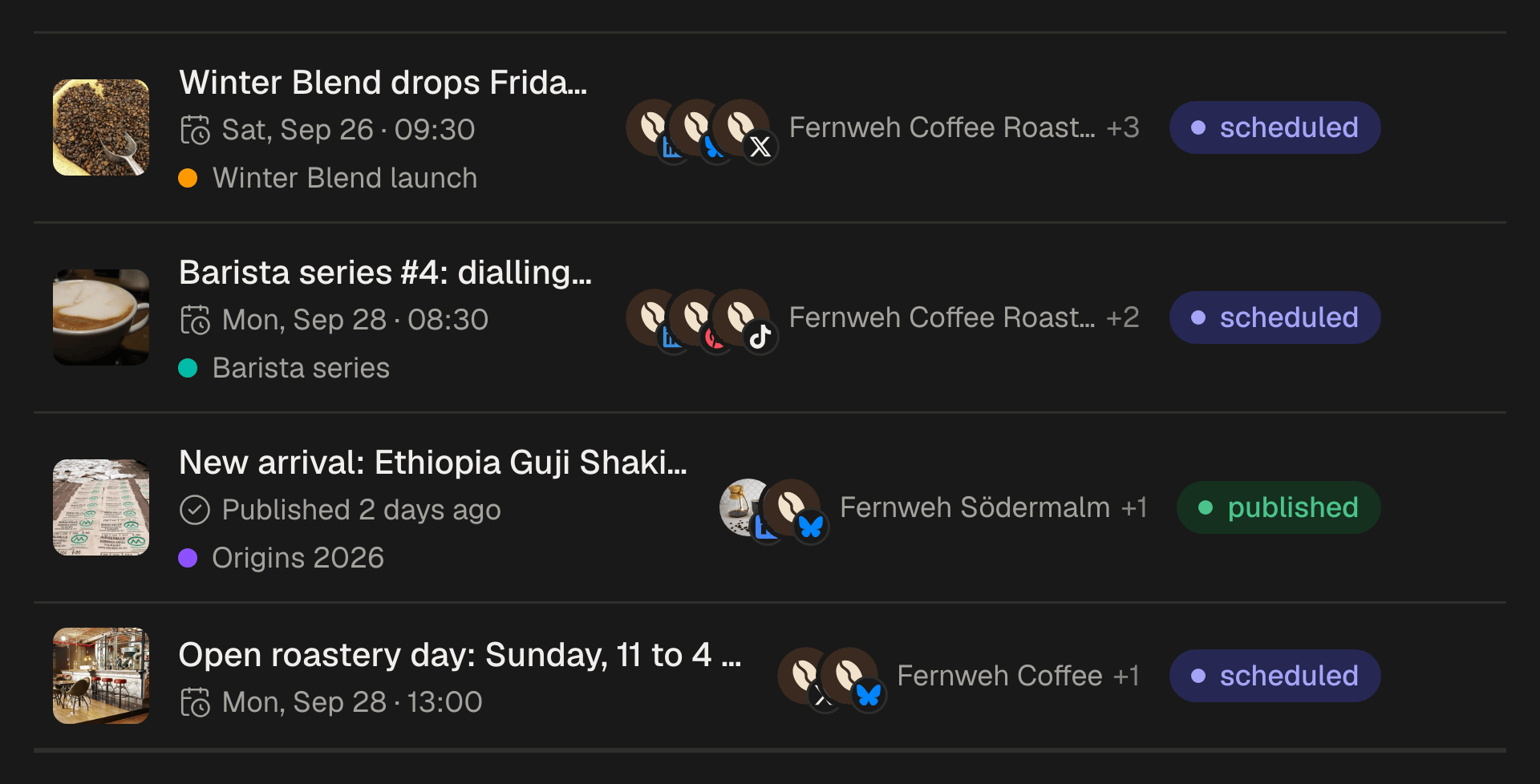
See what goes out on which day, per account, and reschedule without opening the post.
Reusable queues
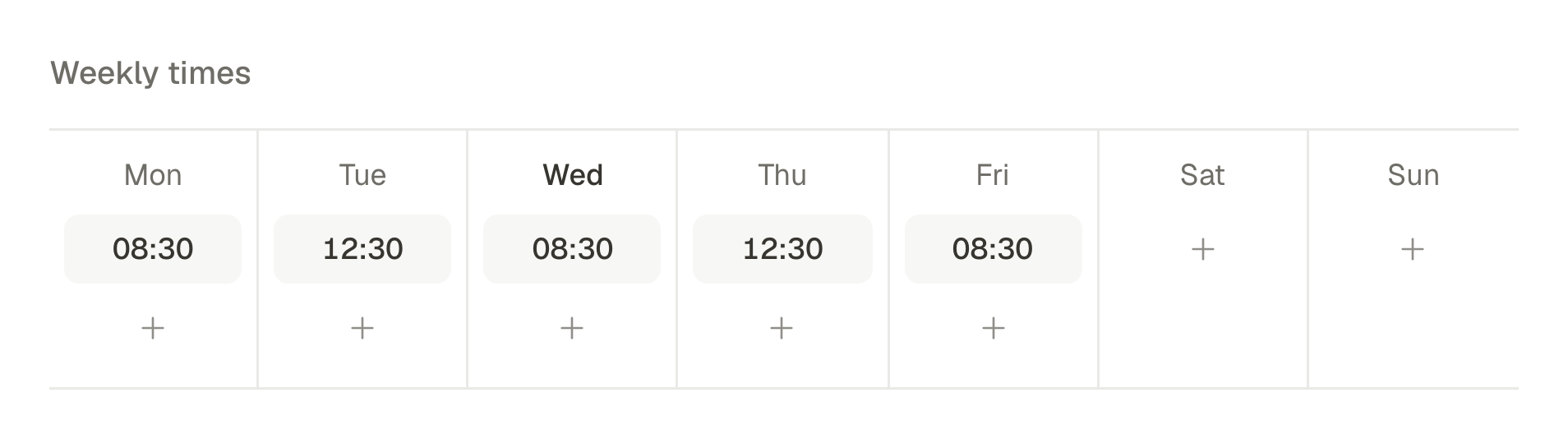
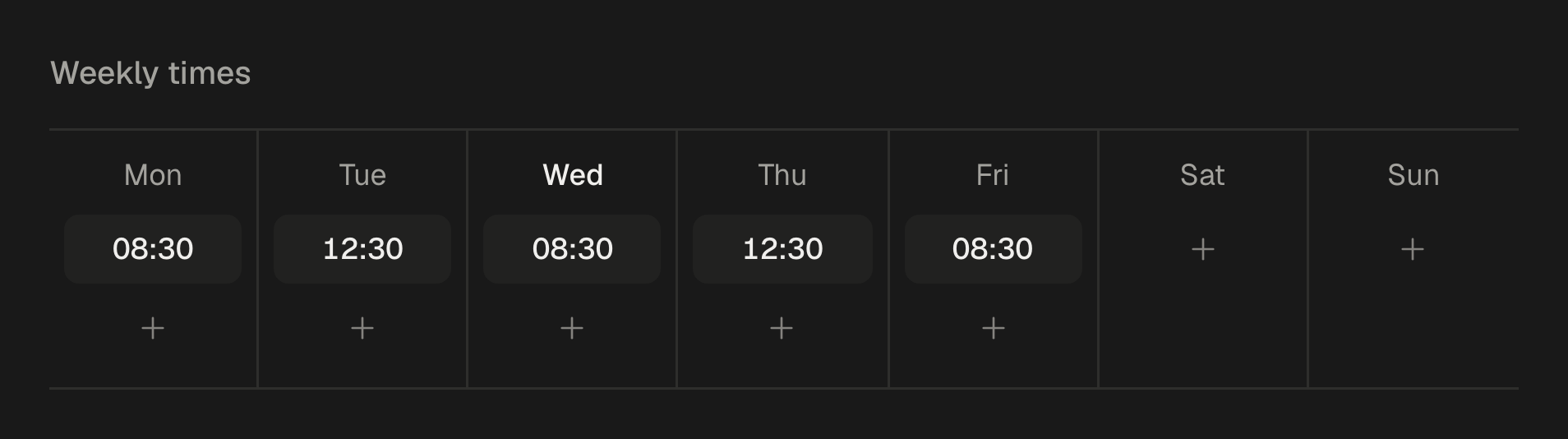
Define the slots once, say Tuesday 09:00 and Thursday 18:00, and every post you queue takes the next free one.
Time zones that behave
Slots are stored in the workspace time zone, so the hour you chose survives the clock change.
Results and recovery
Know what went out, and what did not.
Each network is published to independently and tracked independently. When one fails you get the network's own reason, in plain words, and a way out.
Per-account and per-platform
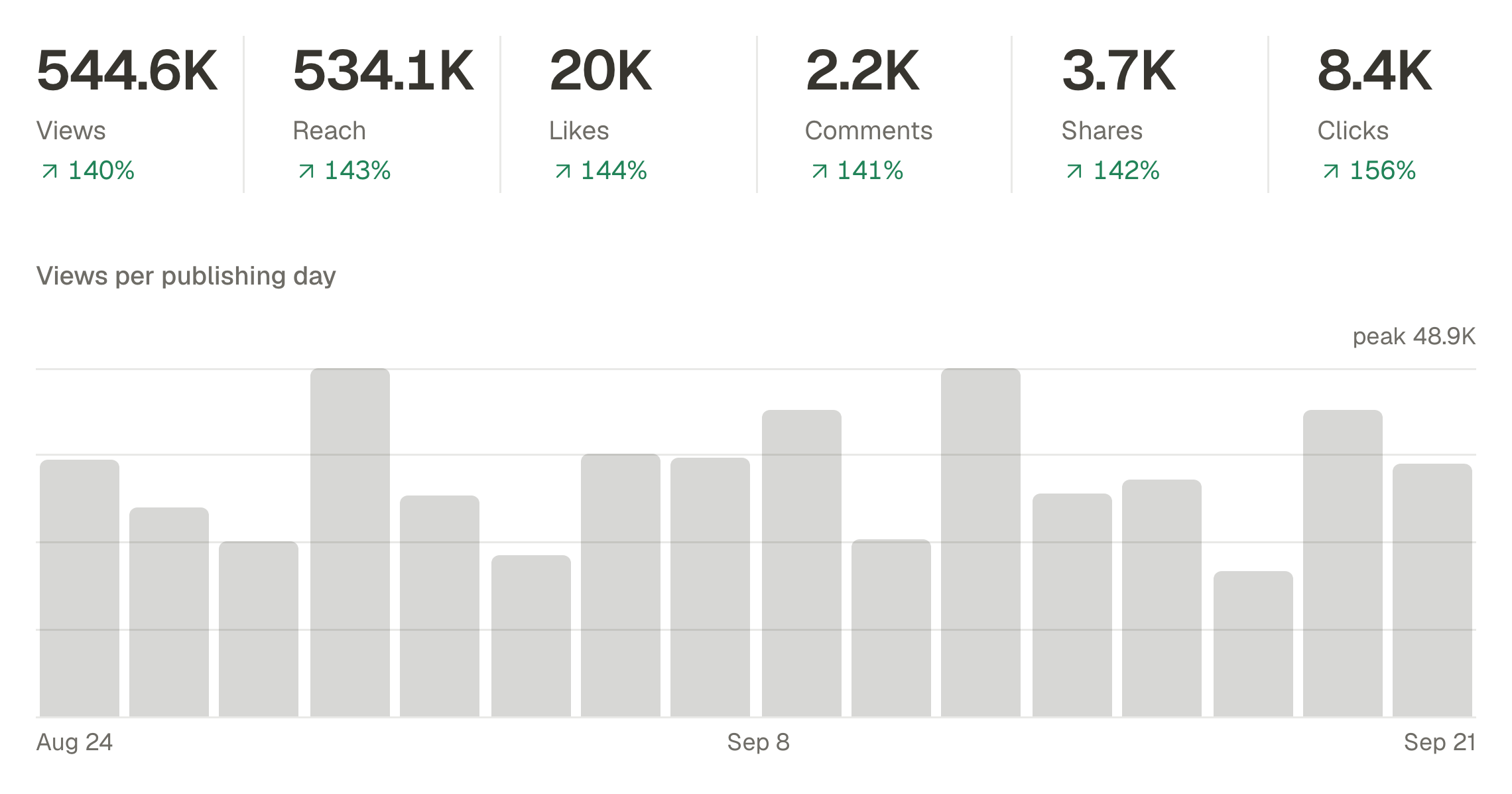
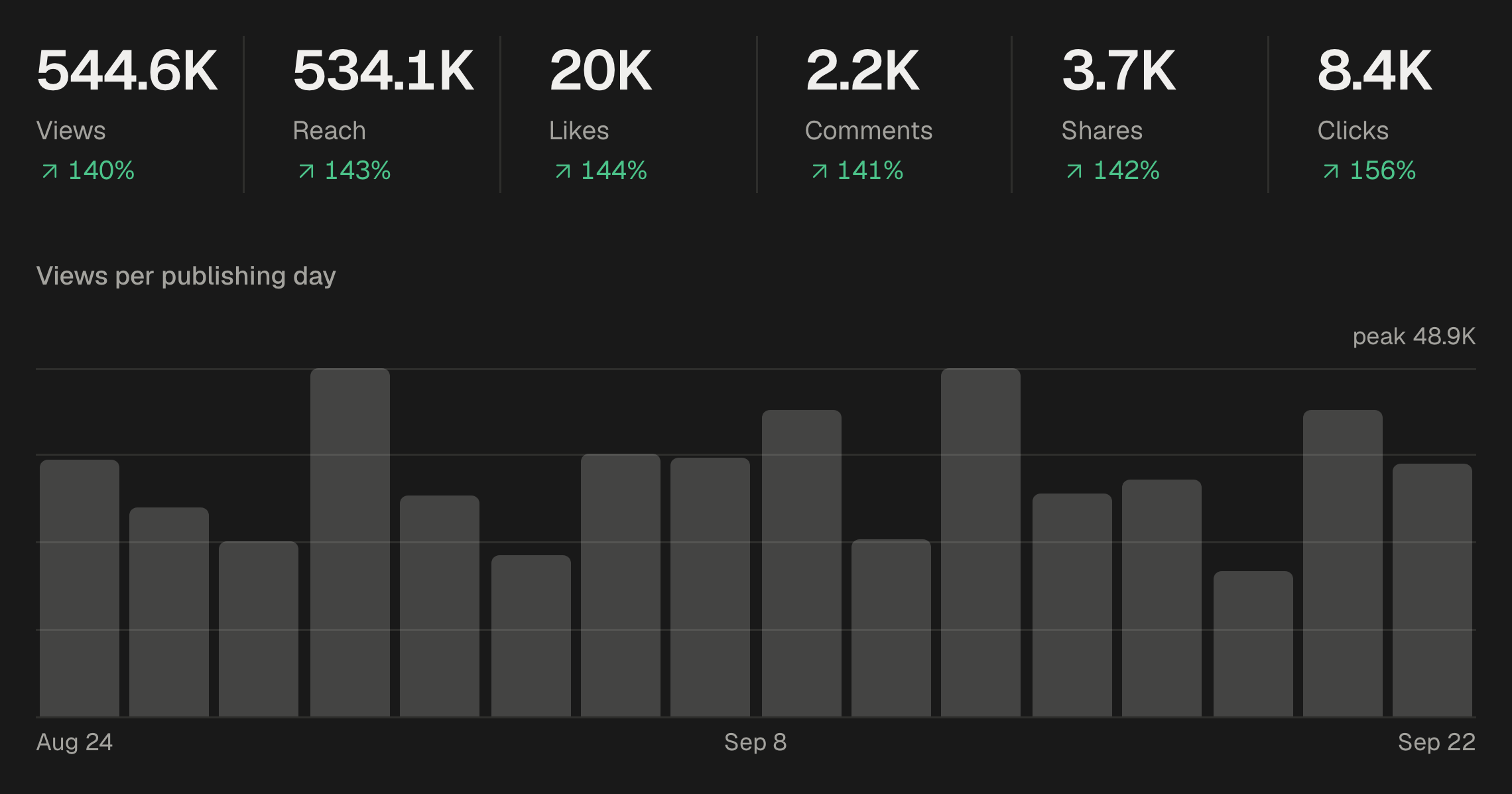
Follow reach and engagement by account or by network over any range, and export the numbers when you need them elsewhere.
The real reason it failed
Rate limited, media rejected, token expired: the failure is named, and so is the fix.
Retry the ones that failed
A post that reached four of five accounts is not republished to the four. Only the failed target is retried.
Everything else
The parts you only notice when they are missing.
Bulk upload and bulk schedule
A launch is rarely one post. Bring in a batch of videos or images at once and take the whole set through in a single pass.
01
Drop the files
Videos and images together, as many as you have.
02
Caption each one
And choose which accounts it belongs to.
03
Send the batch
To a date, or to a queue that spreads them out.
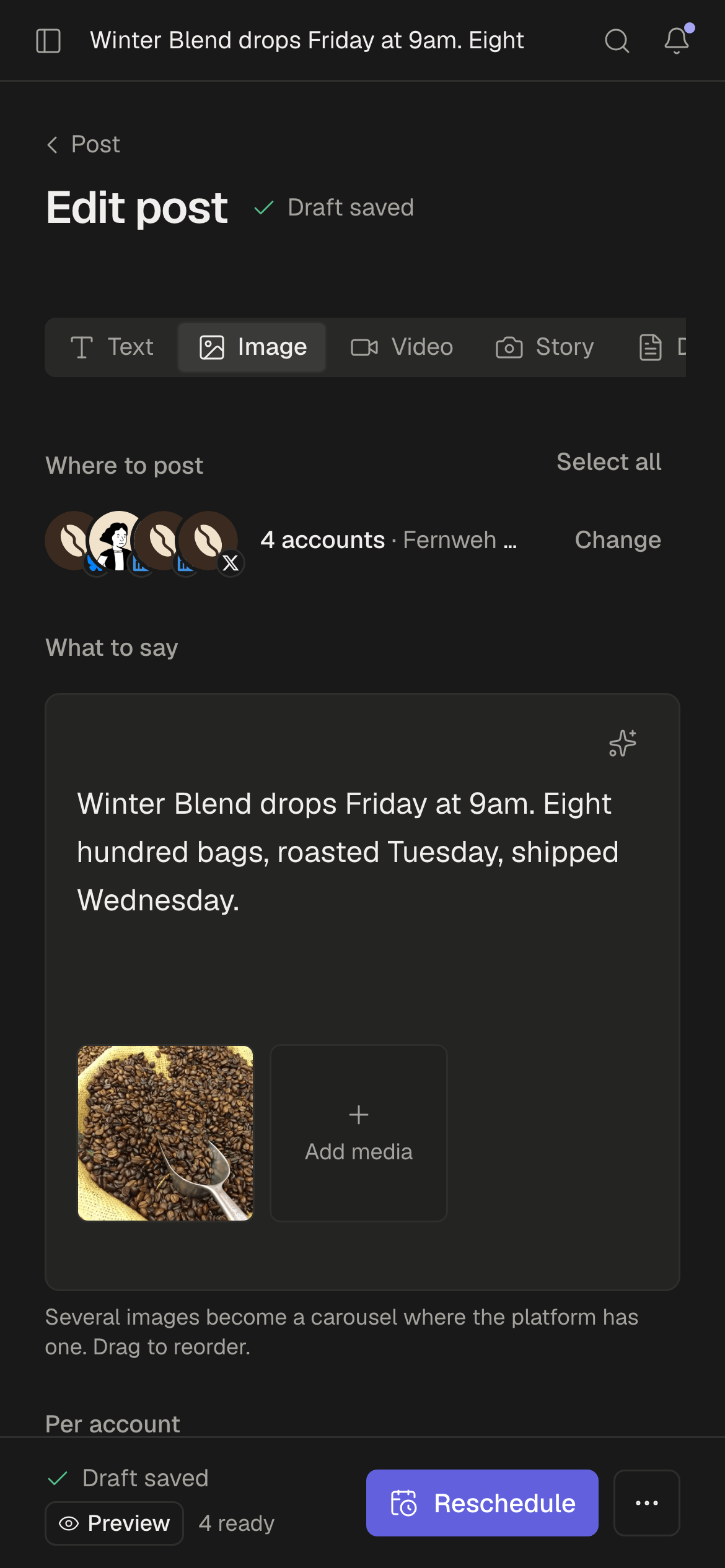
It fits in a phone
Every screen is built for a 390-pixel window first. Write, approve, reschedule and retry from wherever you happen to be.
Six roles, not two
Someone can write without being able to publish, or read the numbers without touching the content. Every action is recorded with who did it and when.
- Owner
- Admin
- Publisher
- Editor
- Analyst
- Viewer
Faster from the keyboard
Jump anywhere, create a post or search the screen you are on without reaching for the mouse.
- Search everything
- ⌘K
- Create a post
- C
- Go to the calendar
- GC
- Search this screen
- /
- All shortcuts
- ?
Act from the calendar
Duplicate, preview, check the numbers or delete a post right where it sits. Drag it to another day, or move it with the keyboard.
Posts, the way you think
A list or a board by status. Open a post or a file in a panel beside the list and keep your place.
Campaigns
Group the posts of one launch under a campaign, then filter drafts, the calendar and analytics by it.
Separate workspaces
One login, several companies. Accounts, media, queues and members never cross from one workspace into another.
Stop posting twelve times.
Connect your accounts, write the thing once, and get your afternoon back.
- Threads
- X
- Bluesky
- Mastodon
- TikTok
- YouTube
- Tumblr
- Google Business