Every client, every network, a calendar each.
A workspace per client, a role for everyone on the team, and posts that go out on time on every network, checked before they are due rather than after they fail.
A client's week, done
The same routine for every client, each in their own workspace.
Set up the client
Create a workspace, connect the client's accounts, and invite the people who work on it, each with the role they need.
Plan the month
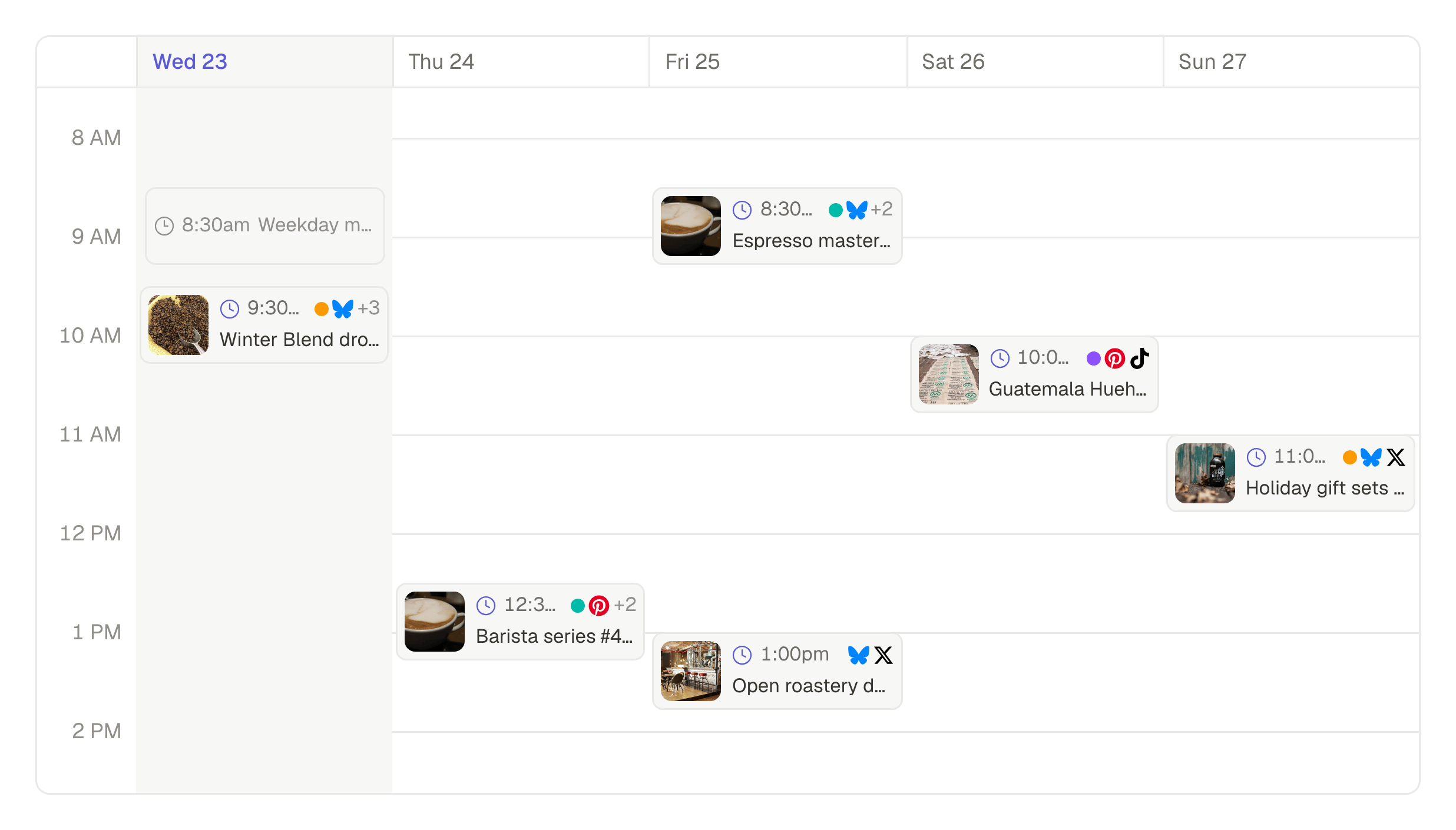
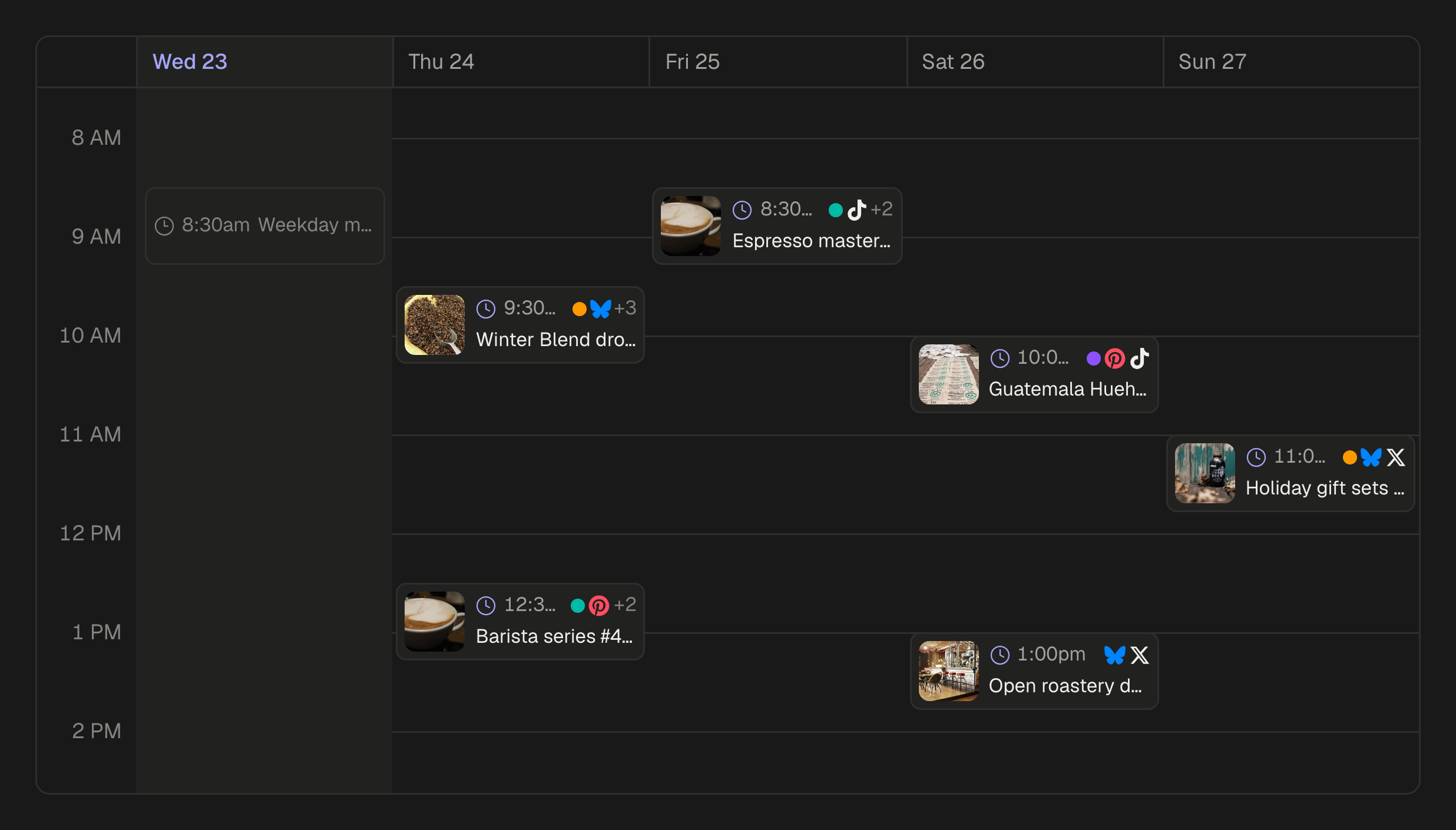
Write a post once and adapt it per account, import a month from a spreadsheet, or fill a queue with posts that never go out of date. It all shows on the calendar.
Publish and report
Every post is checked against each network's rules before it is due, a failed post is retried or explained, and the reach and engagement come in afterwards.
Made for more than one brand
A workspace per client
Each client's accounts, media, posts and people stay in their own workspace. Switch between them from the sidebar.
Six roles and an audit log
Owner, admin, publisher, editor, analyst and viewer: a writer drafts, a manager publishes, a client looks. Every change is in the log.
One post, adapted per account
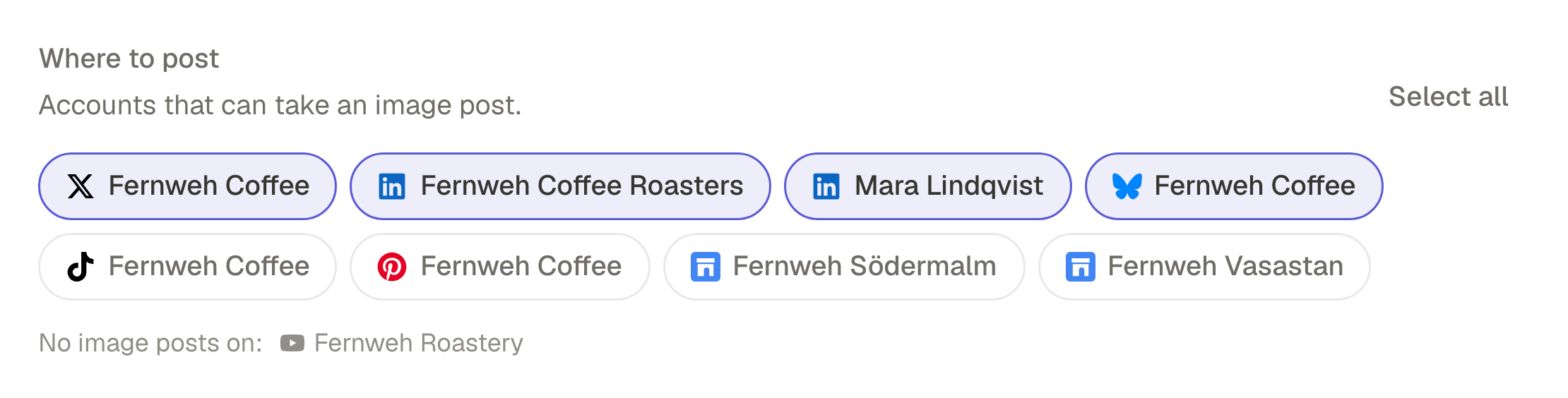
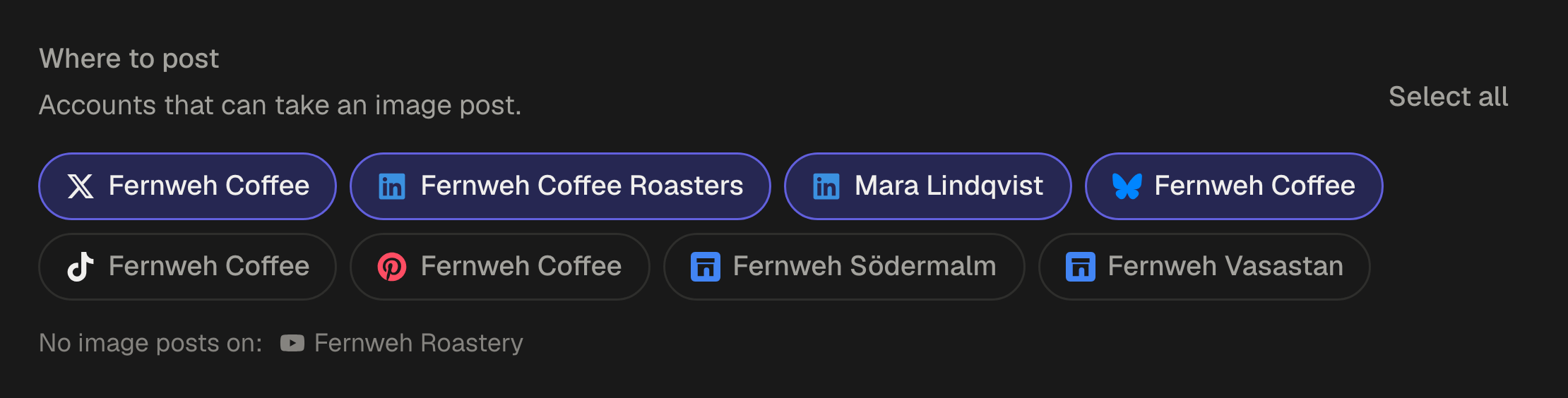
Write the main text once, give any account its own, and let the AI adapt it for LinkedIn or X.
A month from a spreadsheet
Import up to 200 posts from a CSV file and save them as drafts, schedule them or add them to a queue.
Queues and campaigns
Posting times per account and time zone, and campaigns that keep the posts of one launch together.
Checked before it is due
Captions, media and formats are checked against each network's rules as you write, and a failed post is retried or explained.
Results per post and account
Reach and engagement for each post and account, on the networks that report them.
Work from your AI agent
Connect Claude, ChatGPT or Gemini to a workspace to draft, schedule and read results from the chat. You decide what it may do on its own.
Each workspace has its own plan, so a client's plan can be billed to that client. Compare the plans
Every network a client is on
31 networks, from Instagram, Facebook, LinkedIn and TikTok to Google Business Profile for local clients.
Questions
How do I keep clients apart?
Give each client a workspace. Its accounts, media, posts and people are its own, and you switch between them in one click.
Can a client approve posts before they go out?
Not with an approval step yet. A client can be a viewer in their workspace and see every draft and scheduled post, while your team makes the changes.
Is there a shared inbox for comments and messages?
No. SPREVA makes, schedules, publishes and reports; replies to comments and messages stay in each network's own app.
How is it billed with several clients?
Each workspace has its own plan, so each client can be on the plan that fits them, and billed to them. Accounts and people count per workspace.
Which plan fits an agency?
For a large client, Business: 40 social accounts, 25 people and Studio for video. Smaller clients fit Starter or Pro. Every plan starts with a 7-day trial.
SPREVA for other work
- ClippersTen clips with captions from one long video.
- StreamersYour stream as clips on every short-video network.
- YouTubersUploads, Shorts and new videos from a script.
- Video editorsA full timeline, and the posting done for you.
- PhotographersWhole shoots, posted as carousels on schedule.
- PodcastersA week of clips from every episode.
- Small businessesYour photos as Reels, posters and posts everywhere.