Your shoots, posted as carousels, on schedule.
Upload a whole shoot, find any frame by what is in it, and schedule carousels to Instagram, TikTok, Pinterest and Threads with the alt text already written.
From the shoot to the feed
The library does the sorting, so your time goes on choosing.
Upload the shoot
Drop in whole folders of JPEG, PNG or WebP files and they keep their structure. Photos that arrive on their side are turned the right way.
Find the frames
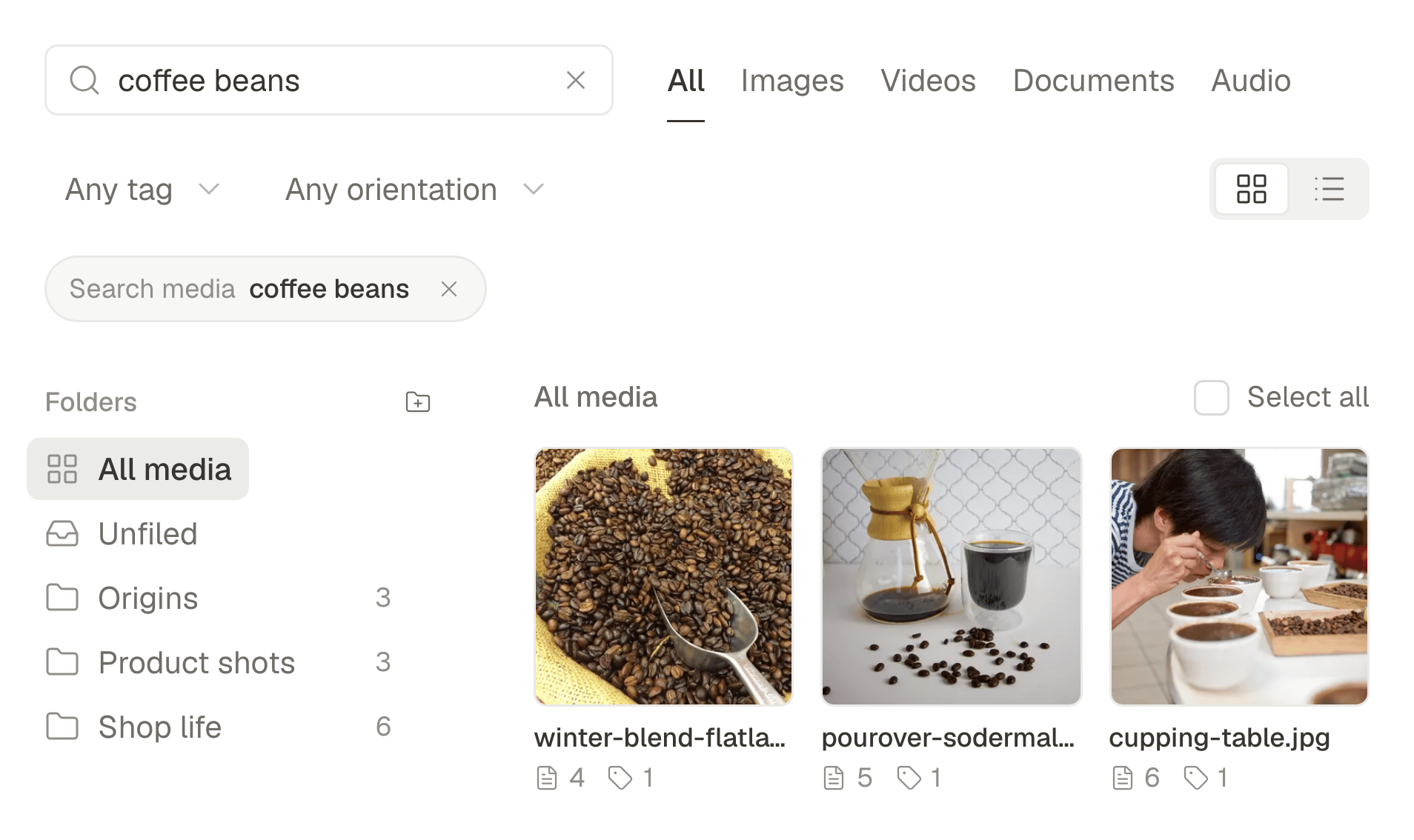
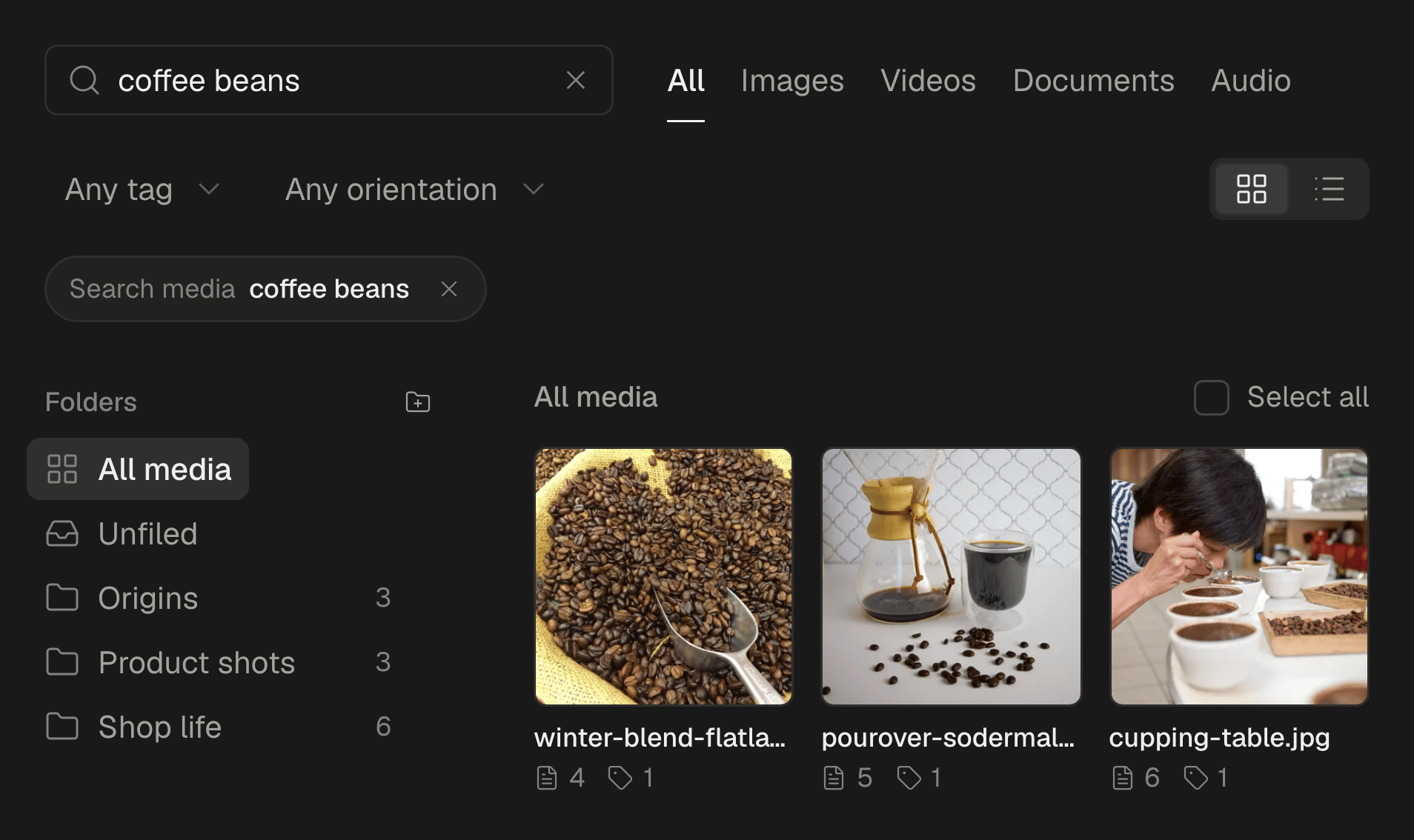
Every photo is described as it arrives, so you can search for “laughing at golden hour” instead of scrolling through file names.
Schedule the carousel
Pick the photos in order, write the caption once and adjust it per network. It goes out as a carousel wherever the network has one: up to 10 photos on Instagram and 35 on TikTok.
Made for sets, not single posts
Carousels wherever they exist
Up to 10 photos on Instagram, 35 in a TikTok photo post, 20 on Threads and 5 on Pinterest, in the order you set.
Folders kept as they were
Upload a folder of folders and the library keeps the tree: the client, the shoot, the selects.
Search by what is in the photo
Each picture is described when it is uploaded, so the library answers “portrait by the window” or “red dress, outdoors”.
Sideways photos, fixed
Pictures that arrive on their side or upside down are spotted and turned the right way before anyone sees them.
Alt text written for you
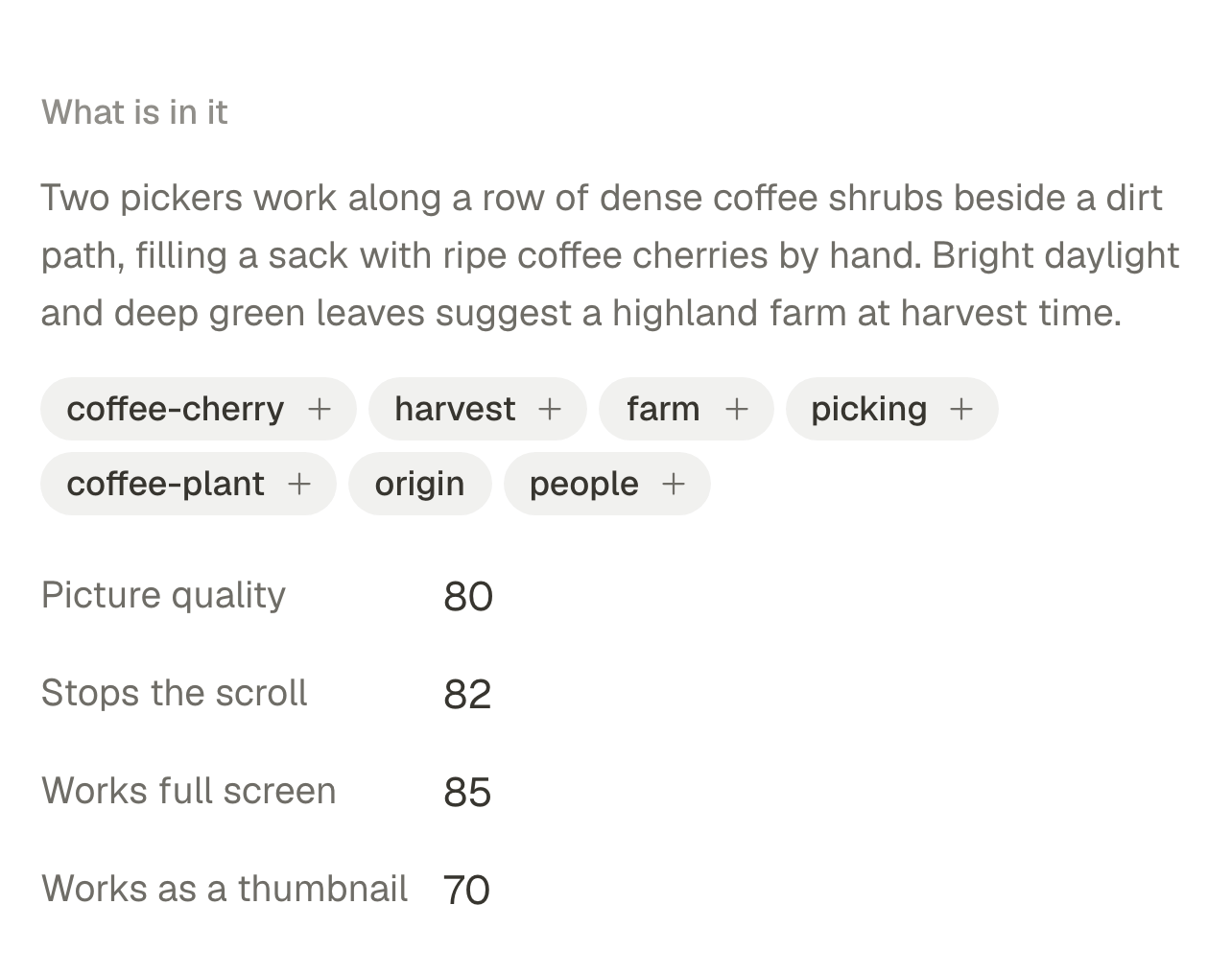
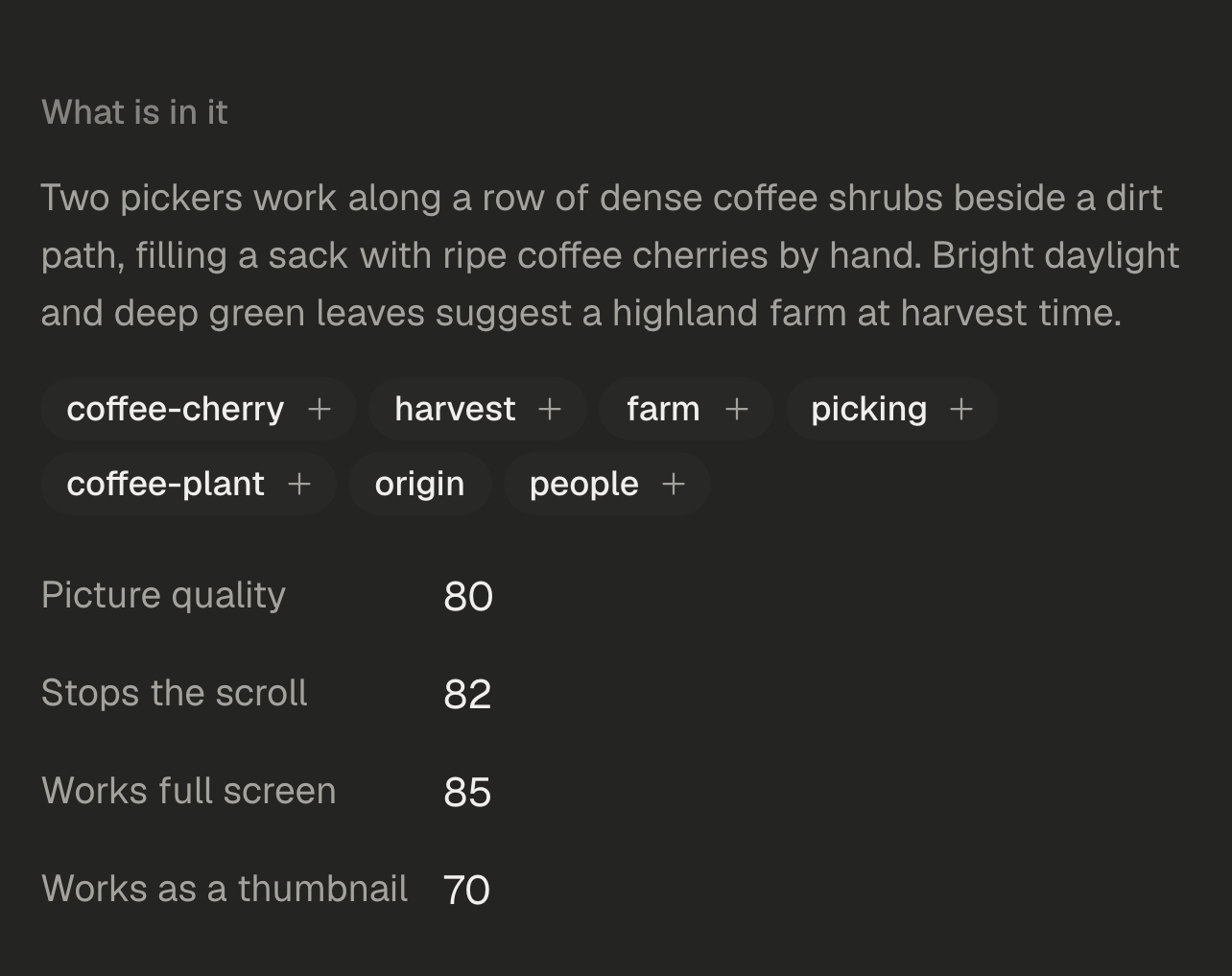
SPREVA suggests alt text for every photo from what is in it. Read it, change it, and it goes out with the post.
A shoot as a Reel
Turn a set of photos into a short video with captions and music in Studio, for Reels and TikTok.
A steady feed
Set posting times per account, fill a queue with your best frames, and SPREVA posts them in order, in your time zone.
Scheduling photos and carousels works on every plan. Turning a shoot into a video comes with Pro and Business. Compare the plans
Questions
Which files can I upload?
JPEG, PNG, WebP, AVIF and GIF. HEIC and RAW files are not accepted yet, so export them to JPEG first.
Does SPREVA keep my EXIF data?
SPREVA does not show it or use it, and most networks remove it when they publish. Put your credit in the caption or on the picture.
Will my photos be rejected for size?
SPREVA checks every photo against the network's limits before it posts, such as 8 MB a photo on Instagram, and tells you which one does not fit. Each network then compresses photos in its own way.
Can SPREVA watermark my photos?
Not in batches yet. You can put your logo on a picture in Studio and export it, one picture at a time.
Which plan do I need?
Scheduling photos and carousels works on every plan, Starter included. Turning photos into a video in Studio comes with Pro and Business. Every plan starts with a 7-day trial.
SPREVA for other work
- ClippersTen clips with captions from one long video.
- StreamersYour stream as clips on every short-video network.
- YouTubersUploads, Shorts and new videos from a script.
- Video editorsA full timeline, and the posting done for you.
- PodcastersA week of clips from every episode.
- AgenciesA workspace, a calendar and roles per client.
- Small businessesYour photos as Reels, posters and posts everywhere.