Social media for real estate agents: listings, open houses and a weekly plan
An agent's social media does two jobs: sell the homes on the books this month, and be the name people remember when they sell theirs. This is a weekly plan for both, how to turn one set of listing photos into a post for every network, and how to schedule it all in an hour.

Rodolfo MotaFounder of SPREVA
The short version
Keep each listing's photos in a folder of their own. From them, make an Instagram carousel, a Facebook photo post, a TikTok photo post and a short video tour, and put the open house where people look first: your Google Business Profile. Between listings, post what makes you the agent for the area: the street, the market, the homes you sold. Write each post once, adapt it per network, and let a queue send the week.
Each network, a different buyer
The same listing reaches a different person on each network:
| Network | Who you reach | What to post |
|---|---|---|
| Buyers browsing the area | The listing as a carousel of up to 10 photos, a Reel of the tour, a Story for the open house | |
| Neighbours and future sellers | Up to 10 photos with the details, the open house, the homes you sold | |
| Google Business Profile | People looking up your agency on Maps | The new listing or the open house, with a link to the listing |
| TikTok | First-time buyers | A photo post of up to 35 pictures, a walk-through video |
| Investors, relocations, referrals | Market notes, a sold home, a PDF market report people swipe through |
One listing, a post for every network
A shoot gives you thirty photos. This is how they become a week of posts:
- 1
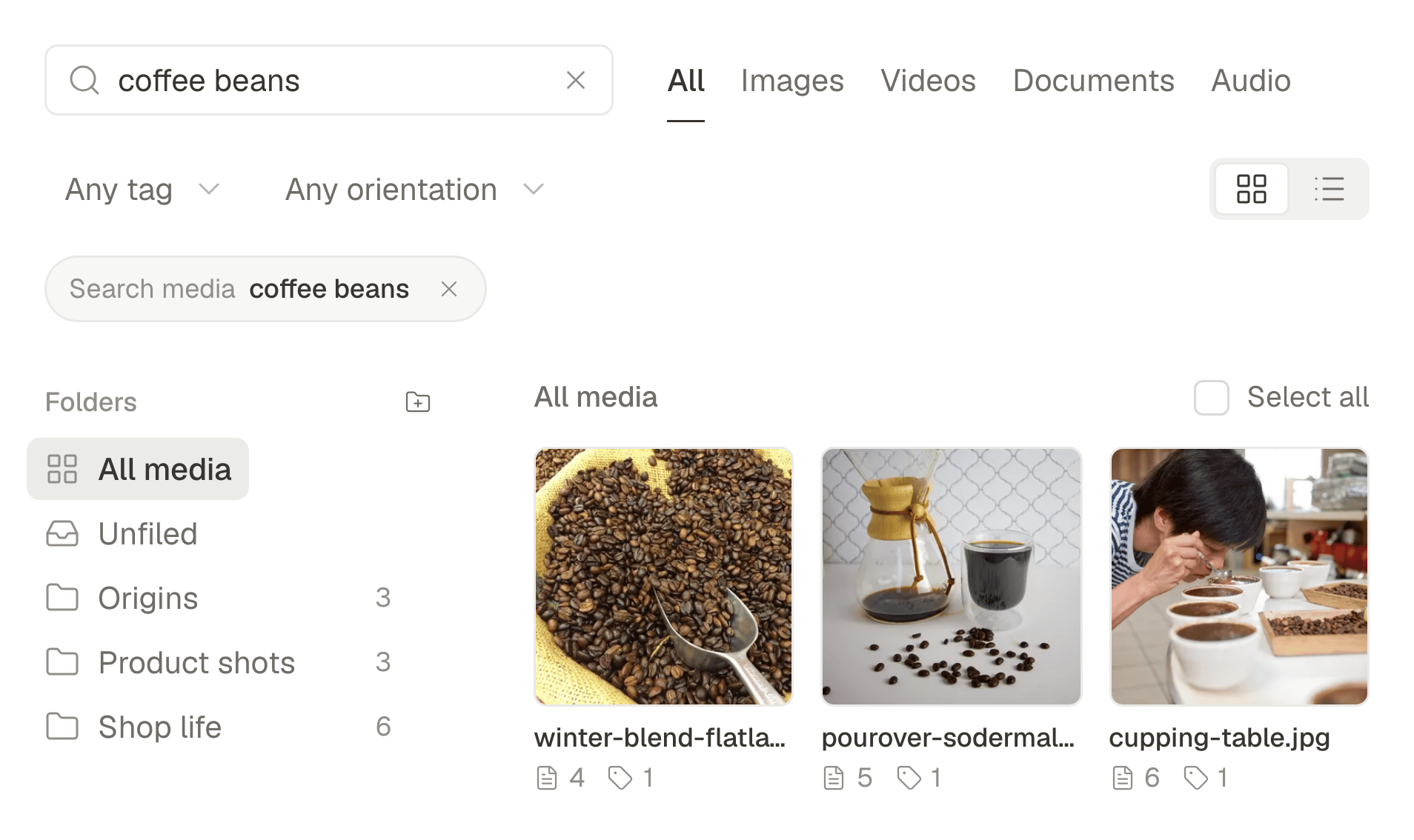
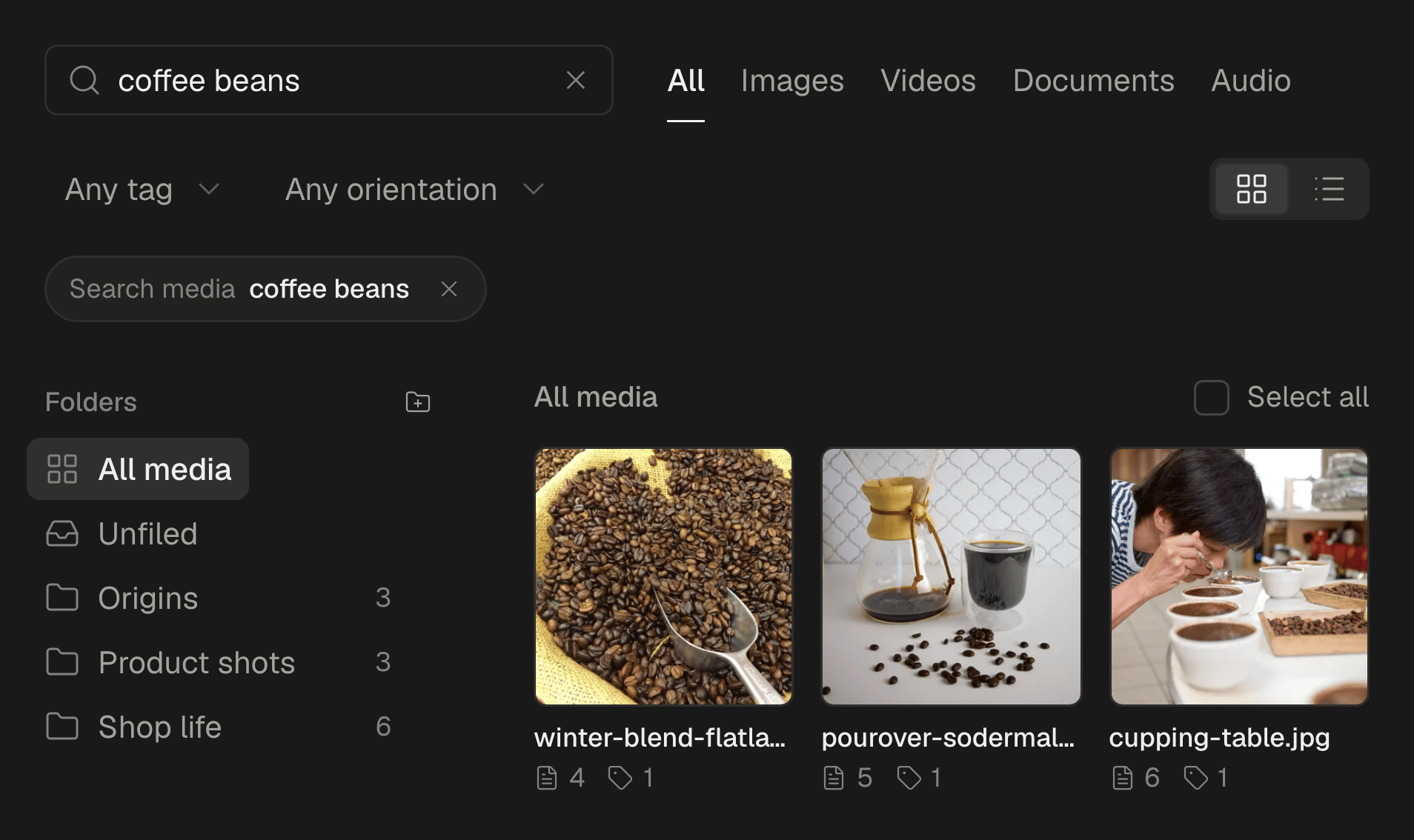
Make a folder for the listing in the media library and drop the photos and clips in. Each one is described as it arrives, so you can find “the kitchen with the island” later by what it shows.
- 2
Write the post once: the street, the rooms, the price, the open house, in your words.
- 3
Choose the photos per network. The best 10 for the Instagram carousel and the Facebook post, more for a TikTok photo post, the front of the house for Google.
- 4
Adapt the text per network under Per account: the full details for Facebook, a shorter caption for Instagram, the market angle for LinkedIn.
- 5
Schedule it, or add it to a queue with your posting times, and give the open house reminder its own time.
A week of posts
A rhythm that keeps listings moving and your name in front of the street:
- Monday: the new listing, as a carousel on Instagram and a photo post on Facebook.
- Tuesday: the area: a café, a school, a park, what living there is like.
- Wednesday: the video tour, for Reels and TikTok.
- Thursday: the open house, on Google and Facebook, with the link to the listing.
- Friday: a market note: what sold nearby and what it tells a seller.
- Saturday: the open house as a Story, the morning it happens.
A tour without an editor
A vertical walk-through shot on the phone, door to garden, does more on Reels and TikTok than any wide-angle photo. Send the same video to both in one post. On Pro and Business, Studio also turns a listing's photos into a short video with a voice and captions timed to every word. How to turn photos into a Reel.
Prices and facts stay yours
The assistant can shorten a caption, adapt it per network, translate it for buyers from abroad into one of nine languages, or suggest hashtags. It never invents facts or prices that are not already in your text, so the price, the area and the number of rooms are only ever the ones you wrote. Read every post before it goes, as you would a listing sheet.
For a brokerage
In a brokerage, each agent can have their own accounts in the same workspace, and the posts that need a manager's eye can wait for approval before they go out. Turn on Posts need approval before they go out, invite the manager as a reviewer, and every post waits in their inbox until it is approved or sent back with a note. One post from draft to feed, with approval.
What stays in the apps
SPREVA makes, schedules, publishes and reports. Comments, messages from buyers and questions about a listing stay in each app. Answer them the same day: a lead that waits until tomorrow has often called another agent.
Schedule next week's listing
Connect Instagram, Facebook and Google, make a folder for your newest listing and schedule its week. Every plan starts with a 7-day trial. SPREVA for small businesses.
Questions
How often should a real estate agent post?
Every new listing, every open house, and two or three posts a week between them about the area and the market. A queue keeps that rhythm without daily effort.
Do I need video for listings?
Photos are enough to start. A short walk-through tends to reach more people on Reels and TikTok, and on Pro and Business Studio can make one from your photos.
Can I post a listing in another language?
Yes. The assistant translates a caption into one of nine languages; add it under yours, or post it as a version of its own for the accounts where buyers from abroad follow you.
Can a manager approve posts before they go out?
Yes. With approval on, every post waits for a reviewer, who approves it or sends it back with a note, from the computer or the phone.
How do I know which posts work?
Open Analytics and look at Best content, then compare it with the calls and viewings each listing brought. Google no longer gives statistics for individual updates, so judge those by enquiries.
Written by
Rodolfo Mota
Founder of SPREVA
Makes SPREVA in Portugal: the Studio, the tools an agent works with, and the publishing behind them.
Keep reading
- Social media for restaurants: a week of posts that fills tablesA weekly social media plan for a restaurant or café: what to post on Google, Instagram, TikTok and Facebook each day, and how to schedule the week in an hour.
- How to schedule an Instagram carousel, and reuse it on other networksSchedule an Instagram carousel of up to 10 photos from your computer, in the order you choose, with a caption and a first comment, and reuse it elsewhere.
- How to schedule Google Business Profile posts, for one location or manySchedule Google Business Profile updates with a photo and a Learn more button, for one location or many: how it works in SPREVA, and what Google allows.