Social media for restaurants: a week of posts that fills tables
A restaurant's social media has one job: get someone to book, or walk in, this week. Not followers, not likes. This is a weekly plan built around that job, what to post where, and how to schedule the whole week in about an hour, between lunch and dinner.

Rodolfo MotaFounder of SPREVA
The short version
Post what makes someone decide to come: the dish of the day, tonight's table, the weekend's special, the hours when they change. Put each one where that decision happens: Google Business Profile for people looking you up, Instagram and TikTok for people choosing where to go, Facebook for regulars. Write the week once, adapt it per network, and let a queue send it at the times your customers are choosing.
Where the decision happens
Each network reaches a different moment of the same decision:
| Network | Who you reach | What to post |
|---|---|---|
| Google Business Profile | People looking you up on Maps | Today's special, holiday hours, an event, with a link to book or order |
| People choosing where to go | The dish in a carousel, a Reel from the kitchen, a Story for tonight | |
| TikTok | New customers, scrolling | A short video: the dish being made, the room filling up |
| Regulars and the neighbourhood | The week's menu, events, the practical details |
A week of posts
A rhythm that a small team can keep, every week:
- Monday: the week's specials, on Google and Facebook.
- Tuesday: one dish up close, as an Instagram carousel: the plate, the detail, the person who made it.
- Wednesday: behind the kitchen door, a short video for Reels and TikTok.
- Thursday: the weekend, with the link to book, on every network.
- Friday: tonight, as a Story: the room, the special, the table that is still free.
- Saturday: something only today: brunch, a market, a guest in the kitchen.
- Sunday: thanks for the week, a guest's photo or a moment, and Monday's hours.
Schedule the week in an hour
- 1
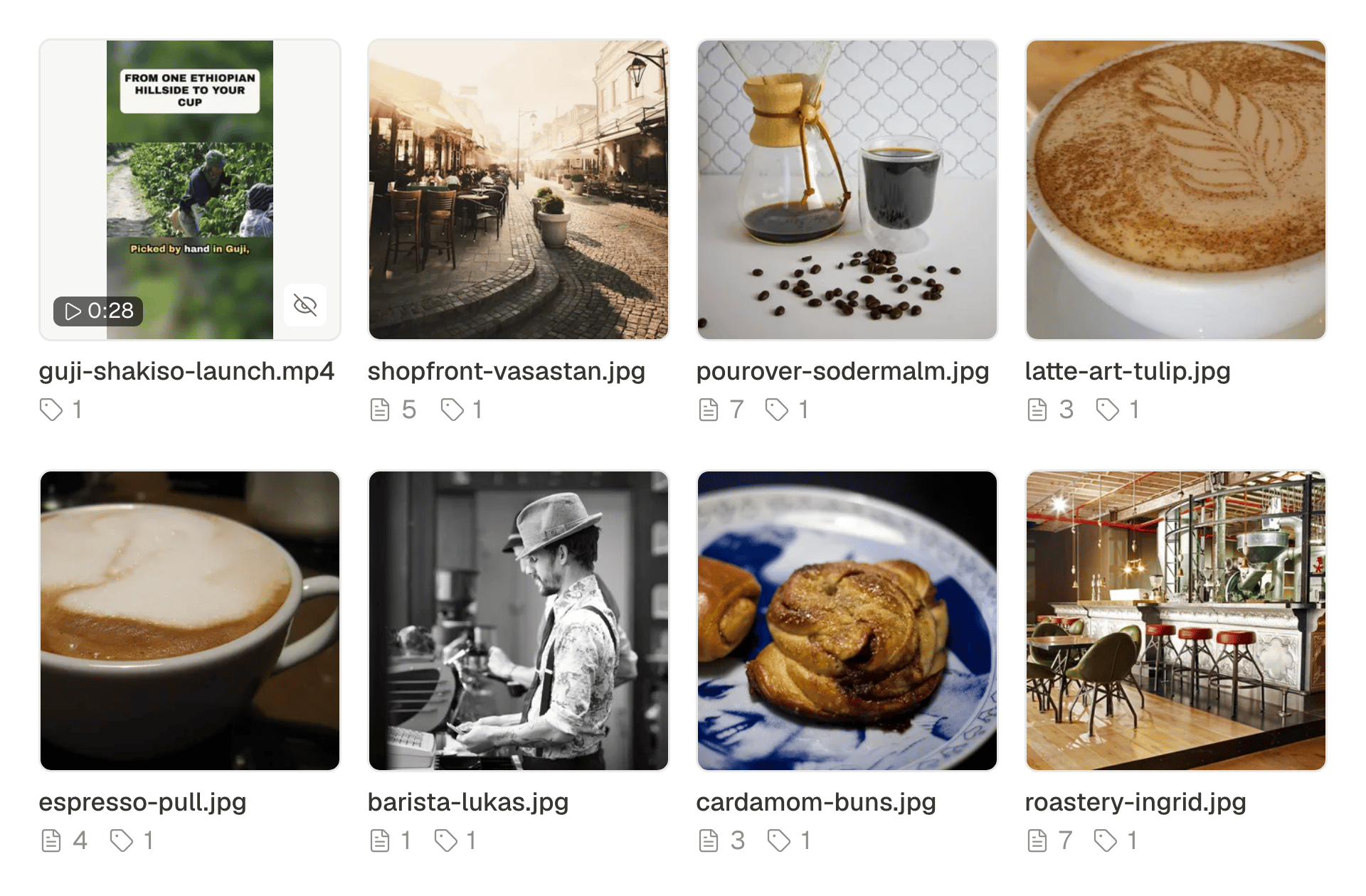
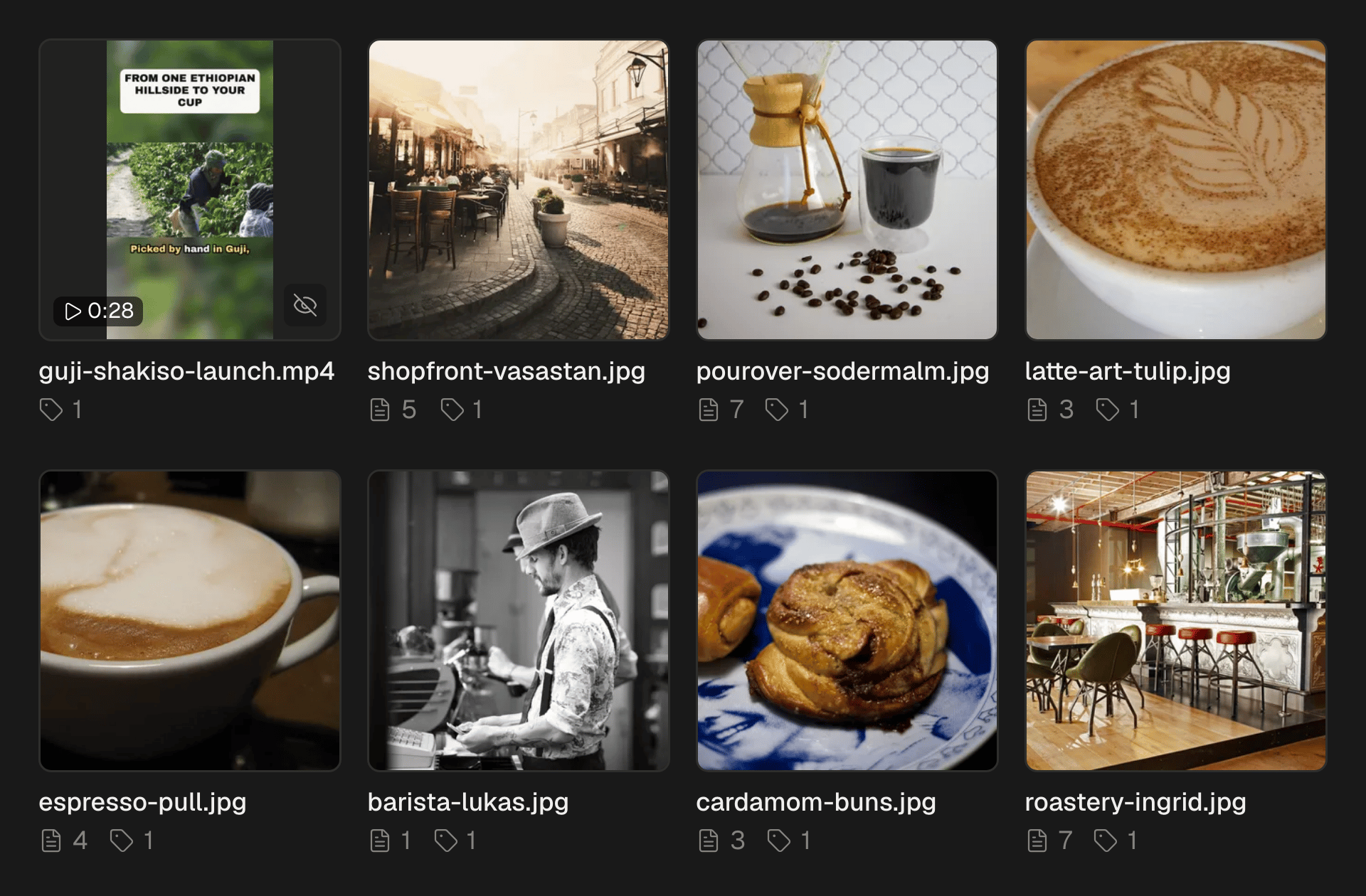
Take the photos and clips as service starts. Good light, the plate, the room. Nothing else is needed.
- 2
Drop them into the media library. Each one is described as it arrives, so you can find “the pumpkin tart” later by what it shows.
- 3
Write each post once, in your words. The assistant can shorten it, translate it for visitors or suggest hashtags; it keeps your prices and never adds any.
- 4
Adapt per network. Under Per account, give Google and Facebook the practical version and Instagram the picture-first one.
- 5
Add the week to a queue with your posting times, say 11:00 before lunch and 17:00 before dinner. Tonight's Story gets its own time.
Google is where people decide
Someone searching for dinner nearby sees your listing before anything else. An update there takes one photo and up to 1,500 characters, with a Learn more link to your booking page or your menu. Each location is an account of its own, so a group can post the same update to every restaurant or its own to each. Updates take photos, not video. How to schedule Google Business Profile posts.
Short video, without an editor
A vertical clip of a dish being plated does more on Reels and TikTok than any photo. Shoot it on the phone, and send the same video to Instagram as a Reel and to TikTok in one post. On Pro and Business, Studio also turns a handful of photos into a short video with captions. How to turn photos into a Reel.
For a street full of visitors
In a tourist area, half the people deciding do not read your language. Translate a caption into one of nine languages with the assistant, check it with someone who speaks it if you can, and add it under yours or post it as a version of its own.
What stays in the apps
SPREVA makes, schedules, publishes and reports. Replies to reviews, comments and booking messages stay in each app. Answer them every day: a calm reply to a bad review is read by everyone who is still deciding.
Plan next week this afternoon
Connect Google, Instagram and Facebook, take ten photos at the start of service, and schedule next week with two queue times a day. Every plan starts with a 7-day trial. SPREVA for small businesses.
Questions
How often should a restaurant post?
Often enough to look open and current: a few times a week on Instagram and Google, and a Story on days with something new. A queue keeps the rhythm without daily effort.
Do I need video?
No. Good photos are enough to start. Short videos of the kitchen tend to travel further on Reels and TikTok, and on Pro and Business Studio can make one from your photos.
Can SPREVA reply to reviews?
No. Replies to reviews, comments and messages stay in each network's own app.
We have several restaurants. Can each have its own posts?
Yes. Each Google location is an account of its own, so a post can go to all of them or a location can have its own. For separate brands, give each restaurant a workspace of its own.
How do I know what works?
Open Analytics on Friday and look at Best content. Google no longer gives statistics for individual updates, so judge those by bookings and calls.
Written by
Rodolfo Mota
Founder of SPREVA
Makes SPREVA in Portugal: the Studio, the tools an agent works with, and the publishing behind them.
Keep reading
- A social media routine for a small business, in one hour a weekA weekly routine for a café, a salon or a shop: one hour to schedule a week of posts to Instagram, Facebook, Google and TikTok, and a look at what worked.
- How to schedule Google Business Profile posts, for one location or manySchedule Google Business Profile updates with a photo and a Learn more button, for one location or many: how it works in SPREVA, and what Google allows.
- How to schedule an Instagram carousel, and reuse it on other networksSchedule an Instagram carousel of up to 10 photos from your computer, in the order you choose, with a caption and a first comment, and reuse it elsewhere.