One post from draft to feed: a client approval workflow, step by step
Marta writes for a bakery. On Monday she has a post about Saturday's market that should go out on Thursday morning with the owner's yes. This follows it step by step, says who does what, and counts the presses.

Rodolfo MotaFounder of SPREVA
The short version
A social media approval workflow in SPREVA has two people and three buttons. The author writes a post, chooses its time and presses Send for review. The client opens one email, sees the post as the network will show it, and presses Approve, which schedules it, or Request changes, which sends it back with a note. A post nobody approves is not sent, and every yes leaves a record.
Set it up once
Tiago runs the agency and sets it up once per client. In Team, he invites Ana, the bakery's owner, as a Reviewer: no seat, no password, and nothing of the workspace but the posts sent to her. What the invitation looks like from her side.
Then he decides whether approval is the rule. With “Posts need approval before they go out” on, in Settings, General, every post is sent for review, and only an Owner or Admin can skip it, on the record. What the rule changes for each role.
One post, from draft to feed
On Saturday the bakery sells its first pumpkin loaves at the autumn market. On Monday Marta writes the post that should bring people there, to go out on Thursday at 8am:
- 1
Marta writes the caption, adds the photo, picks the bakery's Instagram and Facebook, and chooses Thursday at 8am.
- 2
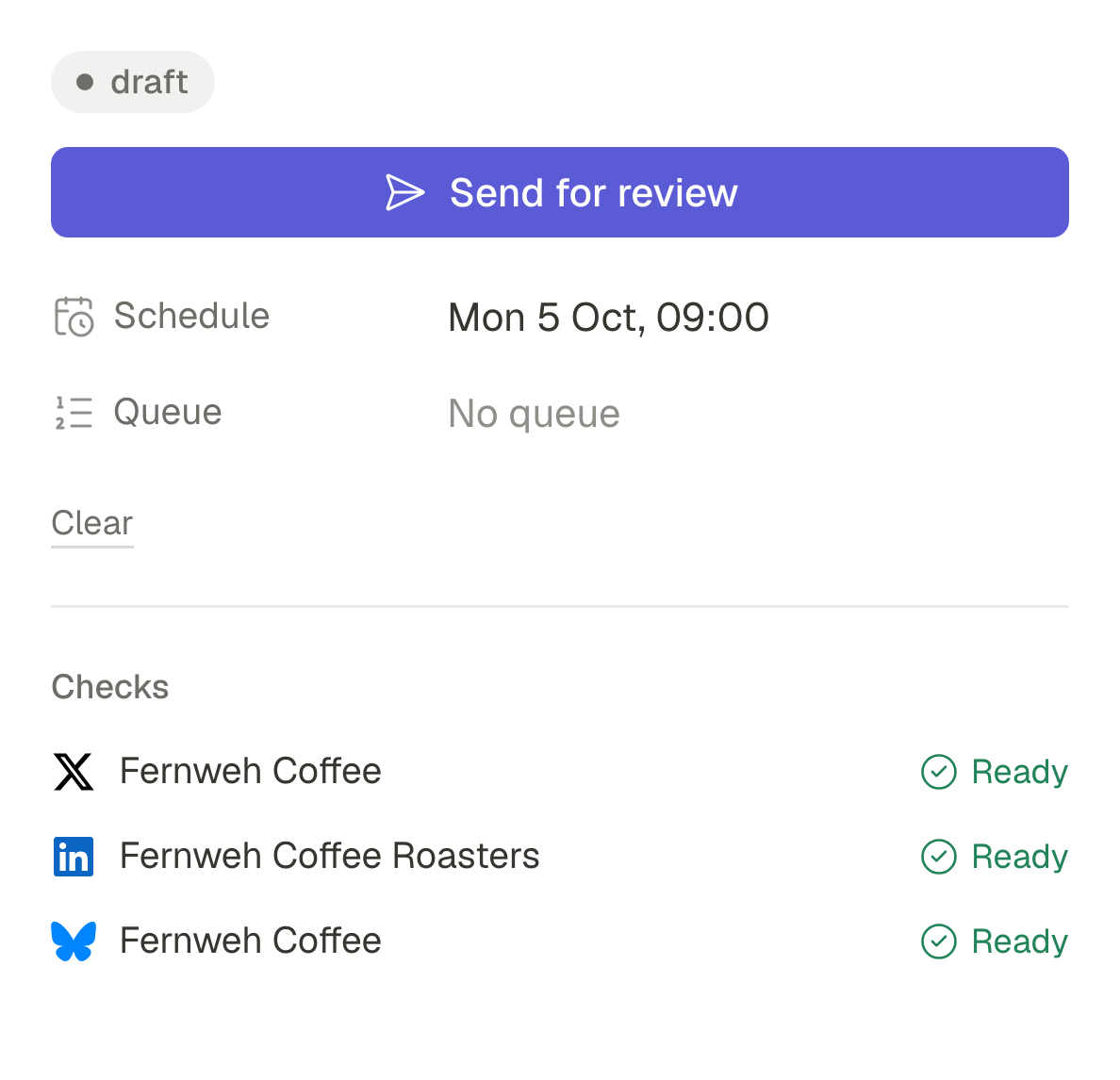
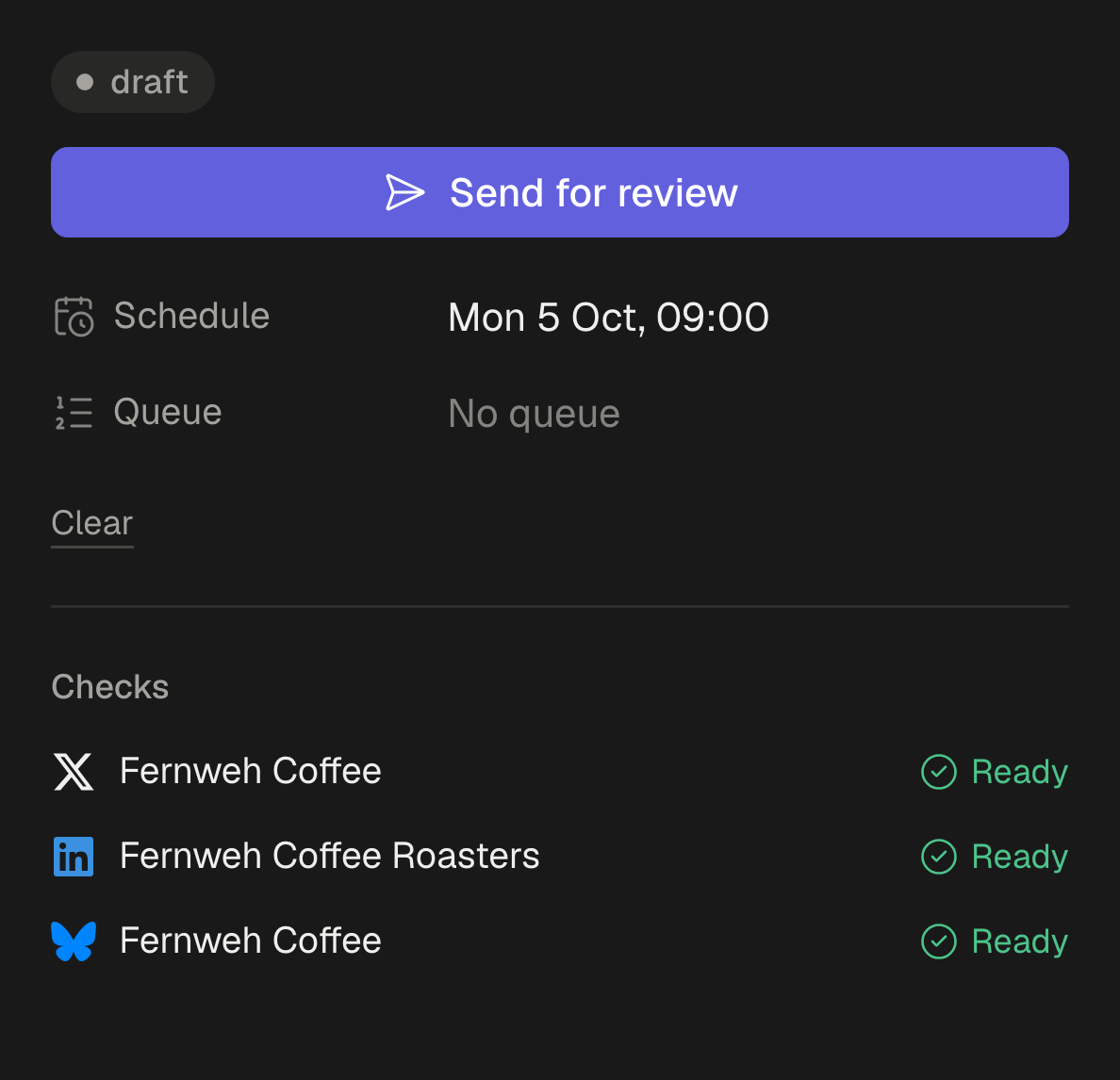
Marta presses Send for review. The post waits, marked In review; nothing is scheduled yet.
- 3
SPREVA waits about a quarter of an hour in case more posts follow, then sends Ana one email with everything waiting. Its link signs her straight in.
- 4
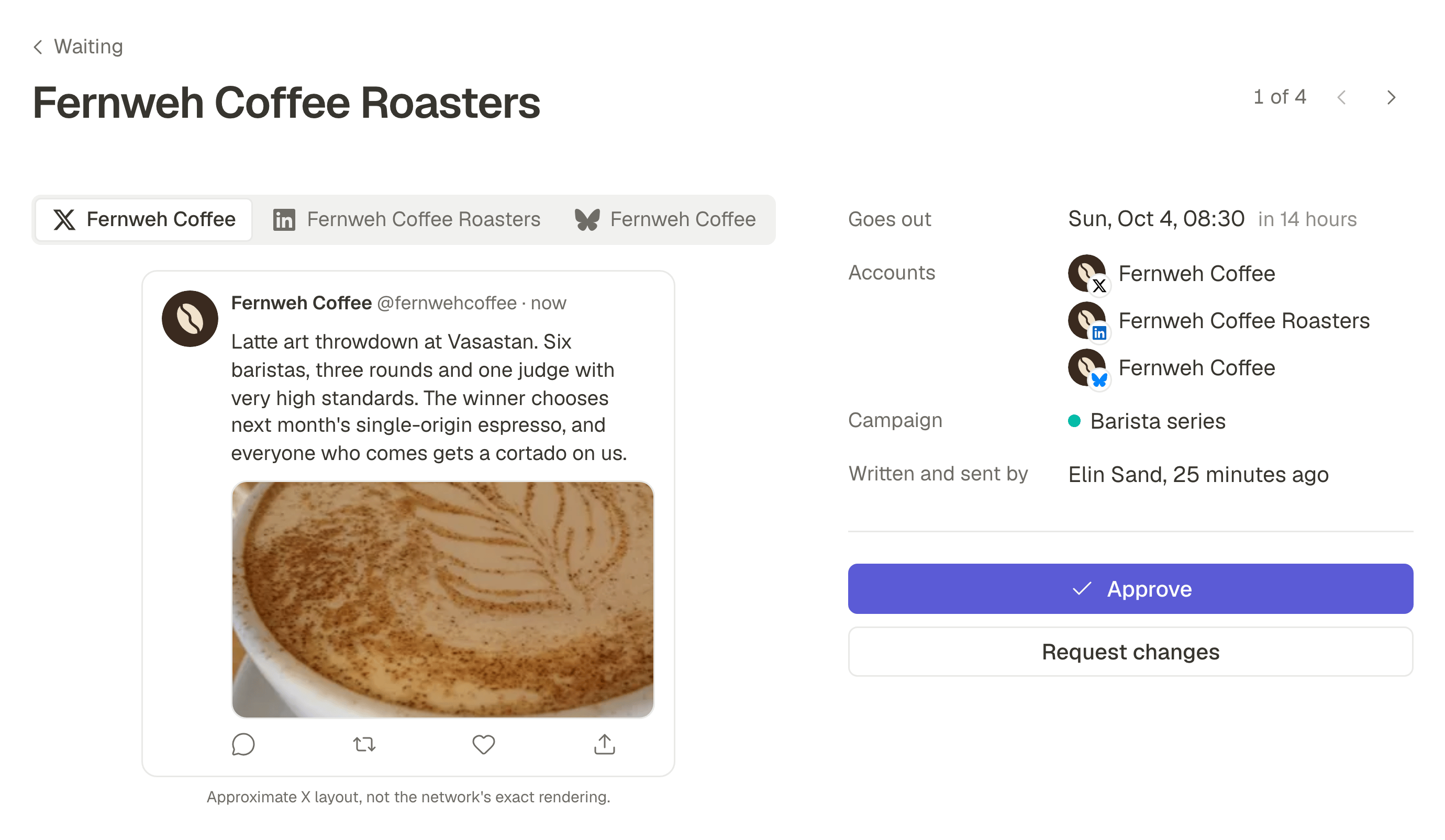
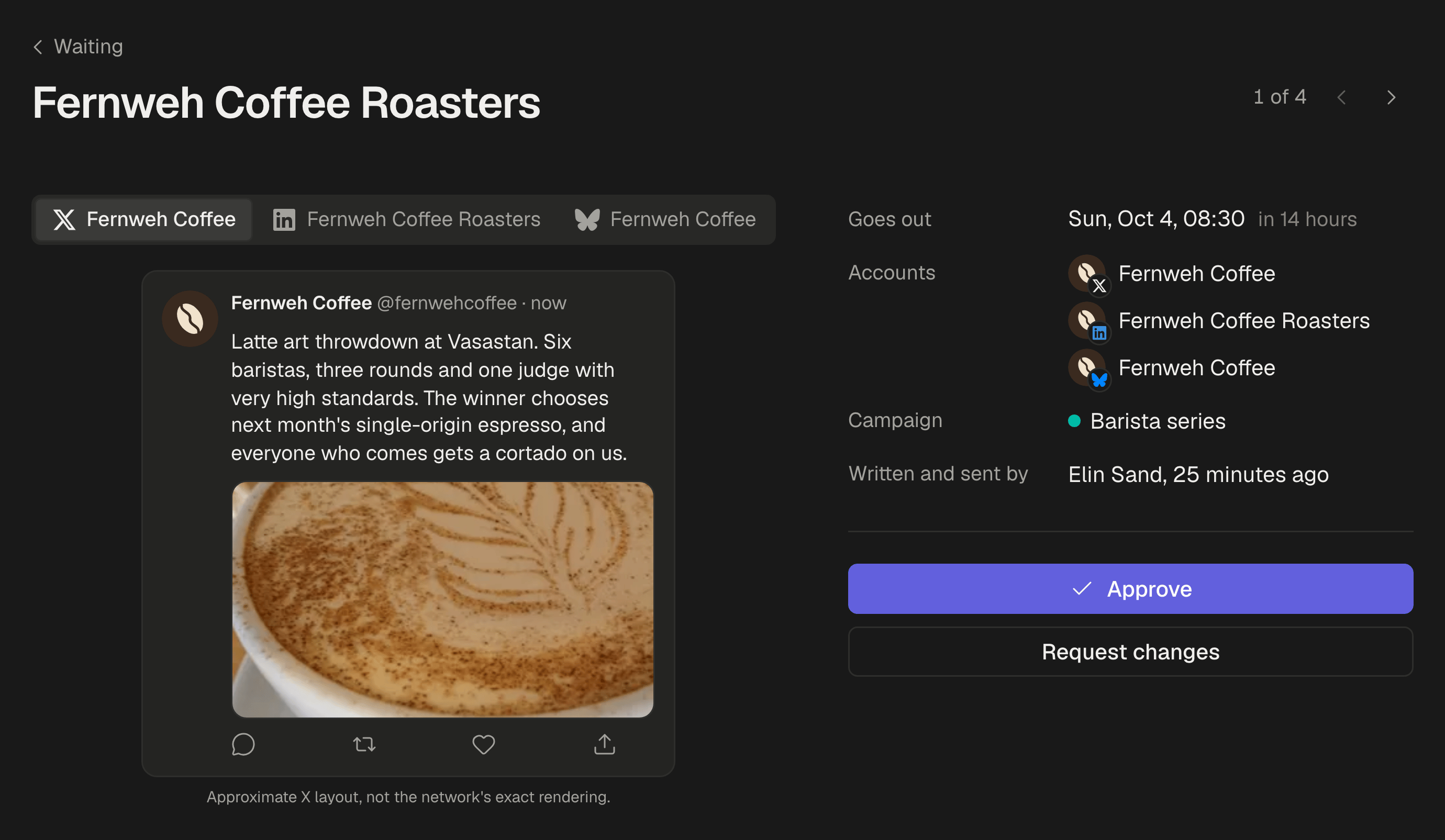
Ana opens it on her phone between two batches of bread and sees the post as each network will show it, the whole caption included.
- 5
Ana presses Approve. The post is scheduled for Thursday at 8am, the time Marta chose, and Marta sees it approved.
- 6
SPREVA publishes it on Thursday at 8am, and the approval stays with the post as a record.
Count the presses. Besides writing, Marta chose a time and pressed Send for review. Ana opened an email and pressed Approve. The rest was SPREVA's job.
When the client wants a change
Now the other answer. The caption says the market opens at nine; it opens at ten. Ana presses Request changes and writes “It opens at ten.” A note is required, and the post goes back to Marta as a draft with the note on it.
Marta corrects the caption and sends the post again, with her time already filled in. Ana sees what changed since her note and approves. The turn cost one note and one more Send for review, all of it on the post, not in a chat.
If nobody answers, or the post changes
If Ana never opens the email, a reminder reaches her on Wednesday morning, and Marta can remind her from the post. If Thursday at 8am comes without a yes, the post is not sent: it becomes a draft again, and Marta is told. What to agree with a client about deadlines.
If Marta changes the caption after the yes, the post goes back to Ana, keeping its time; Undo brings back the approved version and the approval. Moving only the time keeps the yes, and the move is recorded. What the record of an approval holds.
What changes for the agency and the client
The usual client approval process is a screenshot in a chat and a yes to find again later. A content approval process on the post itself changes four things:
- The client costs nothing to add. No seat, no password, no tool to learn.
- Nothing goes out that nobody approved. With approval required, a post without a yes goes back to the drafts at its time, not out to the feed.
- The answer lives on the post. The yes, the note and the fix are where the next person finds them, not in someone's chat.
- There is a record afterwards. Who approved, when and exactly which version, ready to print.
For Ana, the posts come from the agency: on Pro and Business plans, its name and logo are on everything she sees. And if she also owns the café next door, she still has one inbox, each company's posts under its name.
Walk one post through it
Invite one client as a Reviewer, write one real post, choose its time and press Send for review. Reviewers are free on every plan, up to 25 per workspace, and every plan starts with a 7-day trial. How client approval works.
Questions
Do I have to require approval to use this?
No. With it off, anyone who writes posts can still send one for review; requiring it makes review the rule for every post.
Can two people at the client approve?
Yes. Invite each as a Reviewer, up to 25 per workspace. The first answer decides the post, and the record names who gave it.
Does the client answer each post on its own?
Yes. Each post gets its own answer, so the record can say which version was approved. Approving one opens the next.
What if the link in the email has expired?
The link in an email about waiting posts works for seven days. After that, one button emails a fresh one to the same address.
Written by
Rodolfo Mota
Founder of SPREVA
Makes SPREVA in Portugal: the Studio, the tools an agent works with, and the publishing behind them.
Keep reading
- How to get a client to approve posts from their phoneClients drop tools that want a password and a seat. How a client approves posts from a phone in SPREVA: one email, a sign-in link, each post as it will look.
- The client never approved it, and it went out anywayA time moved, a caption fixed after the yes, a post scheduled in a hurry. How posts go out unapproved, and how SPREVA makes every post wait for a yes.
- “That is not what I approved”: what to show the clientA thumbs-up in a chat is weak proof when a client disputes a post. What an approval record should hold, how SPREVA keeps one, and how to use it calmly.