Social media for hotels and vacation rentals: a weekly plan for more direct bookings
Guests choose where to stay long before the trip, often months ahead, looking at photos at home. Social media is where a small hotel or a rental can be found in that moment, and where it can send people to book directly instead of through a platform that takes a commission. This is a weekly plan built for that: what to post where, in your guests' languages and at their times, and how to schedule the whole week in about an hour.

Rodolfo MotaFounder of SPREVA
The short version
Post what makes someone picture their stay: the room in the morning light, the view, breakfast, the street outside, the season's reason to come. Put it where people dream and decide: Instagram and TikTok to be found, Pinterest for trips being planned, Google Business Profile for people comparing places nearby. Link every post to your own booking page, translate it for the guests you get most, and let a queue publish it at their times.
Where guests choose
Each network reaches a different moment of the same choice:
| Network | Who you reach | What to post |
|---|---|---|
| People dreaming about the trip | A room as a carousel, a Reel of the morning, today's breakfast as a Story | |
| TikTok and YouTube Shorts | People who have not heard of you yet | A short walk from the door to the view, the area in a few seconds |
| People planning a trip months ahead | Pins of the rooms and the area, each linking to its page on your site | |
| Google Business Profile | People comparing places nearby | The season's opening, an event, an offer, with a link to book |
| Past guests, and their friends | News, next season's dates, a returning guest's photo |
A week of posts
A rhythm that a small team, or one host, can keep:
- Monday: the week ahead in the area, a market, a festival, the weather, on Facebook and Google.
- Tuesday: one room as an Instagram carousel: the bed, the view, the detail guests ask about.
- Wednesday: a short walk-through for Reels, TikTok and Shorts, from the door to the window.
- Thursday: a few Pins of the rooms and the area, each with the link to book.
- Friday: the weekend's reason to come, with the link to book, on every network.
- Saturday: breakfast or the terrace as a Story: today, as it is.
- Sunday: a guest's photo, with their permission, or the place you recommend to everyone who asks.
Schedule the week in an hour
- 1
Take a season's photos in one morning. Every room in daylight, the view, breakfast, the street, and a few upright clips. They last for months.
- 2
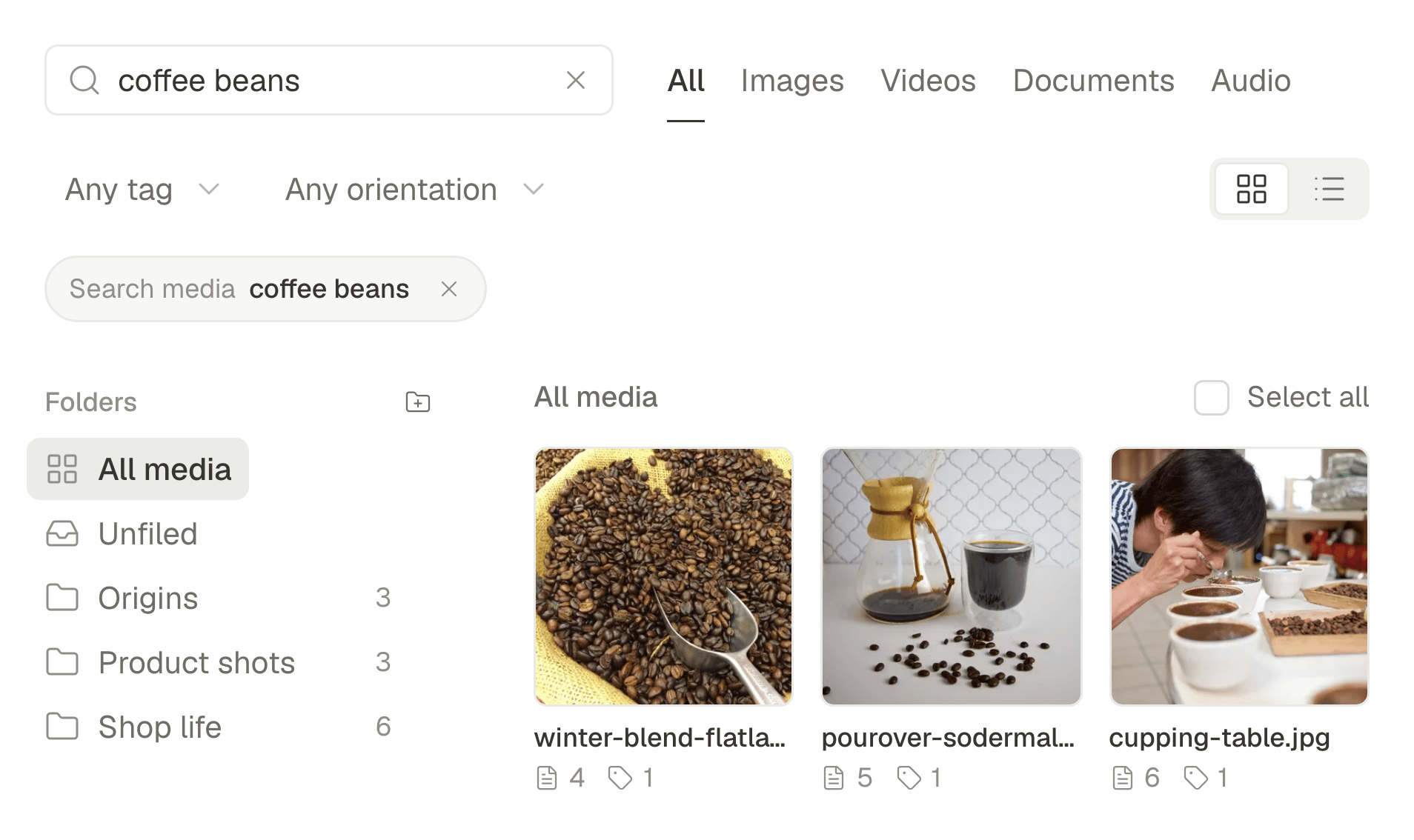
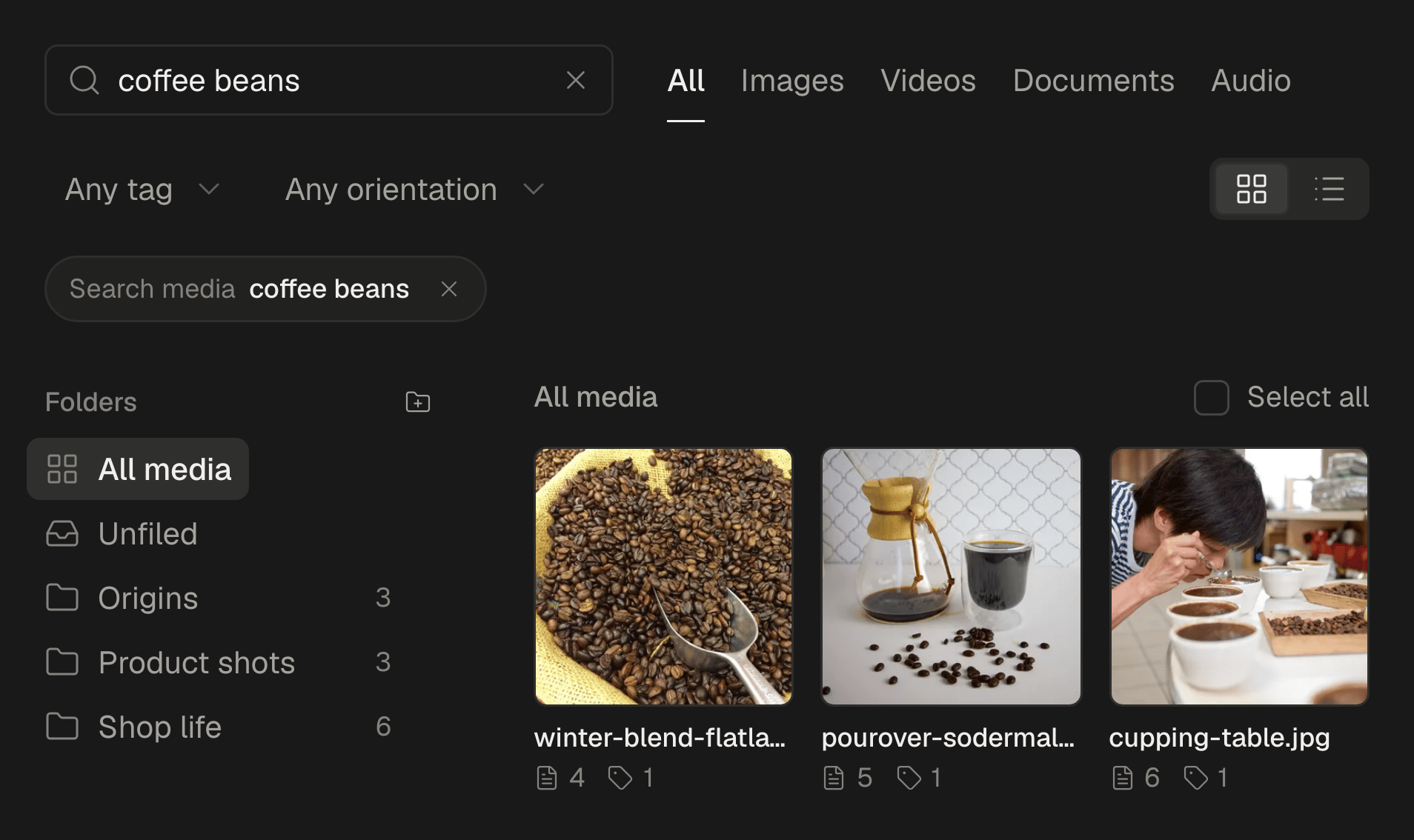
Let the library find them. Each file is described as it arrives, so you can find “the double room with the balcony” later by what it shows.
- 3
Ask guests for their photos. On a folder in the media library, Request files… makes a link a guest can use to send theirs without an account. Ask before you post one, and credit them.
- 4
Write each post once, then translate it. The assistant translates a caption into one of nine languages: add it under yours, or give a network its own version in its tab.
- 5
Add the week to a queue in your guests' time zone. A queue's times are clock times in the zone you choose, so if most guests book from abroad, posts go out when they are awake.
Send people to book with you
Every post can carry a link: make it your own booking page, not your listing on a platform. On Google Business Profile, the link becomes a Learn more button on the update. On Pinterest, each Pin links to the page of the room it shows, and people save Pins for trips they plan months ahead. The link in your Instagram bio is set in the app: point it at the same page.
A campaign for each season
Make each season a campaign with its own colour: summer, the Christmas markets, the off-season offer. Its posts stand out in the calendar, and Analytics filtered by that campaign shows which season's posts reached people and got clicks. Post in the off-season too: people book next summer in winter. How to plan and track a social media campaign, from the first post to the results.
Several properties
Each property has its own Google Business Profile, connected as an account of its own, so an offer can go to one property or to all of them. If each property has its own team, give each one a workspace, and keep the brand's photos in a folder shared with all of them. How to schedule Google Business Profile posts, for one location or many.
What stays in the apps
SPREVA makes, schedules, publishes and reports. Reviews, messages and bookings stay in each app and on your booking channels. Answer reviews every week, the good ones too: future guests read the replies as closely as the reviews.
Plan next week this afternoon
Connect Instagram, Pinterest and your Google Business Profile, take a season's photos tomorrow morning, and schedule next week with a queue in your guests' time zone. Every plan starts with a 7-day trial. SPREVA for small businesses.
Questions
How often should a hotel post?
Three to five times a week on Instagram, a few Pins a week, and an update on Google when something changes. A queue keeps that going in the busy months, when nobody has time.
Should a hotel post in several languages?
In the one or two your guests speak most, as well as your own. The assistant translates a caption into one of nine languages; ask someone who speaks it to check it if you can.
I rent out one apartment. Is this worth it?
Yes, at a smaller size: two posts a week and a few Pins. One good set of photos lasts the season, and every booking that comes directly to you pays no platform commission.
Can SPREVA reply to reviews?
No. Replies to reviews and messages stay in each network's app and on your booking channels.
How do I know what works?
Open Analytics once a week and look at Best content and clicks. Google no longer gives statistics for individual updates, so judge those by the bookings that come through your own site.
Written by
Rodolfo Mota
Founder of SPREVA
Makes SPREVA in Portugal: the Studio, the tools an agent works with, and the publishing behind them.
Keep reading
- How to schedule Google Business Profile posts, for one location or manySchedule Google Business Profile updates with a photo and a Learn more button, for one location or many: how it works in SPREVA, and what Google allows.
- How to schedule Pinterest Pins, carousels and video PinsSchedule image Pins, carousels of 2 to 5 and video Pins to the right board, with a title, a link and alt text. How it works in SPREVA, and what it checks.
- How to schedule an Instagram carousel, and reuse it on other networksSchedule an Instagram carousel of up to 10 photos from your computer, in the order you choose, with a caption and a first comment, and reuse it elsewhere.