Social media for ecommerce brands: a weekly plan that sells without shouting
An online store has what most businesses lack: hundreds of things to show. And still its feed is often a row of products on white backgrounds, with a discount code underneath, that nobody stops for. People buy what they have seen in use: in someone's hands, in a real kitchen. This is a weekly plan for that: what to post on which network, where a link sells, how to load a month of product posts in one sitting, and how to get Black Friday written before the rush.

Rodolfo MotaFounder of SPREVA
The short version
Show the product in use, not only on a white background. Post it in people's hands on Instagram and TikTok, give every product a Pin with its link, and let customers' photos do part of the selling. Load a month of product posts at once from a CSV, put launches and sales in campaigns of their own, and start the Black Friday posts a month early, so they are written before the rush.
Where people buy
Each network meets buyers at a different moment:
| Network | Who you reach | What to post |
|---|---|---|
| People who already like the kind of thing you sell | The product in use as a Reel, a carousel of details, customers' photos | |
| TikTok | People who have never heard of you | An unboxing, how it is made, one problem solved in 20 seconds |
| People planning a purchase, a gift or a room | Every product as a Pin with its link, on boards named the way people search | |
| Your existing customers, and older buyers | Launches, restocks and sales, with the link to the product | |
| YouTube | People comparing before they buy | Reviews and how-to videos, with the link in a long video's description |
A week of posts
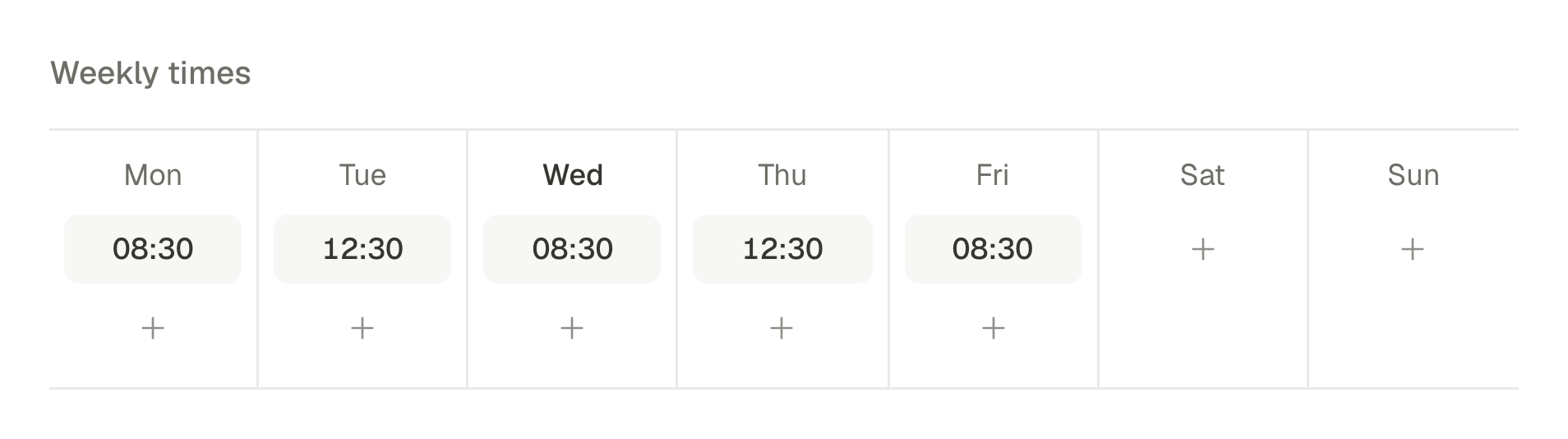
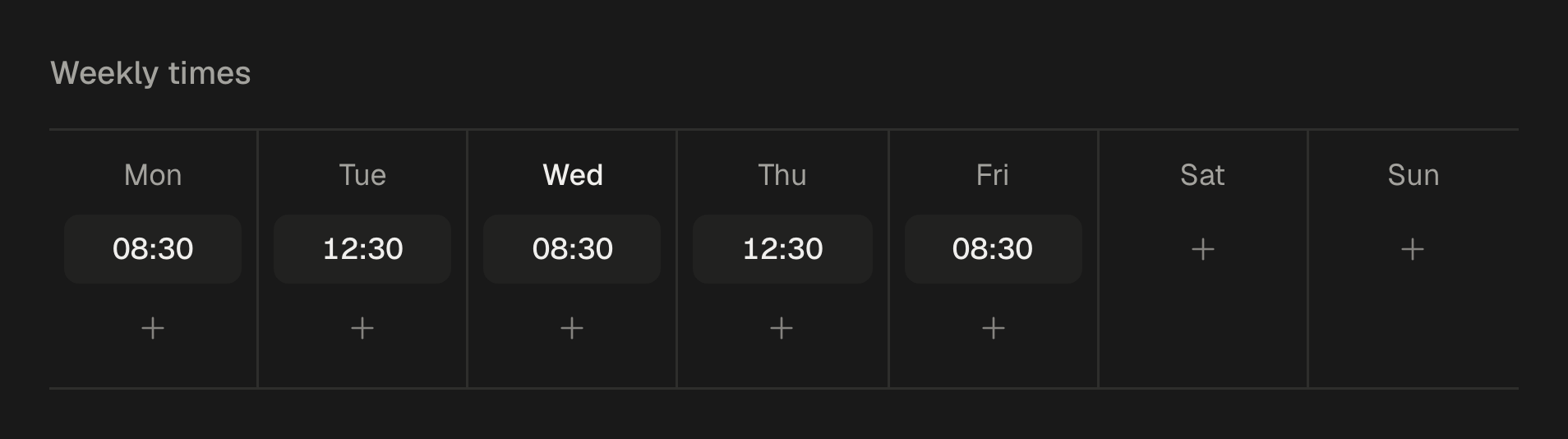
Five posts a week, plus a Pin for each product:
- Monday: one product in use, as a Reel and a TikTok: the problem, the product, the result.
- Tuesday: a customer's photo or review, with their name and their permission.
- Wednesday: behind the scenes: orders being packed, a new batch, the person who makes it.
- Thursday: a carousel that answers a question buyers ask: which size, which colour, how to look after it.
- Friday: something new, a restock or an offer, with the link to the product where the network lets people tap it.
Sell without sounding like an ad
People follow a shop for ideas, not for discount codes:
- Help more often than you sell. Three or four posts that show, explain or entertain for every one that asks for the sale.
- Show it in a real place. On a desk, in a hand, in the rain. Keep the white background for the product page.
- Say the price. A post that hides it gets comments asking for it, and loses everyone who will not ask.
- One product, one link. Send people to the product, not to the home page, and say what they will find there.
Where a link sells
A link only sells where it can be tapped. On Facebook, Pinterest, X, Threads and Bluesky, put it in the post. On Instagram and TikTok captions cannot carry one, so point to the link in your bio. Pinterest is where a link matters most: every Pin opens its link, and a good Pin keeps sending people to it for months after an Instagram post has scrolled away. How to schedule Pinterest Pins, carousels and video Pins.
Load a month of product posts at once
- 1
Upload the product photos to the media library. Each one is described as it arrives, so a search for “blue mug on a desk” finds it later.
- 2
Write the month as a CSV: one row per post, with the caption, the file name, the product's link and the time. In Bulk, under Posts, download the CSV template for the columns.
- 3
Import it with Import CSV, choose the accounts with Accounts for all, and send the rows to a queue or spread them every other day. Up to 200 posts go in at once, and every row is checked before anything is created.
- 4
Give the important posts their own text on each network. Open a post, press Adapt to each network and check each tab: the link for Facebook and Pinterest, “link in bio” for Instagram.
- 5
Ask customers for their photos with a Request files… link on a folder of your library, and post one a week. How to get user-generated content from your customers, and post it with permission.
No video? Start from the photos
A TikTok slideshow needs no filming: the product photos you already have, one after the other, with a line of text on each. TikTok slideshows from your AI agent, and why they should land in your drafts. On Pro and Business, Studio also turns five to ten photos of one product into a vertical video with a voice-over and captions, for Reels and Shorts.
Black Friday and the holidays, planned now
In 2026, Black Friday is on 27 November and Cyber Monday on 30 November, and the weeks after run straight into the holidays. Make the season a campaign now, while there is time to write:
- The week before: a teaser, and a reminder to follow so nobody misses the offer.
- On the day: the offer, said plainly: what, how much, until when.
- The last day: a reminder a few hours before it ends.
- After Cyber Monday: gift ideas by price, and the last day to order for delivery before Christmas.
- In between: the posts that do not sell, so the feed does not become one long advert.
Schedule it all in advance, so the week itself is for answering customers, and read the campaign's reach, engagement and clicks in Analytics when it is over. How to plan and track a social media campaign, from the first post to the results.
What stays in the apps
Product tags, shops and checkout, such as Instagram Shopping, TikTok Shop or Pinterest catalogues, are set up in each app and in your store, and messages and comments stay there too. SPREVA makes, schedules, publishes and reports the posts that send people to your products.
Load next month this week
Connect Instagram, Pinterest and Facebook, upload this month's product photos, and import the month's posts as a CSV, with one link per product. Every plan starts with a 7-day trial. SPREVA for small businesses.
Questions
How often should an online store post?
Three to five times a week on Instagram and TikTok and a Pin for every product, more around a launch or a sale. A queue keeps the rhythm in the weeks you are busy packing orders.
Should every post have a discount?
No. Constant discounts teach people to wait for the next one. Keep them for a few moments in the year, and make each one a campaign.
Do I need professional photos?
No. Phone photos in daylight, of the product in use, often do better on social media than studio shots. Keep the studio shots for your product pages.
Where do I put the link on Instagram?
In your bio, and say so in the caption. Links in Instagram captions and comments cannot be tapped.
Written by
Rodolfo Mota
Founder of SPREVA
Makes SPREVA in Portugal: the Studio, the tools an agent works with, and the publishing behind them.
Keep reading
- How to get user-generated content from your customers, and post it with permissionHow to ask customers for photos and videos, get a clear yes before you post, collect every file in one folder with a link, and credit whoever made it.
- How to bulk schedule social media posts: up to 200 at once, from files or a CSVBulk schedule social media posts: drop in photos and videos or import a CSV, check every row, and spread up to 200 posts over days, hours or a queue.
- How to schedule Pinterest Pins, carousels and video PinsSchedule image Pins, carousels of 2 to 5 and video Pins to the right board, with a title, a link and alt text. How it works in SPREVA, and what it checks.