Social media call to action examples: what to ask for, network by network
Most posts end the way they began: with nothing asked. A call to action is the one line that tells someone what to do next, and it only works if that thing can be done where they are reading. A link in an Instagram caption cannot be tapped; a link on a Pin is the whole point of the Pin. This is a list of calls to action by goal, the networks where each one works, and how to give every network its own last line without writing the post seven times.

Rodolfo MotaFounder of SPREVA
The short version
Ask for one thing, and make it the thing the network makes easy. On Instagram and TikTok, ask for a save, a share, a comment or a visit to your profile, because links in captions cannot be tapped. On Facebook, LinkedIn, X, Threads, Bluesky and Pinterest, put the link in the post and say what is behind it. On Google Business Profile, the link becomes a button. Write the post once, then let each network end with its own line.
Choose the goal first
Each call to action asks for one of six things. Pick the one this post is for:
| Goal | Example | Works best on |
|---|---|---|
| A save | Save this for your next trip. | Instagram, Pinterest |
| A share | Send this to the friend who always orders the same thing. | Instagram, TikTok, Facebook |
| A comment | Left or right: which one would you pick? | Every network |
| A click | The full recipe, with the quantities, is here: | Facebook, LinkedIn, X, Threads, Bluesky, Pinterest |
| A visit to your profile | The link to book is in our bio. | Instagram, TikTok |
| A follow | Follow so you see part two tomorrow. | TikTok, Instagram, YouTube |
Where a link can be tapped
A call to action that sends people to a link fails on the networks where the link is only text:
| Network | Can a link be tapped? | What to ask for |
|---|---|---|
| Not in captions or comments. In a Story, only through a link sticker added in the app | A save, a share, or a visit to the link in your bio | |
| TikTok | Not in captions | A comment, a follow, or a visit to your profile |
| YouTube | In a long video's description. Not in a Short's description or comments | In a Short, say where to find the link; in a long video, put it in the description |
| Yes. With no photo or video, it becomes a preview | A click, saying what is behind the link | |
| Yes. With no picture, it becomes a preview card | A click or a comment | |
| X | Yes. Any link counts as 23 characters | A click, a reply or a repost |
| Threads and Bluesky | Yes, in the post. On Threads, in the first reply too | A reply, or a click |
| Yes. Every Pin opens its link | A save and a click, with the title saying what they will find | |
| Google Business Profile | Yes, as a Learn more button | A visit, a booking, a call |
Five rules for the last line
A good call to action is short, specific and possible:
- One ask per post. “Like, comment, share and follow” is four asks, and people do none of them.
- Say what they get. “The full recipe, with the quantities” does better than “Link below”.
- Make it easy to answer. A question with two answers gets more comments than “What do you think?”.
- Match the post. Ask for a save on a tip, a share on something funny, a click on something they need now.
- Do not bait. Facebook says it shows fewer people posts that only ask for likes, comments or shares, such as “Comment YES if you agree”.
Calls to action to copy
Change the words to your own, and keep the shape:
- For a save: “Save this for the next time you are stuck.” “Keep this list for Friday.”
- For a share: “Send this to someone who needs it today.” “Tag the friend you would bring.”
- For a comment: “Which would you choose, A or B?” “What should we make next?”
- For a click: “The whole guide, step by step, is here.” “Sizes and prices are on the page.”
- For a visit or a booking: “Book Saturday from the link in our bio.” “Call us, or book with the button below.”
- For a follow: “Part two goes up tomorrow.” “One tip like this every Monday.”
One post, a different last line on each network
- 1
Set how each network closes, once. In Settings, open Writing styles and give each network its own line under How to close, such as “Ask for a save” for Instagram, and anything to leave out under Avoid, such as “Links in the caption”.
- 2
Write the post once, and put the link in the Link field. SPREVA attaches it on the networks that take a link in the post, and leaves it out on Instagram, TikTok and YouTube. On YouTube, write the link into a long video's description yourself.
- 3
Press Adapt to each network and read the last line in each tab: each version follows that network's style, and you can change any of them before it goes out.
- 4
On Threads, use the First comment for the link or the details, so the post itself can stay short.
- 5
On Google Business Profile, the link becomes a Learn more button, so the text only has to say what is behind it.
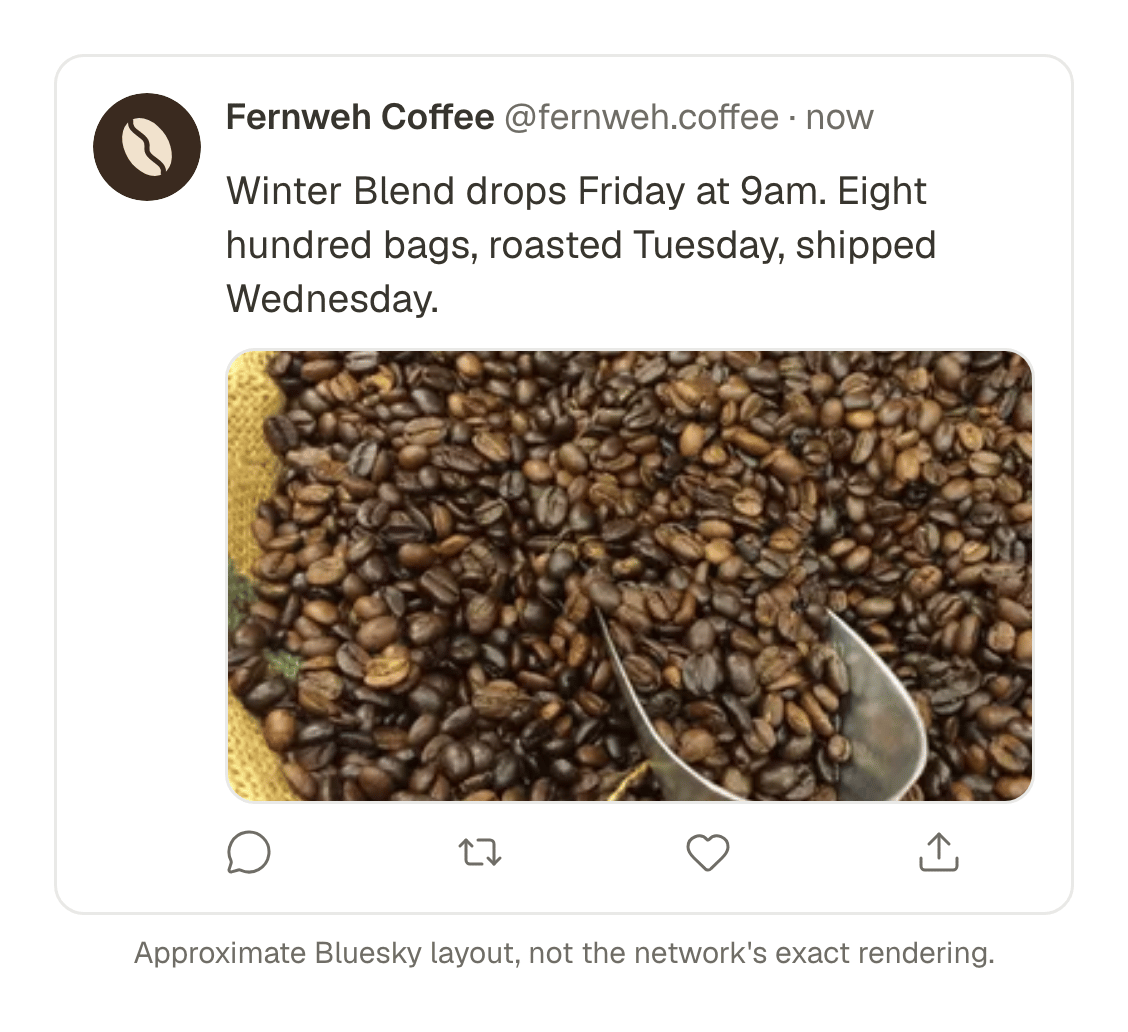
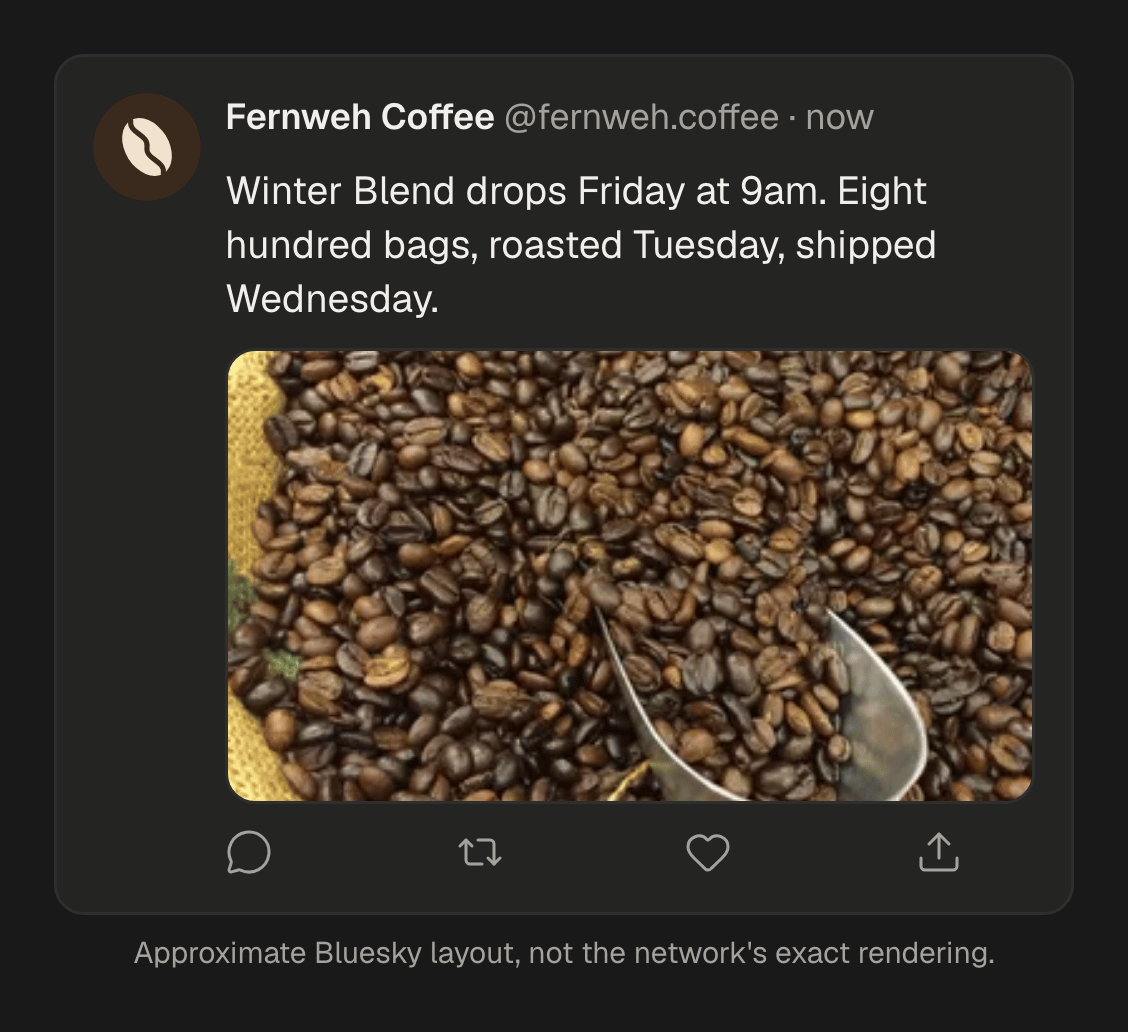
See which ending works
Put the posts with one kind of ending in a campaign, and the posts with another in a second one. In Analytics, filter by one campaign and then by the other over the same weeks, and compare the comments and the shares, and the clicks on the networks that report them, such as X and Pinterest. Social media metrics that matter, and where to find them.
Write this week's endings now
Open your writing styles, give Instagram, TikTok and LinkedIn each their own way to close, and adapt your next post to see the difference. Every plan starts with a 7-day trial. How to set the tone for each social network once, and let every post follow it.
Questions
Does every post need a call to action?
No. A post that only entertains or informs can end on its last good sentence. Ask for something when there is a clear next step.
Where do I put a link on Instagram?
In your bio, and say so in the caption. Links in Instagram captions and comments cannot be tapped.
Can a scheduled Instagram Story have a link?
Not as a sticker: Instagram does not let apps add one. For a Story with a link to tap, post it from the Instagram app.
Is “comment below” engagement bait?
Not when the question is real. Bait is a comment asked for its own sake, such as “Comment YES”; a question people want to answer is a conversation.
Can I use the same call to action everywhere?
Only when it works everywhere, such as a question. A line that sends people to a link needs a different ending on Instagram and TikTok.
Written by
Rodolfo Mota
Founder of SPREVA
Makes SPREVA in Portugal: the Studio, the tools an agent works with, and the publishing behind them.
Keep reading
- How to write a hook for Reels, TikToks and Shorts that makes people stayA hook is the first second of a short video: what it says, shows and writes on screen. Seven kinds that work, with examples, and how to test them yourself.
- How to set the tone for each social network once, and let every post follow itSet your tone, length, hashtags and emojis for each social network once, learn them from your own posts, and let every adapted post follow them.
- How to schedule the first comment on Instagram, and the first reply on ThreadsSchedule the first comment of an Instagram post, or the first reply on Threads, with the post: hashtags, a question or credits, posted the moment it goes live.