The best time to post is yours: how to find it with your own numbers
Every list of the best times to post contradicts the next one, because none of them is about your customers. A bakery's audience and a software company's do not scroll at the same hour. This is a simple test that finds your own best time in four weeks, with two queues, two campaigns and the numbers your networks already report.

Rodolfo MotaFounder of SPREVA
The short version
Pick two times you want to compare, say 08:30 and 19:00. Make a queue and a campaign for each, and for four weeks send alternate posts to one queue and the other, each with its campaign. Then filter Analytics by campaign and compare views, reach and engagement rate. Keep the winner as your posting time, and test the next question.
Why the published lists do not help
The lists are honest about what they measure. It is just not you:
- They average millions of accounts that are not yours.
- They are about one network and one region, often not yours.
- They stand still while your audience changes: summer, school terms, a new product.
What helps is your own audience's answer, and getting it takes a month of posting you were going to do anyway.
The four-week test
- 1
Choose two times to compare. The one you post at now and one you suspect is better. Keep the days the same on both sides: Monday, Wednesday and Friday, for example.
- 2
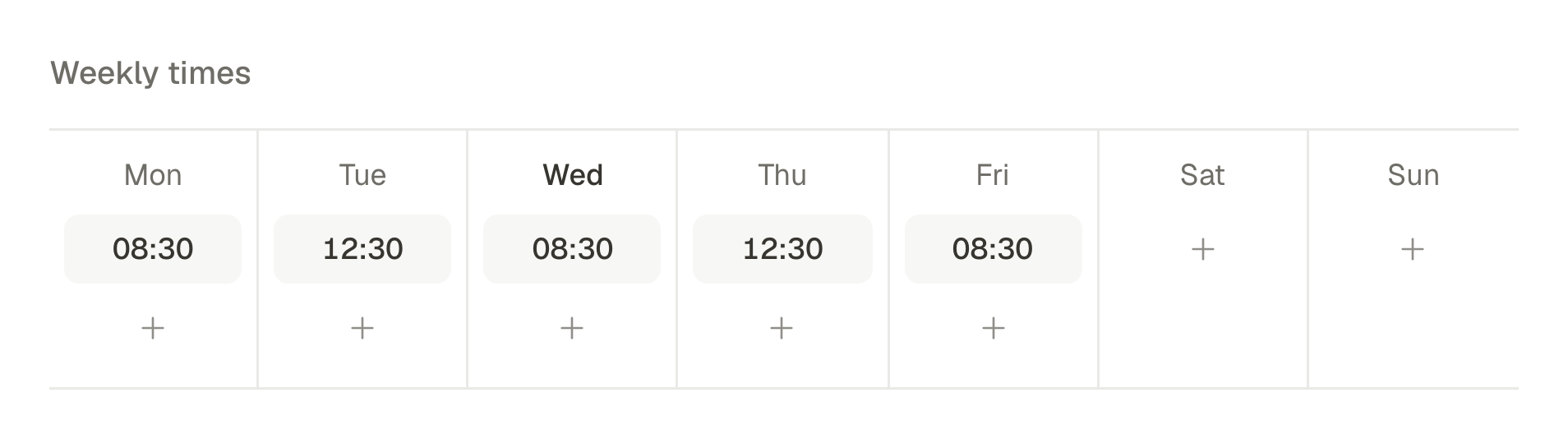
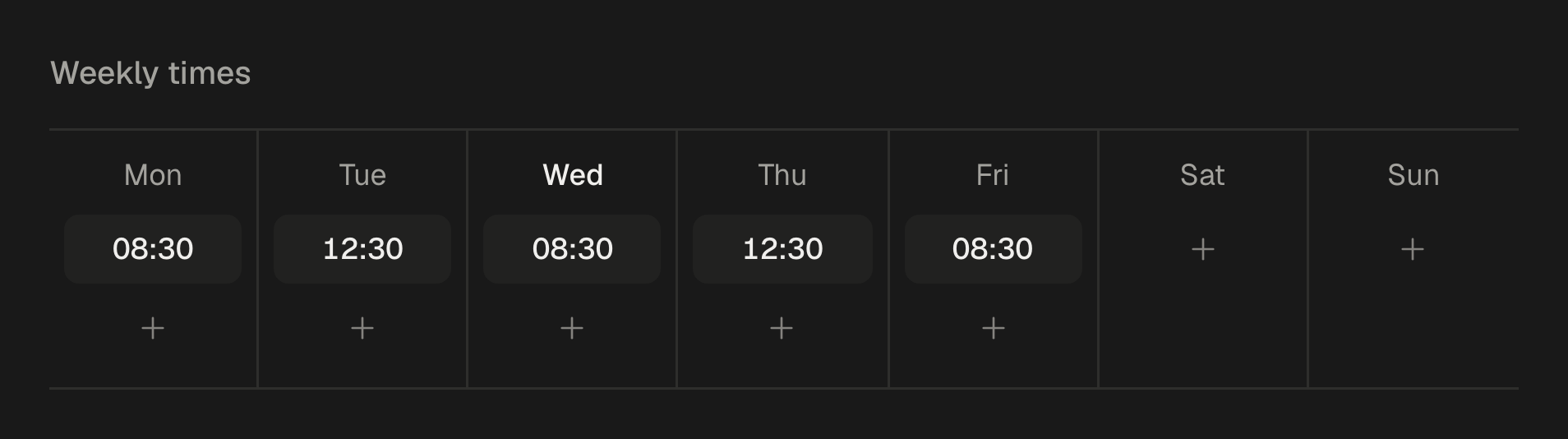
Make a queue for each. One called Mornings with those days at 08:30, one called Evenings with the same days at 19:00, both in your customers' time zone.
- 3
Make a campaign for each, such as Test: mornings and Test: evenings, so every post carries its side of the test.
- 4
Alternate for four weeks. Send one post to Mornings with its campaign and the next to Evenings with the other, so neither side gets all the strong posts.
- 5
Read the result. In Analytics, filter by one campaign, then the other, over the same four weeks, and compare.
Keeping the test fair
A test is only as good as its two sides are alike:
- Similar posts on both sides. Alternate; do not keep the best photo for the time you are hoping wins.
- Enough posts. Ten or more on each side before you trust a difference.
- One question at a time. Test the time, not the time and the format together.
- Engagement as well as views. A time with fewer views and more saves and comments may still be the better one.
Reading the answer in SPREVA
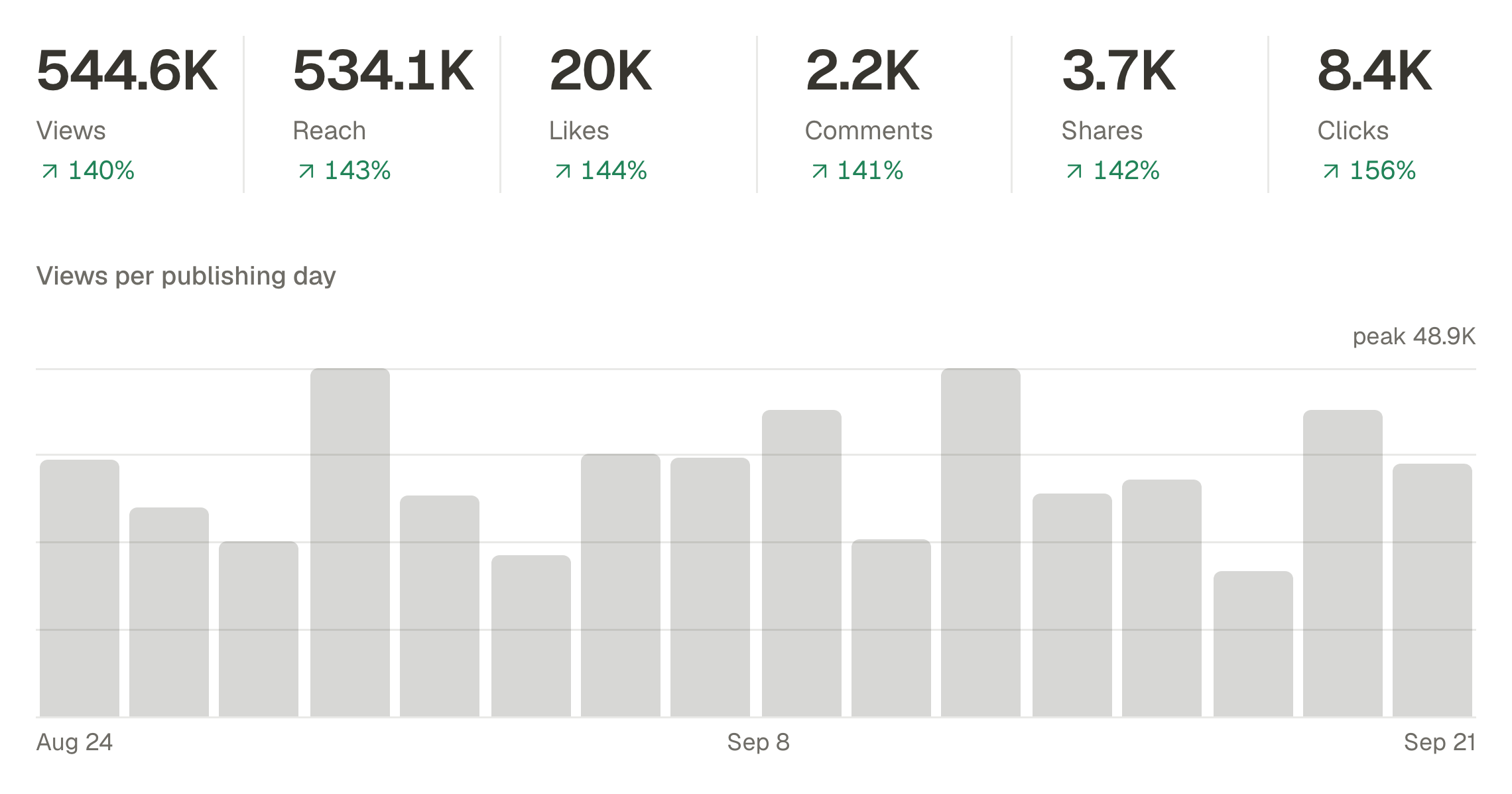
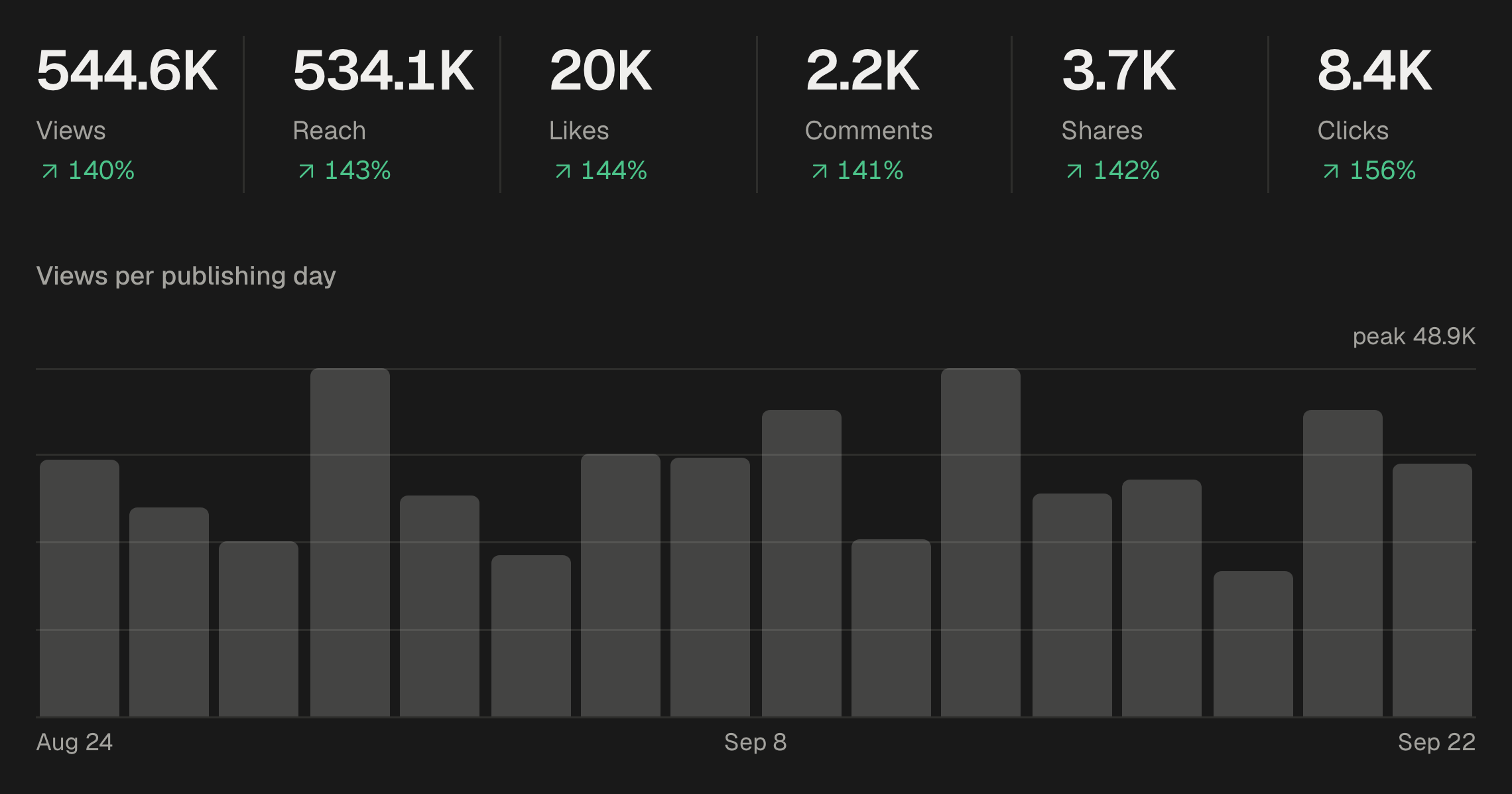
Analytics shows each campaign's views, reach, likes, comments, shares and clicks for the period you choose, and an engagement rate that divides likes, comments, shares and saves by reach.
The Posts tab lists every post with the date and time it went out, and the same view downloads as a CSV file. Or ask an AI agent connected to SPREVA to put the two side by side:
Compare the campaigns Test: mornings and Test: evenings over the last four weeks: views, reach and engagement rate for each, and tell me whether the difference is big enough to matter.
Each network has its own best time
An audience at its desk on LinkedIn and an audience on the sofa on Instagram rarely share an hour. If your networks differ, read the result for each one: filter Analytics by platform as well as by campaign, and give each network its own queue if the answers differ.
After the test
Move your main queue to the winning time and keep posting. Then test the next question the same way: the day, the format, the length of the caption. Every plan starts with a 7-day trial, enough to set up the queues and the campaigns today.
Questions
What is the best time to post on Instagram?
The one your own audience answers. Lists of universal times average other accounts; a four-week test with two queues gives you yours.
Does SPREVA suggest a best time to post?
Not yet. It gives you the queues to test times and the numbers to read the result.
How long should the test run?
Four weeks, or until each side has at least ten posts.
Does the time zone matter?
Yes. Set each queue in your customers' time zone; each queue keeps its own, so you can test an audience abroad from home.
Can I test several networks at once?
Yes, but read the result per network, filtering Analytics by platform as well as by campaign.
Written by
Rodolfo Mota
Founder of SPREVA
Makes SPREVA in Portugal: the Studio, the tools an agent works with, and the publishing behind them.
Keep reading
- How to plan a month of social media in a content calendarHow to plan a month of social media posts in one sitting: a rhythm, campaigns for the fixed dates, themes, and a calendar to see and move it all.
- How to send a client a monthly social media reportWhat a monthly social media report should say, and how to pull it from SPREVA: the numbers against last month, the posts that worked, and what comes next.
- How to automate social media posting without sounding like a botQueues, bulk scheduling, an API and AI agents: four ways to automate social media posting in SPREVA, and the habits that keep automated posts sounding like you.