How to set up a social media posting schedule that runs itself
Most posting schedules live in someone's head: Tuesday and Thursday at nine, unless it was a busy week. A queue writes that rhythm down once and keeps it. This is how to set up a posting schedule in SPREVA with queues, so you write whenever you have time and every post goes out at a time your audience is there.

Rodolfo MotaFounder of SPREVA
The short version
Make a queue: a weekly timetable, such as weekdays at 09:00, in your audience's time zone. Write posts whenever you have them, choose their accounts, and press Add to queue: each one takes the next free time and tells you when it goes out. The queue page and the calendar show what is coming and where the gaps are.
Why a queue beats picking times
Choosing a date for every post works until there are many posts. A queue takes that job:
- You write when you have time, and it posts when your audience is there.
- No two posts land on the same time. Each time takes one post.
- The rhythm stays steady, even in the week you are away.
- The team adds posts without asking when. The queue already knows.
Setting up your first queue
- 1
Open Queues and press New queue.
- 2
Give it a Name, such as Tips, and check the Timezone: the one your audience lives in, which can differ from yours.
- 3
Under When it posts, start from Weekdays at 09:00; Mon, Wed, Fri at 09:00; or Every day, 09:00 and 18:00.
- 4
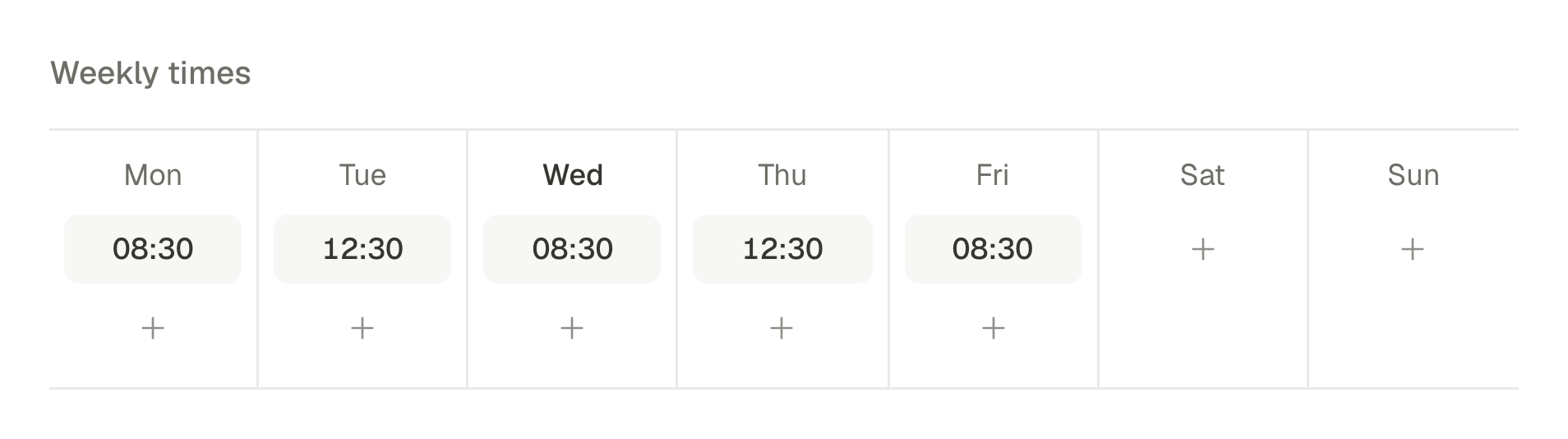
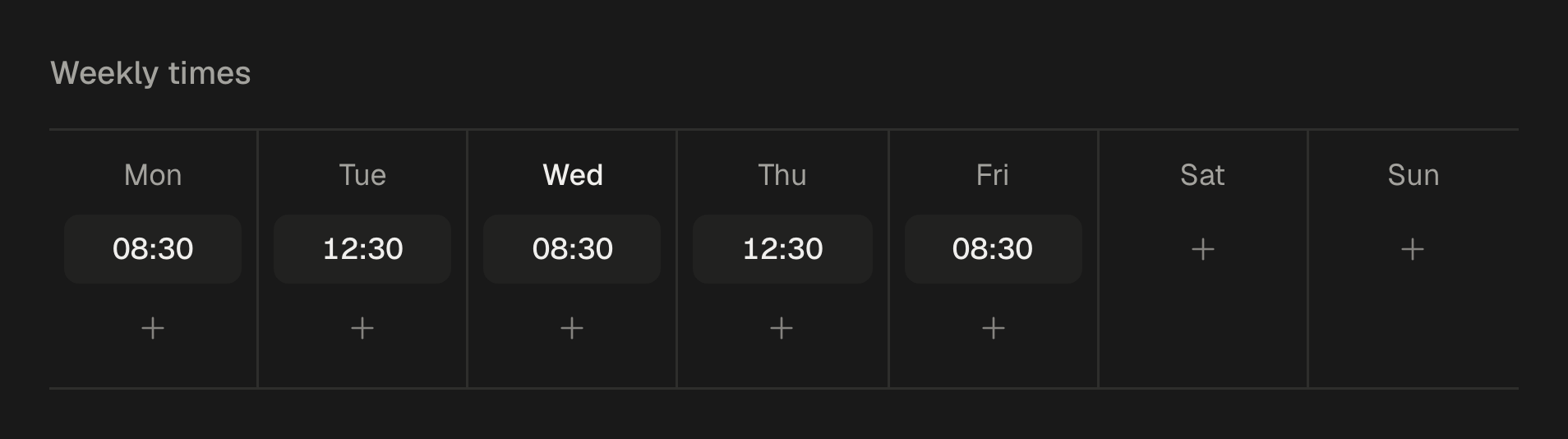
Adjust the Weekly times day by day: add a time, move it or remove it. Every change can be undone.
Adding posts
Write the post, choose its accounts, and press Add to queue; with several queues, choose which. The post takes the next free time and SPREVA tells you when it goes out. You do not pick the time; for a launch that must go out at an exact minute, schedule that post for its date instead.
From the calendar, turn on Queue slots to see every upcoming time, and click one to start a post for that queue. To fill a queue in one go, a bulk import can send every row to it with Queue for all. How to bulk schedule social media posts.
More than one queue
A queue is not tied to accounts: the post decides where it goes. That makes a few queues useful side by side:
- One per kind of post: tips at 09:00 on weekdays, curated links at 17:00 three times a week.
- One per audience, each in its own time zone, for customers in Lisbon and in São Paulo.
- Two to compare: the same days at two different times, to find which one your audience answers. The best time to post is yours: how to find it with your own numbers.
How often to post
Start with the rhythm you can keep filled: three times a week beats daily for two weeks and then silence. Each queue shows how many posts are waiting and when the next one goes out; nothing is posted when a queue runs empty, so keep about a week ahead and add times only when the queue stays full.
Changing the schedule
A queue can change without upsetting what is already planned:
- New times or a new time zone apply to posts you add from then on; posts already scheduled keep the time they have.
- Take a post out of the queue and it is a draft again, to edit or schedule another way.
- Clock changes are handled: 09:00 stays 09:00 in the queue's time zone, summer and winter.
Or ask your AI agent
An AI agent connected to SPREVA can set up the queue and fill it in one conversation:
Make a queue called Tips that posts on weekdays at 12:00 in Lisbon time, then add these five posts to it for LinkedIn and Bluesky.
Set up your queue today
Make one queue with three times a week, add next week's posts, and look at the calendar. Every plan starts with a 7-day trial.
Questions
What happens when the queue is empty?
Nothing is posted. The time stays free until a post takes it.
Is a queue tied to certain accounts?
No. A queue is a timetable for the workspace; each post chooses its own accounts.
Can I choose which time a post takes?
Not in a queue: a post takes the next free time. For an exact time, schedule the post for that date instead.
In what order do posts go out?
Mostly in the order you add them. If you take a post out, the next post you add takes its free time.
What happens when the clocks change?
The queue keeps its clock times in its own time zone, so a post at 09:00 still goes out at 09:00 after the change.
Written by
Rodolfo Mota
Founder of SPREVA
Makes SPREVA in Portugal: the Studio, the tools an agent works with, and the publishing behind them.
Keep reading
- The best time to post is yours: how to find it with your own numbersNo universal best time to post fits your audience. How to test two posting times for four weeks with queues and campaigns, and read the answer in your numbers.
- How to plan a month of social media in a content calendarHow to plan a month of social media posts in one sitting: a rhythm, campaigns for the fixed dates, themes, and a calendar to see and move it all.
- How to bulk schedule social media posts: up to 200 at once, from files or a CSVBulk schedule social media posts: drop in photos and videos or import a CSV, check every row, and spread up to 200 posts over days, hours or a queue.