Social media for photographers: from one shoot to a week of posts
A photographer's work is already the content. The hard part is the rest: choosing, posting, captioning, and doing it again next week while you are out shooting. This is a plan that turns each shoot into a week of posts, network by network, and the settings that keep your photos looking like yours.

Rodolfo MotaFounder of SPREVA
The short version
After each shoot, pick the ten frames that tell the story and keep them in a folder of their own. Post the set as an Instagram carousel, pin the strongest frames to Pinterest with a link to your gallery or booking page, share the full set on Facebook for past clients, and put one on your Google Business Profile. Write the captions once, adapt them per network, and let a queue spread the shoot over the week.
Each network, a different client
The same photos reach different people depending on where they appear:
| Network | Who you reach | What to post |
|---|---|---|
| People choosing a photographer by style | A shoot as a carousel of up to 10 photos, a Reel from behind the camera | |
| Couples and brands planning months ahead | Your strongest frames as pins, each with a link to your gallery or booking page | |
| Past clients, their families, their friends | The full set, up to 10 photos, with a thank-you | |
| Google Business Profile | People searching for a photographer nearby | One recent photo with a link to book |
| TikTok | New clients, scrolling | A photo post of a shoot, or a short behind-the-scenes video |
One shoot, a week of posts
From the export to the queue, in one sitting:
- 1
Make a folder for the shoot in the media library and drop the edited photos in. Each one is described as it arrives, so you can find “the first dance” or “the red coat” later by what it shows.
- 2
Choose the frames for the carousel. Instagram shows the whole carousel in the shape of the first photo, so lead with the one that frames best in that shape.
- 3
Pin the strongest frames to Pinterest: choose the Board and put your gallery's address in Link.
- 4
Write the caption once, then give each network its own under Per account: the story for Instagram, the details for Facebook, a searchable title for Pinterest.
- 5
Add the posts to a queue, so the shoot goes out over the week instead of all at once.
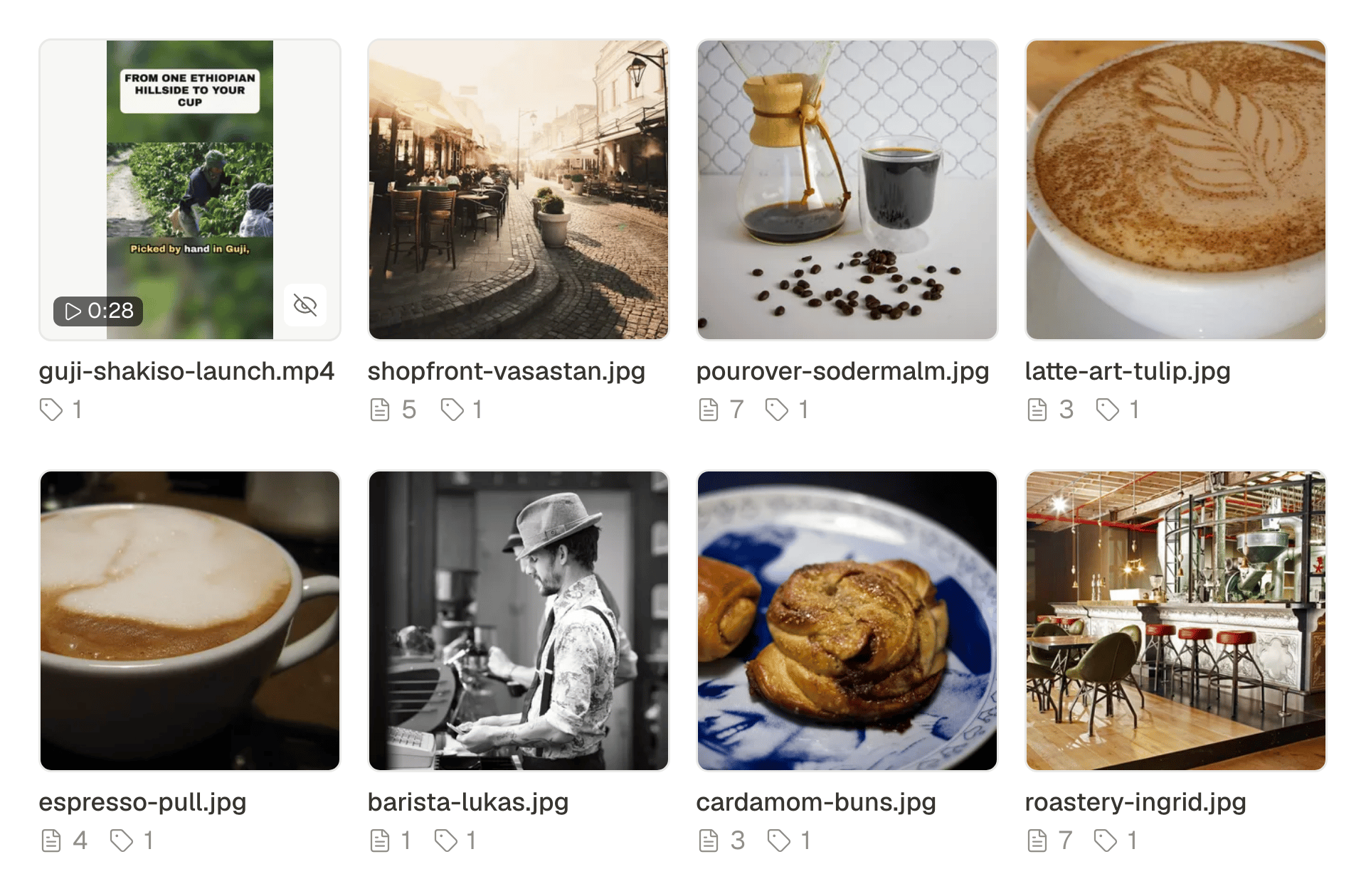
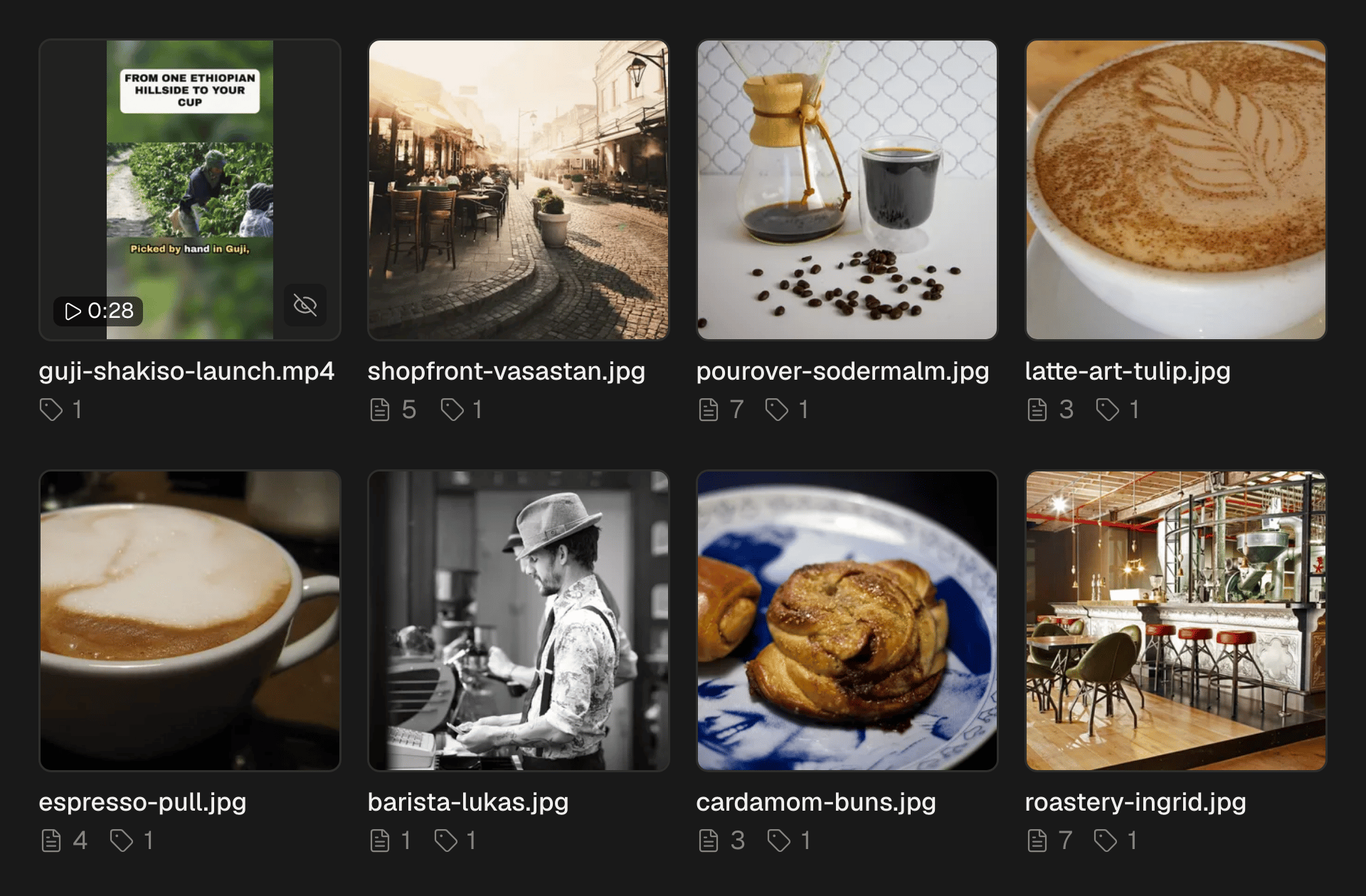
A week from one shoot
A rhythm that keeps your work in front of people without new photos every day:
- Monday: the carousel on Instagram, and the full set on Facebook.
- Wednesday: three pins on Pinterest, each from a different moment of the shoot.
- Friday: behind the scenes, a short video for Reels and TikTok.
- Sunday: one frame on your Google Business Profile, with a link to book.
Keeping your photos sharp
Every network compresses what it receives, so give it a good file to start from:
- Export JPEGs at least 2,048 pixels on the long side. SPREVA sends each network a high-quality copy of that size, not your full-resolution file.
- Crop for Instagram before you upload. It takes photos from portrait 4:5 to landscape 1.91:1; portrait 4:5 fills the most of the feed.
- Export iPhone photos as JPEG. HEIC files are not accepted yet.
Describe your photos
A short description of each photo lets people who use a screen reader see your work too. Write it for the photo, not for the shoot: who, where, what is happening. How to add alt text to your social media images, network by network.
When the client sees the posts first
For a wedding or a brand shoot, the client may want to see what goes out. Turn on approval and invite them as a reviewer: each post waits for them, they approve it or send it back with a note, from their computer or their phone, and reviewers take no seat on your plan. How to get a client to approve posts from their phone.
Video, the simple way
Reels and TikTok favour video. A clip from behind the camera, filmed on the phone, is enough. On Pro and Business, Studio also turns a shoot's photos into a short video with music or a voice and captions. How to turn photos into a Reel with a voice-over and captions.
Schedule your last shoot
Upload your last shoot, choose the carousel and the pins, and queue the week. Every plan starts with a 7-day trial. SPREVA for photographers.
Questions
How often should a photographer post?
Three or four times a week is enough to stay in view, and one shoot can fill that week. A queue keeps the rhythm while you are out shooting.
Does SPREVA compress my photos?
It sends each network a high-quality JPEG up to 2,048 pixels on the long side. The network then applies its own compression, as it would to any upload.
Can I upload HEIC photos from my iPhone?
Not yet. Export them as JPEG first, or set the camera to save in the most compatible format.
Can SPREVA add a watermark to my photos?
Not to photos: add it when you export. In Studio, your brand kit can put a watermark on every video.
Can each pin link to a different gallery?
Each post has one link. To send each pin to its own gallery, make a post for each pin.
Written by
Rodolfo Mota
Founder of SPREVA
Makes SPREVA in Portugal: the Studio, the tools an agent works with, and the publishing behind them.
Keep reading
- How to schedule an Instagram carousel, and reuse it on other networksSchedule an Instagram carousel of up to 10 photos from your computer, in the order you choose, with a caption and a first comment, and reuse it elsewhere.
- How to schedule Pinterest Pins, carousels and video PinsSchedule image Pins, carousels of 2 to 5 and video Pins to the right board, with a title, a link and alt text. How it works in SPREVA, and what it checks.
- How to add alt text to your social media images, network by networkAlt text tells people who use a screen reader what your picture shows. How to write it, which networks receive it from SPREVA, and where to add it by hand.