Social media for gyms and personal trainers: a week of posts that brings in members
People rarely join a gym because of one post. They join because, for weeks, they saw a place that looked busy and friendly, somewhere they could see themselves, and then one post gave them the reason to book a first class. This is a weekly plan built for that: what to post where, how your trainers can send you their clips without an account, and how to schedule the whole week in about an hour.

Rodolfo MotaFounder of SPREVA
The short version
Show the place, the people and what members achieve, and make the first step easy. Post class clips to Reels and TikTok, a trainer's tip once a week, a member's story when they agree to it, and the timetable and offers on Google and Facebook. Collect the clips from your trainers with a link, write the week once, adapt it to each network, and let a queue publish it at the times your members plan their training.
Where people decide to join
Each network reaches a different step on the way to a first class:
| Network | Who you reach | What to post |
|---|---|---|
| People who follow gyms and trainers near them | Class clips as Reels, a tip as a carousel, tonight's class as a Story | |
| TikTok and YouTube Shorts | People who have not found you yet | Short vertical clips: one exercise done right, a class at full speed, a trainer answering a common question |
| Google Business Profile | People searching for a gym near them | The timetable, a free first class, holiday hours, with a link to book |
| Members, and their friends and family | Events, challenges, the week's timetable, a member's milestone |
A week of posts
A rhythm that a small team can keep, every week:
- Monday: the week's timetable and anything new, on Google and Facebook.
- Tuesday: one exercise done right, a short clip for Reels, TikTok and Shorts.
- Wednesday: a trainer's tip as an Instagram carousel: the common mistake, the fix, the reason.
- Thursday: a class at full speed, the room full and the music on, as a Reel and a TikTok.
- Friday: a member's story, in their own words and with their permission.
- Saturday: this weekend's classes as a Story, with the ones that still have places.
- Sunday: next week in one post: a new class, a challenge, a free first session for a friend.
Schedule the week in an hour
- 1
Film during classes, with permission. A phone held upright, good light, and members who said yes to being on camera. Ten clips of a few seconds each are a week of video.
- 2
Let your trainers send their clips. In the media library, open a folder's menu and choose Request files…. Anyone with the link can send photos and videos into that folder, without an account and without seeing what is already in it.
- 3
Write each post once. Then choose Adapt to each network and check each version in its tab: a short caption for TikTok, the practical one with the booking link for Google and Facebook.
- 4
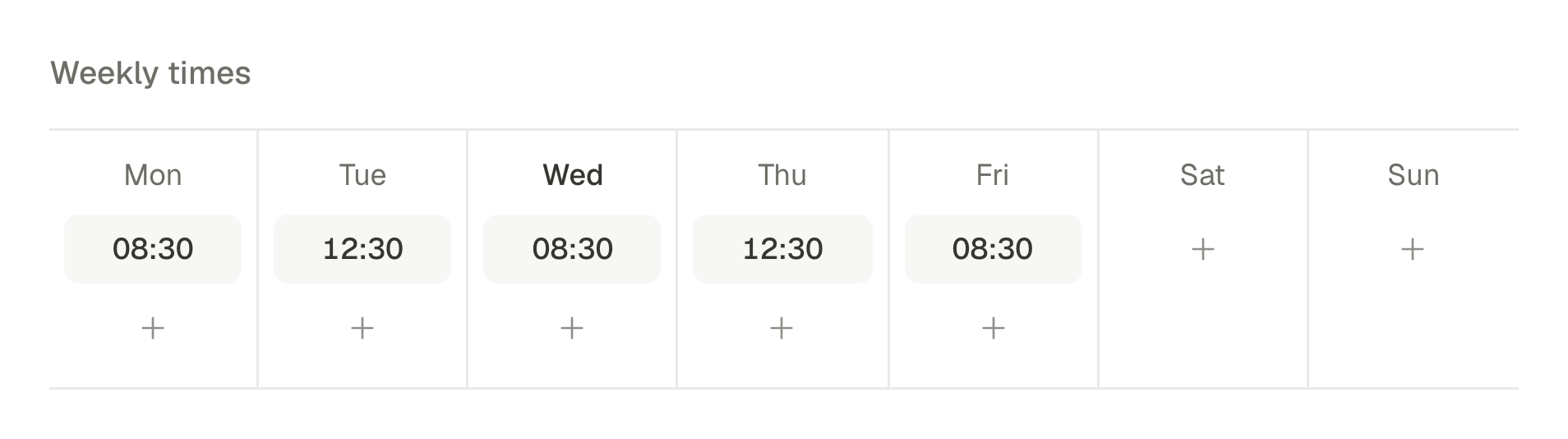
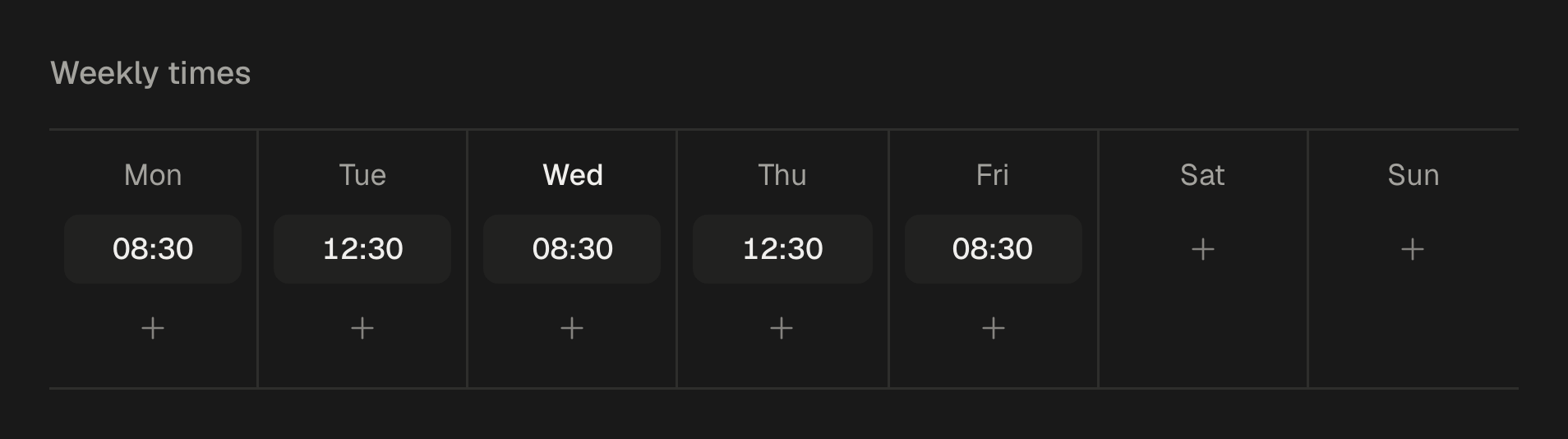
Add the week to a queue with your posting times, say 06:30 before the morning classes and 17:30 before the evening ones.
- 5
Give trainers a role of their own. As Editors, they can write and edit posts but cannot publish or schedule them, so nothing goes out before you have read it.
Members on camera
Ask before you film anyone, and ask again before you post a photo of someone's progress. Keep the answer in writing: a message saying yes is enough. Show effort and people enjoying themselves rather than bodies, never promise a result, and take a post down the day someone asks. A gym that people trust in front of the camera is one more people want to join.
A challenge gives the month a story
A six-week challenge gives six weeks of posts their thread: the start, the weekly check-ins, members' progress, the finish. Make it a campaign in SPREVA with its own colour, so its posts stand out in the calendar, then filter Analytics by that campaign to see how its posts did against the rest. How to plan and track a social media campaign, from the first post to the results.
For a personal trainer on your own
The same week works at a smaller size: three posts instead of seven. A tip on Tuesday, a client's session on Thursday with their permission, and on Sunday the times you still have free next week. Keep a folder of clips from your sessions and a few drafts ready, and one queue does the rest. A social media routine for a small business, in one hour a week.
Several locations
Each location has its own Google Business Profile, connected as an account of its own, so a timetable change can go to one gym and a new class to all of them. If each location runs its own social media, give each one a workspace and share a folder of the brand's photos and videos with all of them: they use the same files, with no copies to keep up to date. How to share photos, videos and folders between workspaces, without copies.
What stays in the apps
SPREVA makes, schedules, publishes and reports. Comments, messages and class bookings stay in each app and in your booking system. Answer messages the same day: someone asking about prices is deciding now.
Plan next week this afternoon
Connect Instagram, TikTok and your Google Business Profile, send your trainers a link to a folder, and schedule next week with two queue times a day. Every plan starts with a 7-day trial. SPREVA for small businesses.
Questions
How often should a gym post?
Most days on Instagram and TikTok if you have the clips, and once or twice a week on Google and Facebook. A queue keeps the rhythm in the weeks when nobody has time.
Do trainers have to be on camera?
No. Clips of an exercise, the room and the equipment work too. Trainers who enjoy the camera often become the face people come in to meet.
Can I post a member's before and after photos?
Only with their written permission, and only as their story, not as a promise. Many members prefer a post about what they can do now: their first pull-up, their first race.
Can trainers post for the gym?
Yes, as Editors: they write and edit posts, and you publish or schedule them. Trainers who only film can send their clips with a file request link, without an account.
How do I know what works?
Open Analytics once a week and look at Best content. Then ask new members where they first saw you: the answer often names a single post.
Written by
Rodolfo Mota
Founder of SPREVA
Makes SPREVA in Portugal: the Studio, the tools an agent works with, and the publishing behind them.
Keep reading
- A social media routine for a small business, in one hour a weekA weekly routine for a café, a salon or a shop: one hour to schedule a week of posts to Instagram, Facebook, Google and TikTok, and a look at what worked.
- How to schedule Instagram Reels, from the video to the coverSchedule Instagram Reels from your computer: the video, the cover frame, the caption and a first comment, at a time or in a queue, and what SPREVA checks first.
- How to schedule Google Business Profile posts, for one location or manySchedule Google Business Profile updates with a photo and a Learn more button, for one location or many: how it works in SPREVA, and what Google allows.