How to pay clippers by the views they bring
Paying clippers by the views their clips bring is simple to describe and hard to run: someone has to count, the numbers move after they are written down, and every clipper wants to know how theirs was worked out. This is how to set the rules, get the count, and keep the payout boring.

Rodolfo MotaFounder of SPREVA
The short version
Agree a rate per 1,000 views, the networks that count, the period, and what does not count. Then let SPREVA do the counting: each clipper associates the account they post on, and SPREVA reads the views of every post that account publishes from then on, as each network counts them, account by account and day by day. At the end of the period, export the views per account and pay from that. SPREVA counts; it never pays or holds money.
Agree the rules before the first clip
Most arguments about payouts are arguments about rules nobody wrote down. Write these down:
- A rate per 1,000 views, the same for everyone or set by network.
- The networks that count. SPREVA counts YouTube, TikTok and Instagram.
- The period and the day it closes, weekly or monthly, in your time zone.
- How long a clip earns. SPREVA reads each post for 90 days, so views after that do not count. Say so from the start.
- What does not count: posts from before the account joined, other creators' content, bought views, and what happens when you find them.
- A minimum and a cap, if you want them: a minimum saves tiny transfers, a cap per period keeps one lucky clip from taking the budget.
How SPREVA counts
A clipper opens your link and associates the YouTube, TikTok or Instagram account they post on. Every post that account publishes from that moment is read: an hour after SPREVA finds it, then after six hours, a day, three days, a week, two weeks, a month, and on until 90 days.
Each read adds what the post gained since the last one to the day of the read, in your workspace's time zone. So a clip that takes off in its third week adds its views to the third week, which is what a weekly payout needs. A view never comes off: a deleted post keeps what it had brought, and an account that leaves keeps its views in the days it earned them.
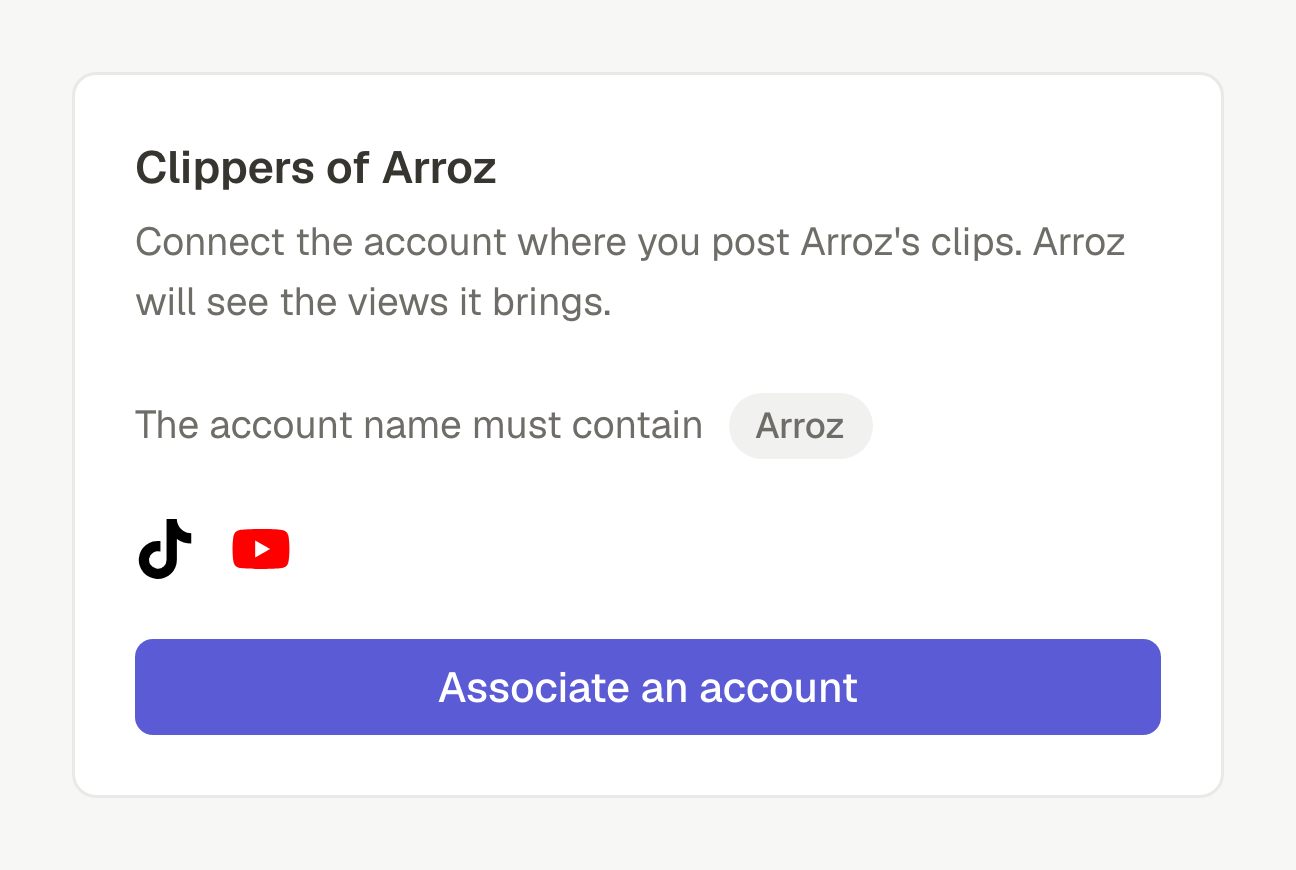
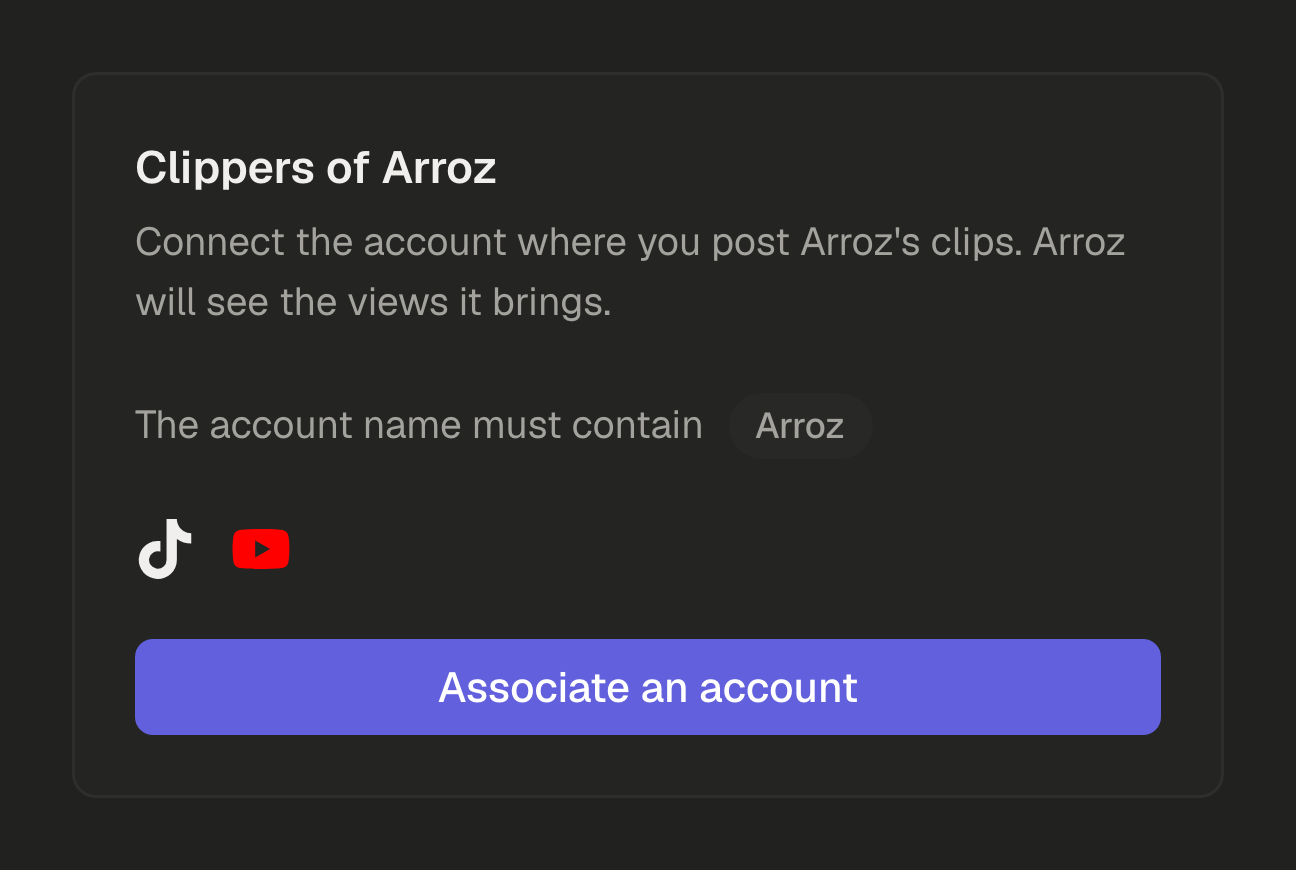
To keep the program to people who clip you, set words the account's name must contain, your name for instance, and approve each account by hand if you prefer. An account can be associated with one streamer at a time, so the same views are never counted twice.
Closing a period
- 1
Open Clippers and choose the period: 7 days, 30 days or All time.
- 2
Press Export CSV: one line per account, with the clipper, the handle, the network, the status, the date it joined and the views it gained in the period. Accounts that left are included, with the views they brought.
- 3
Divide each account's views by 1,000, multiply by your rate, apply your minimum and your cap, and pay the way you already do.
- 4
For a period of your own, such as a calendar month, the API gives each account's views by day for any range of up to 366 days. The API reference.
At $1.50 per 1,000 views, an account that brought 268,700 views in the month earns $403.05. Use the export for this: it has the exact number, where the screen rounds it to 268.7K.
Ask instead of opening the page
An AI agent connected to SPREVA reads the same numbers, for any period of up to a year:
Which of my clippers brought the most views last month? Rank the accounts by views, with the total per network, and show me the most viewed posts of the top account.
It ranks the accounts, gives the totals per network, and opens an account's posts, most viewed first, when a number looks too good to be true.
What stays with you
SPREVA does not pay clippers, hold money or work out what each one is owed: the rate and the payout are yours, and so is the choice of how to pay.
It does not detect bought views or reposted content either. Each post comes with its link and its numbers, so one that looks wrong can be checked, and removing the account stops it counting from then on; the views it had already brought stay in their days.
What it costs, and what it costs your clippers
A clipper's account in SPREVA is free and never billed. Clippers is on every plan of yours, with room for 5 active accounts on Starter, 25 on Pro and 100 on Business.
Close your next period from the export
Set up Clippers, share the link where your clippers already are, and close the next period from the export instead of a spreadsheet. Every plan starts with a 7-day trial. How Clippers works.
Questions
Does SPREVA pay my clippers?
No. It counts the views; you set the rate and pay the way you already do.
Which views count?
Views as YouTube, TikTok and Instagram count them, on posts the account published after it joined your program, for up to 90 days after each post.
Do posts from before a clipper joined count?
No. Only posts published from the moment they associated the account with your program.
How do I deal with bought views?
SPREVA does not detect them. Each post comes with its link and its numbers, so you can check one that looks wrong, and removing the account stops it counting.
Can one account count for two streamers?
No. An account can be associated with one program at a time, so the same views are never counted twice.
Written by
Rodolfo Mota
Founder of SPREVA
Makes SPREVA in Portugal: the Studio, the tools an agent works with, and the publishing behind them.
Keep reading
- How to turn Twitch clips into TikToks, YouTube Shorts and ReelsA Twitch clip is wide; TikTok, Shorts and Reels are tall. How to turn one into a vertical short with your camera on top and the game below, and post it.
- How to clip your Twitch stream from chat with !clipType !clip in your Twitch chat while you are live and the last 60 seconds are saved to your SPREVA media library, named and ready to edit. How to set it up.
- How to send a client a monthly social media reportWhat a monthly social media report should say, and how to pull it from SPREVA: the numbers against last month, the posts that worked, and what comes next.