How to manage social media for several clients without posting to the wrong one
Tiago's agency looks after eight clients: a bakery, a dentist, two cafés with almost the same name, and four more. Nobody there has ever meant to put the dentist's offer on the bakery's page. This is how SPREVA keeps that from happening, and what it asks of the agency in return.

Rodolfo MotaFounder of SPREVA
The short version
Give each client a workspace. A workspace holds that client's accounts, media, queues, time zone, people and approval setting, and a post can only use the accounts and media of the workspace it is written in. You switch between clients from the sidebar or the command palette, with one login. Each client approves as a free Reviewer, and each workspace has its own plan, so a client's plan can be billed to that client.
How a post ends up on the wrong client
It is rarely one big mistake. It is a small one, in a place where everything is mixed:
- One long list of accounts. Every client's profiles in the same picker, two of them with almost the same name, and the wrong one a click away.
- One shared folder of pictures. The bakery's croissant and the café's croissant look the same at thumbnail size.
- One clock for everyone. A client in Lisbon and one in São Paulo, and a post that goes out at 9am where nobody is awake.
- Everyone sees everything. A freelancer hired for one client can open all eight.
Care helps, but walls help more. The fix is to make each client a separate place, so the wrong account is not in the list at all.
One workspace per client
In SPREVA, a client is a workspace. Make one per client with New workspace, in the sidebar's workspace menu, and each starts empty: its own connected accounts, its own media library, its own queues and campaigns, its own time zone and its own brand kit.
The walls are real. When a post is saved, an account or a file from another workspace is left out, so the bakery's photo cannot reach the dentist's page, even by accident. The workspace's name sits at the top of the sidebar and starts the breadcrumb, so you always know whose week you are looking at.
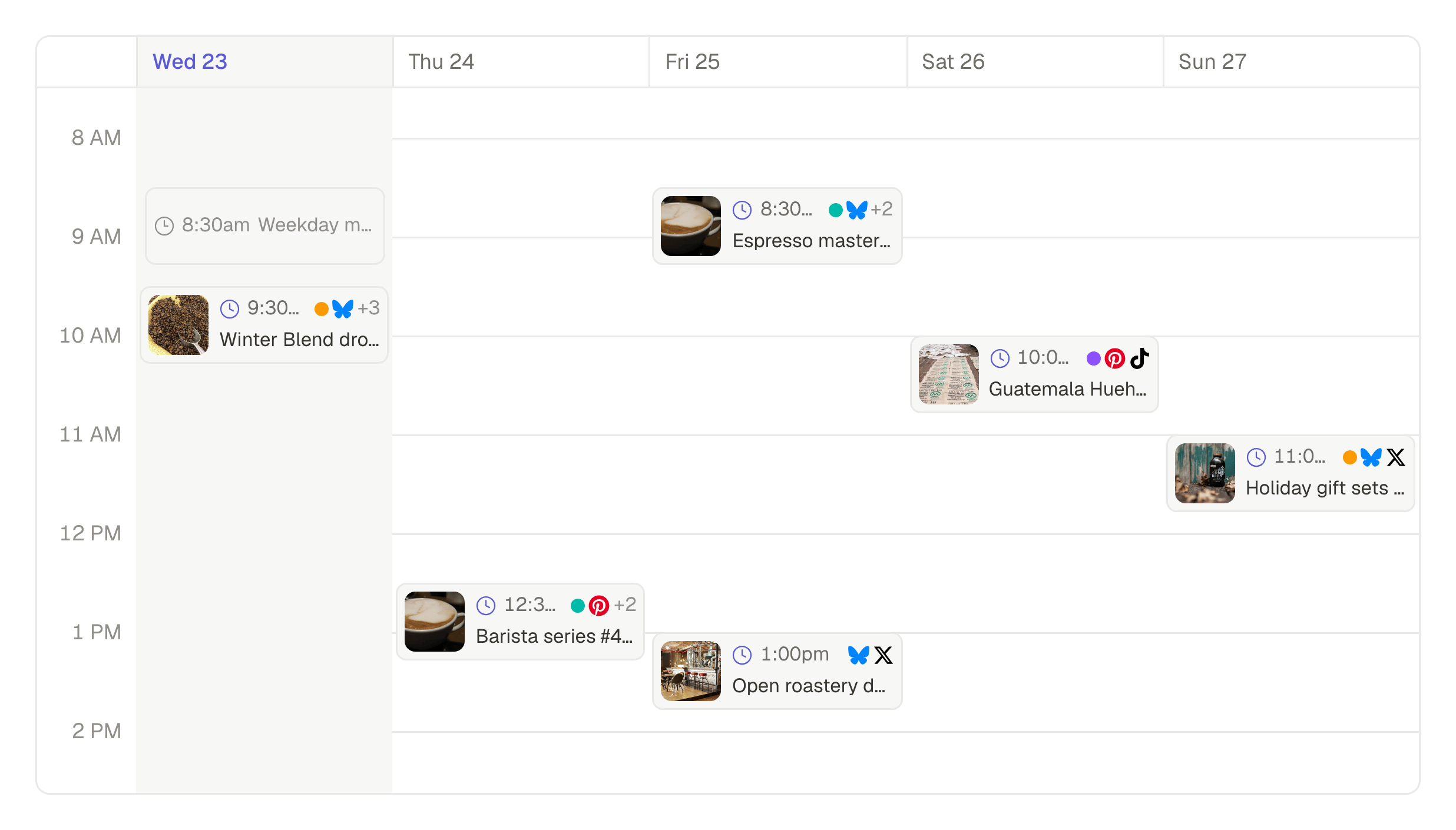
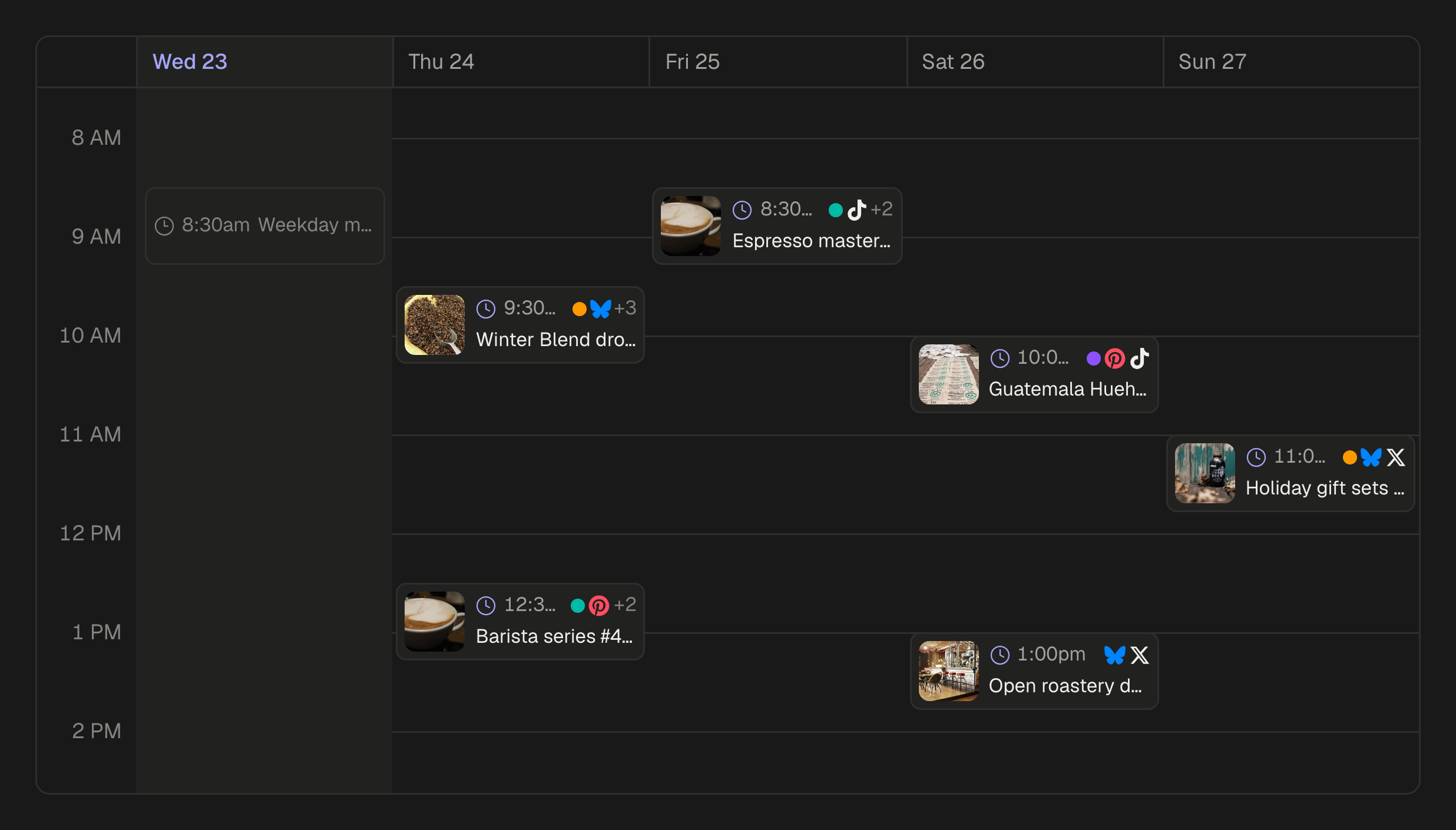
Switching takes one click in the sidebar, or ⌘K and Switch to with the client's name. Each queue keeps its own times in its own time zone, so “weekdays at 8:30” means 8:30 where that client's customers are.
Who works on which client
People are invited to a workspace, not to the agency, so each one sees only the clients they work on. A freelancer who writes for two clients is a member of those two workspaces and of nothing else. In each workspace a person has a role:
- Owner and Admin run the workspace: its accounts, members and settings, and approving posts. Only the Owner manages the plan.
- Publisher writes, schedules and manages the queues, but cannot approve.
- Editor writes and edits posts and media, and sends them for review instead of scheduling them.
- Analyst and Viewer read: the Analyst with the numbers, the Viewer without.
A person takes a seat in each workspace they belong to, so a teammate who works on three clients takes a seat in each of the three.
What the client sees
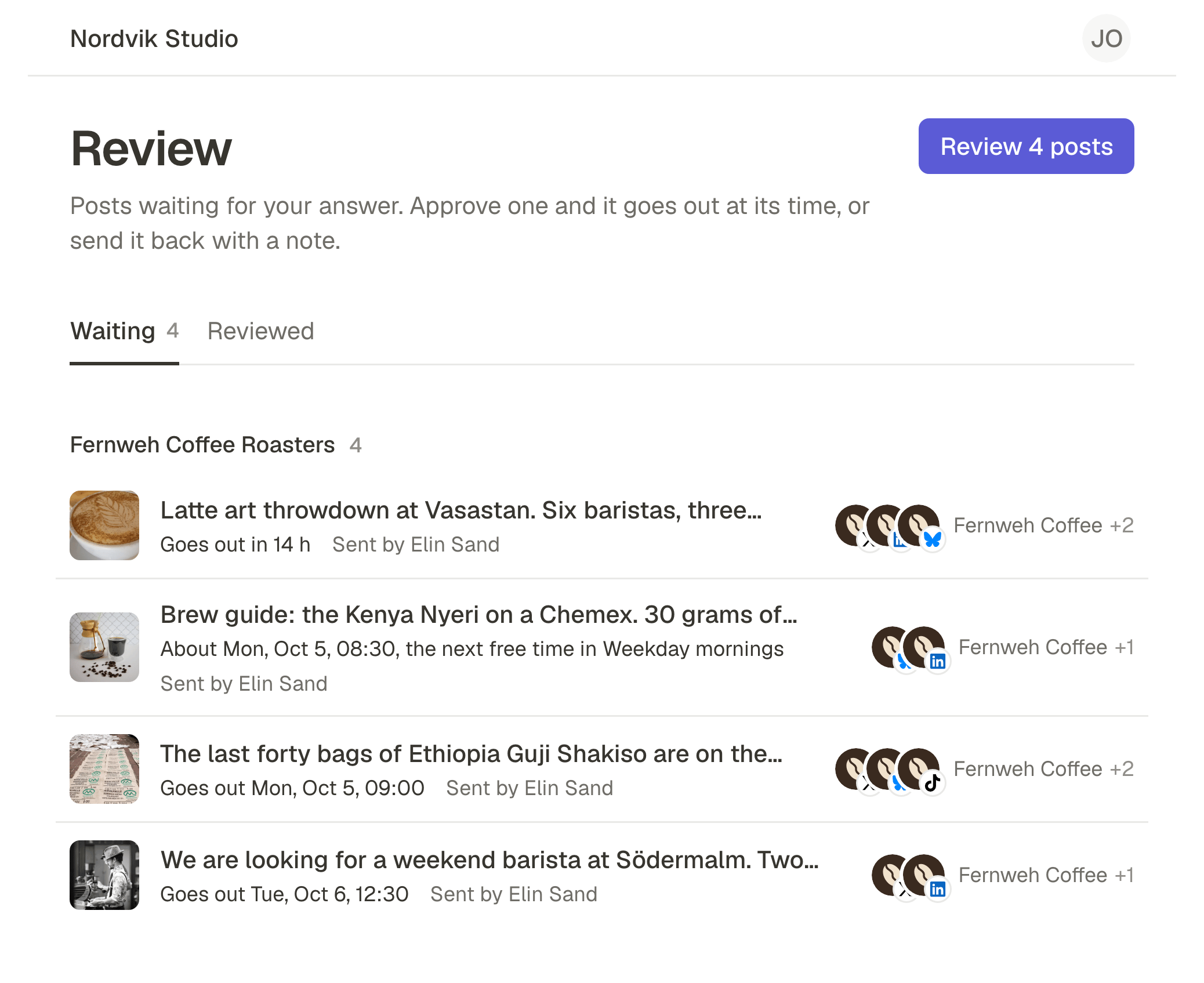
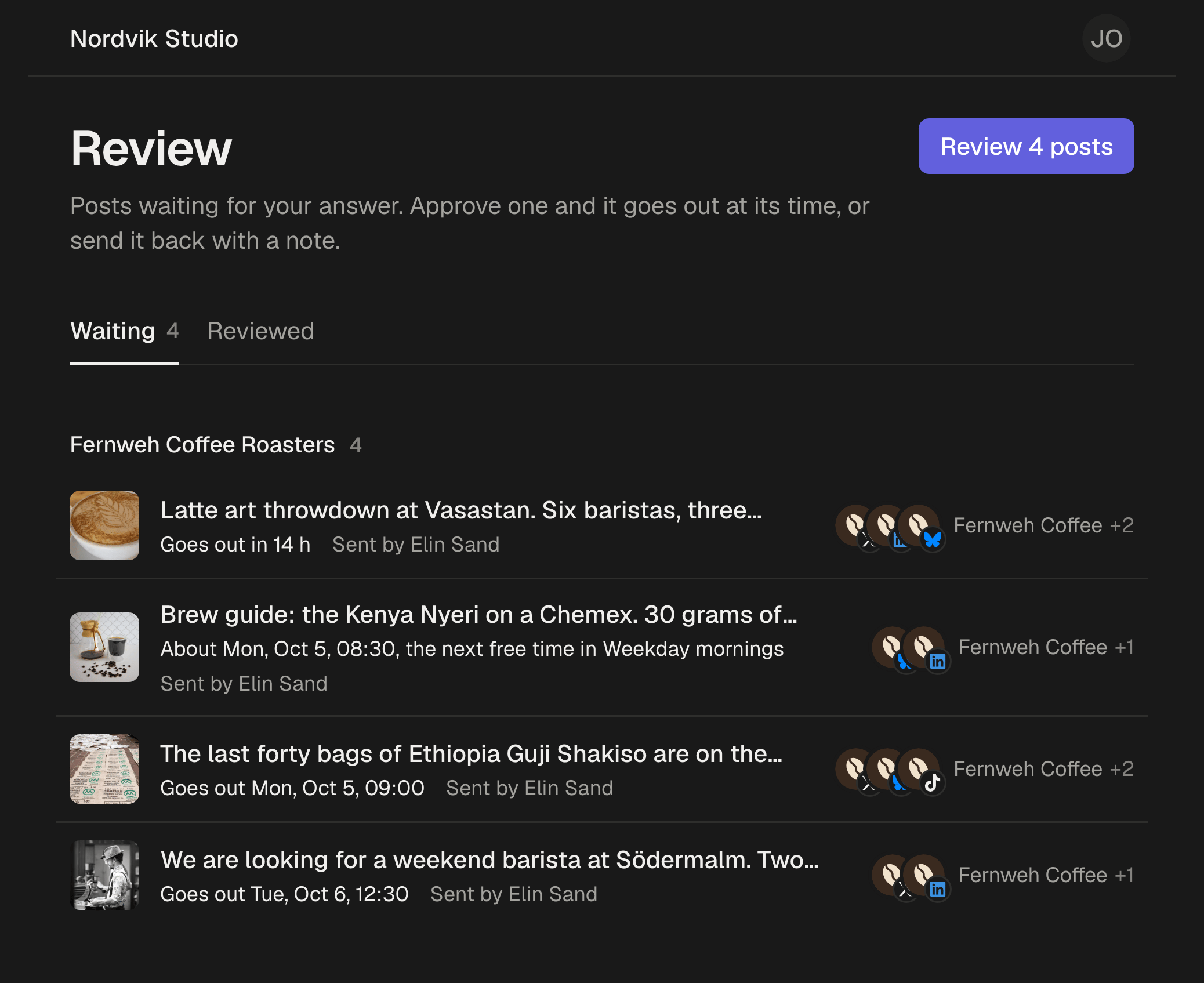
The client is not a member. They are a Reviewer: free, without a seat, up to 25 per workspace, and seeing only the posts sent to them. They approve from one email, on their phone, without a password to remember. What that looks like on their side.
On Pro and Business, reviewers see your agency's name and logo on the invitation, the inbox, each post, the approval record and the emails, with a small “Sent with SPREVA” at the foot. Set it once, then copy it to the other workspaces you own.
When a client asks what they approved, every approval is on record with who, when and which version, on a page you can print or save as a PDF, and Export approvals turns a month of them into one CSV file. What the record keeps.
Who pays for which client
Each workspace has its own plan, so a client's plan can be billed to that client or kept on the agency's card. Accounts and people count per workspace: Starter takes 5 social accounts and 3 people, Pro 15 and 10, Business 40 and 25. Reviewers count on none of them.
Two things to know before you set up eight. There is no single invoice for several workspaces yet, so eight clients are eight plans. And the 7-day trial is once per person, so try SPREVA on your first client before you open the others.
Start with one client
Open a workspace for the client you post for most, connect their accounts, invite them as a Reviewer and send them next week's posts. Reviewers are free on every plan. SPREVA for agencies.
Questions
Do I need a separate login for each client?
No. One login, and every workspace you belong to is in the sidebar's workspace menu.
Can I see every client's posts in one calendar?
No. Each calendar is one client's, which is what keeps them apart, and switching takes one click. A reviewer of several workspaces is the exception: their inbox shows the posts of all of them, grouped by workspace.
Does SPREVA answer comments and messages for my clients?
No. SPREVA makes, schedules, publishes and reports. Replies to comments and messages stay in each network's own app.
Can clients see my agency's brand instead of SPREVA's?
Your agency's name and logo, on Pro and Business: on the invitation, the inbox, each post, the record and the emails. A small “Sent with SPREVA” stays at the foot, and there is no custom domain.
Can the client pay for their own workspace?
Yes. Each workspace has its own plan, so it can be billed to the client. Accounts and people count per workspace, and reviewers are free on every plan.
Written by
Rodolfo Mota
Founder of SPREVA
Makes SPREVA in Portugal: the Studio, the tools an agent works with, and the publishing behind them.
Keep reading
- One post from draft to feed: a client approval workflow, step by stepOne bakery post followed from the draft to the morning it goes out: who does what, what the client sees, and what happens when the answer is not yes.
- How to get a client to approve posts from their phoneClients drop tools that want a password and a seat. How a client approves posts from a phone in SPREVA: one email, a sign-in link, each post as it will look.
- The client never approved it, and it went out anywayA time moved, a caption fixed after the yes, a post scheduled in a hurry. How posts go out unapproved, and how SPREVA makes every post wait for a yes.