How to schedule posts and threads on X
A thread is the hardest thing to schedule on X: eight posts that must go out in order, each under its limit, with the picture on the first. Most people write it in a notes app and paste it in post by post. This is how to write it once and let SPREVA split it, schedule it and post it in order.

Rodolfo MotaFounder of SPREVA
The short version
Write the whole text in one post in SPREVA, pick your X account, and schedule it or add it to a queue. Up to 280 characters it goes out as one post. Longer, SPREVA splits it into a thread of up to 25 posts, at a blank line where it can, and posts them in order. X weighs its characters: a link counts as 23 and an emoji as 2.
How X counts
X does not count characters the way you would:
- 280 per post, counted X's way. SPREVA does not use X Premium's longer posts: past 280, the text becomes a thread.
- A link counts as 23, however long it is. Write links in full, with https://, and SPREVA counts them exactly as X does.
- An emoji, or a Chinese, Japanese or Korean character, counts as 2. An emoji built from several, such as a family or a skin tone, counts more.
The counter under your text counts plainly. X's own count is in Checks, which tells you when the text will become a thread and of how many posts.
How a long text becomes a thread
Past 280, SPREVA splits the text where it reads best: at a blank line first, then at the end of a sentence, then between words. So write the thread with a blank line where each post should end, and it will end there whenever that part fits.
- The pictures or the video go on the first post.
- The posts are not numbered.
- If X stops answering halfway, SPREVA carries on from the next post instead of starting over.
- Up to 25 posts. A longer text is refused before it is scheduled, never cut short.
Write the first post so it stands on its own: it is the one most people see, and the one that decides whether they open the rest.
Pictures, GIFs and video
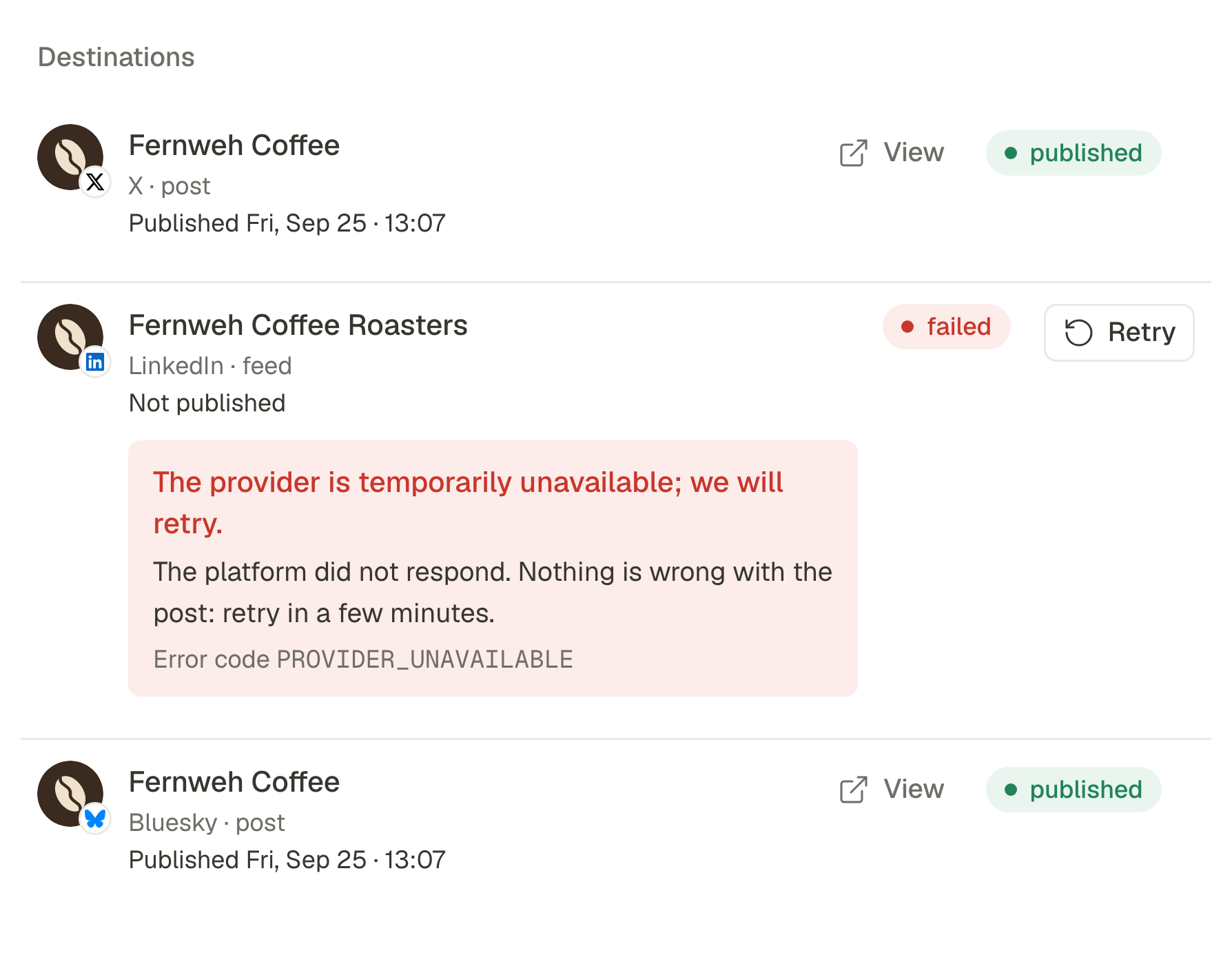
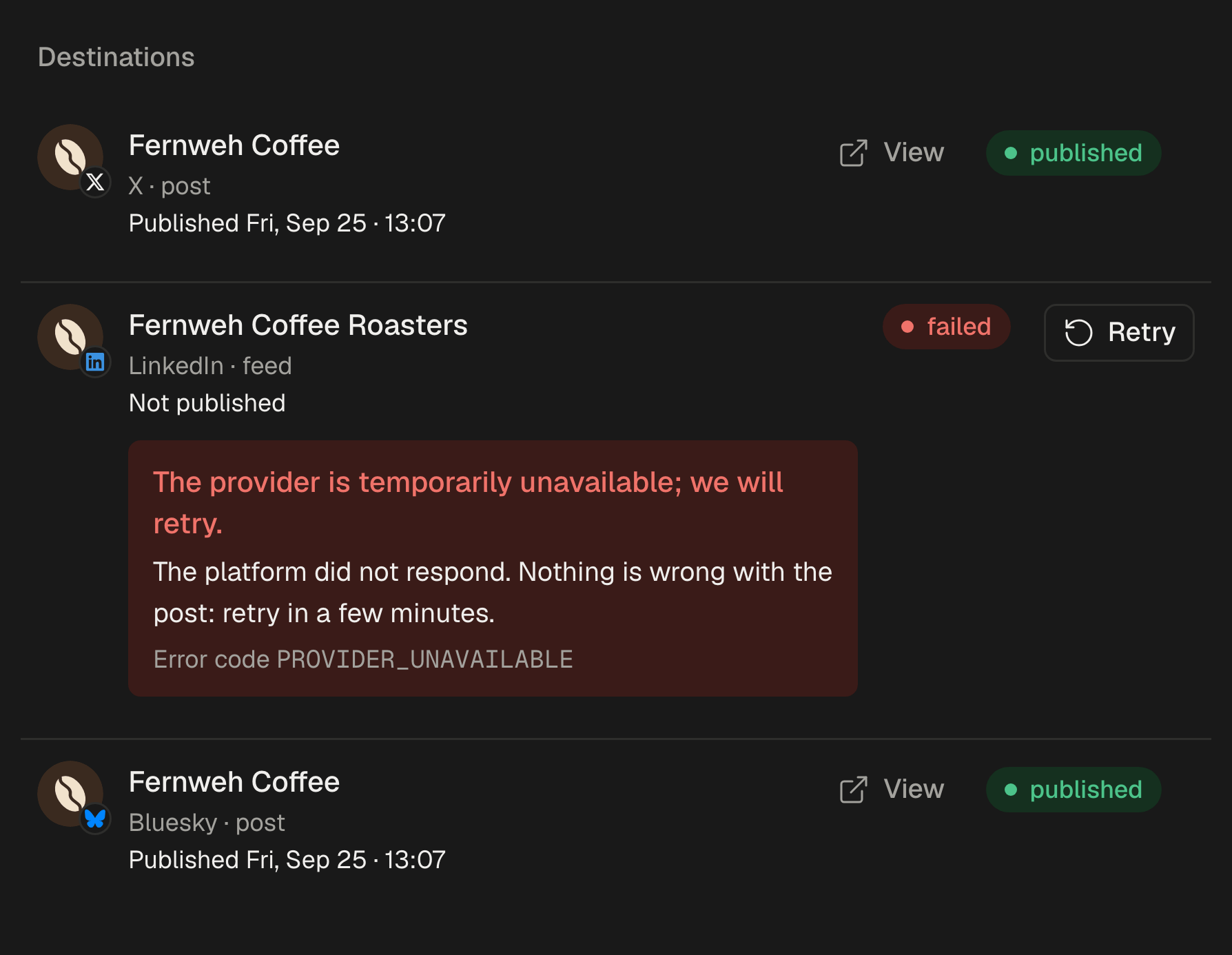
A post on X takes up to 4 images of 5 MB, a GIF of up to 15 MB, or one video of up to 140 seconds and 512 MB, never images and a video together. Each image carries alt text: the description your library wrote for it, unless you write your own. SPREVA checks all of it before anything goes out, and if one network fails, the others still publish.
The daily limit
X limits how many posts an app can publish for each account in a day, and every post of a thread counts. SPREVA keeps count: when an account's allowance for the day is used up, it pauses and posts the rest once the allowance comes back, instead of failing them.
The same post on Bluesky and Threads
Bluesky and Threads do not split a long text into a thread, so the same post needs a shorter text of its own there: give it one under Per account. How the three networks differ. Or ask your AI agent to write both:
Turn this article into a thread for X, a blank line between posts, the first one able to stand alone. Write a single short version for Bluesky and Threads, and schedule all three for Tuesday at 9am. Show me the texts first.
What comes back
Each post's numbers come back into SPREVA: impressions, likes, replies, reposts and quotes, bookmarks, and clicks on your link while the post is less than 30 days old. A thread is counted as a whole, and each account's followers come back too.
Schedule your next thread
Connect your X account, paste the thread with a blank line between posts and schedule it. Check the number of posts in Checks before it goes. Every plan starts with a 7-day trial.
Questions
Can I choose where the thread splits?
Leave a blank line where a post should end: SPREVA splits there whenever that part fits. A part longer than 280 is split again, at the end of a sentence.
Can I schedule polls or quote posts on X?
Not yet. SPREVA posts text, threads, images, GIFs and video.
Do I need a paid X account?
No. SPREVA posts to any X account you connect.
Why does my text count differently on X?
X weighs characters: every link counts as 23 whatever its length, and an emoji or a Chinese, Japanese or Korean character counts as 2. SPREVA checks your text the same way before it posts.
Written by
Rodolfo Mota
Founder of SPREVA
Makes SPREVA in Portugal: the Studio, the tools an agent works with, and the publishing behind them.
Keep reading
- Character limits for every social network in 2026Instagram 2,200, LinkedIn 3,000, X 280, Threads 500, Bluesky 300: the text limit of every network SPREVA publishes to, in two tables, and how each one counts.
- How to schedule Bluesky posts, and send the same one to Threads and XSchedule Bluesky posts with link cards, images and alt text, and send the same post to Threads and X with a text for each. What differs, and what SPREVA checks.
- How to automate social media posting without sounding like a botQueues, bulk scheduling, an API and AI agents: four ways to automate social media posting in SPREVA, and the habits that keep automated posts sounding like you.