How to schedule Bluesky posts, and send the same one to Threads and X
Bluesky, Threads and X look alike and count differently. Writing one post and pasting it into three apps works until the day it is cut off in one of them. This is how to schedule a post for Bluesky alone, and for all three at once.

Rodolfo MotaFounder of SPREVA
The short version
Connect Bluesky to SPREVA with an app password, write the post, and schedule it or add it to a queue. To send the same post to Threads and X, pick those accounts too, and give Bluesky a shorter text of its own when it needs one: Bluesky takes 300 characters, Threads 500 and X 280, where a link counts as 23. On X a long text becomes a thread; on Bluesky and Threads it has to fit.
Connecting Bluesky
Bluesky lets apps sign in with an app password instead of your main one. Make one in Bluesky's settings, under App passwords, name it SPREVA, and enter it with your handle when you connect the account.
SPREVA uses it to sign in and does not keep it, and the account's posts go out under your own handle.
What a Bluesky post can carry
SPREVA checks each of these as you write and again right before sending:
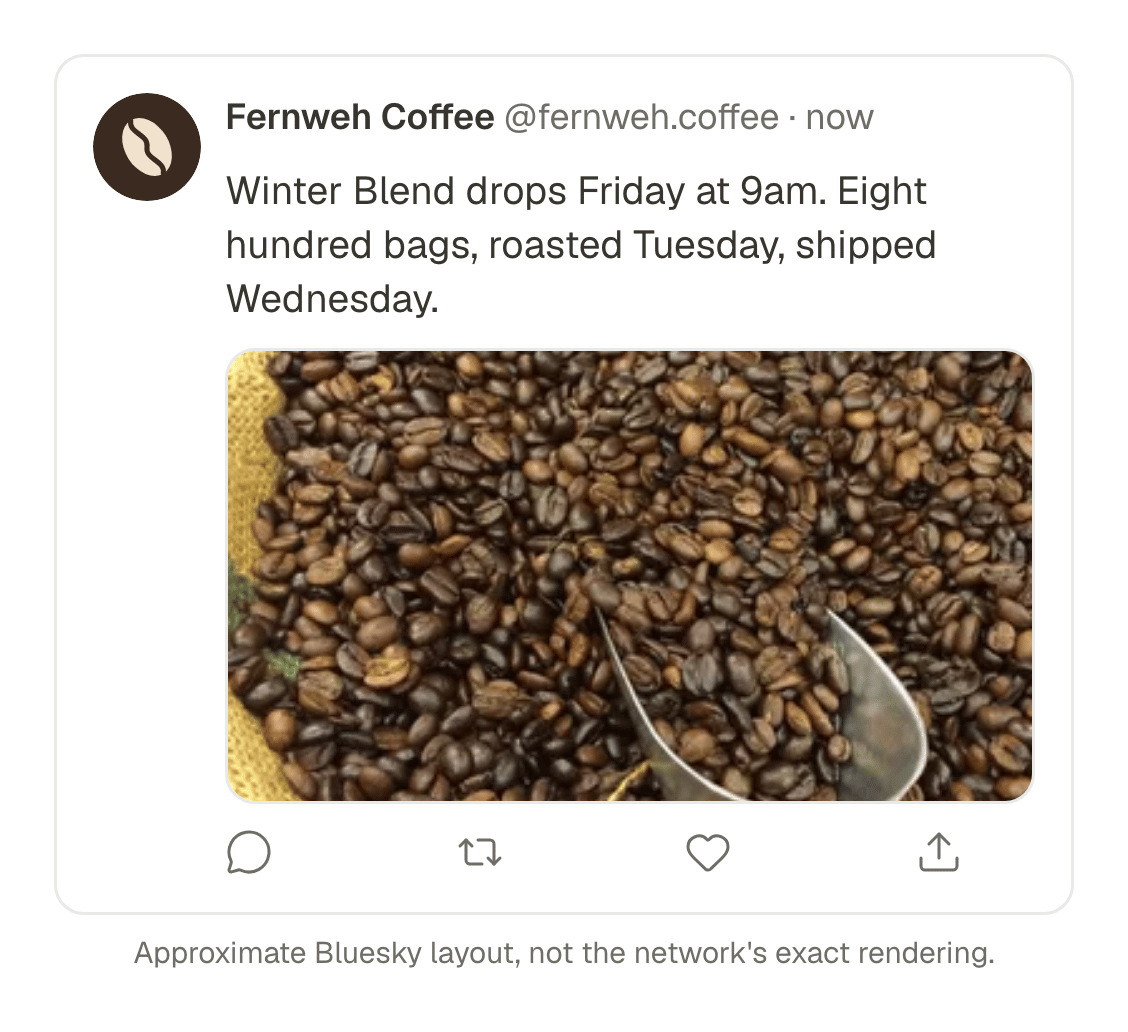
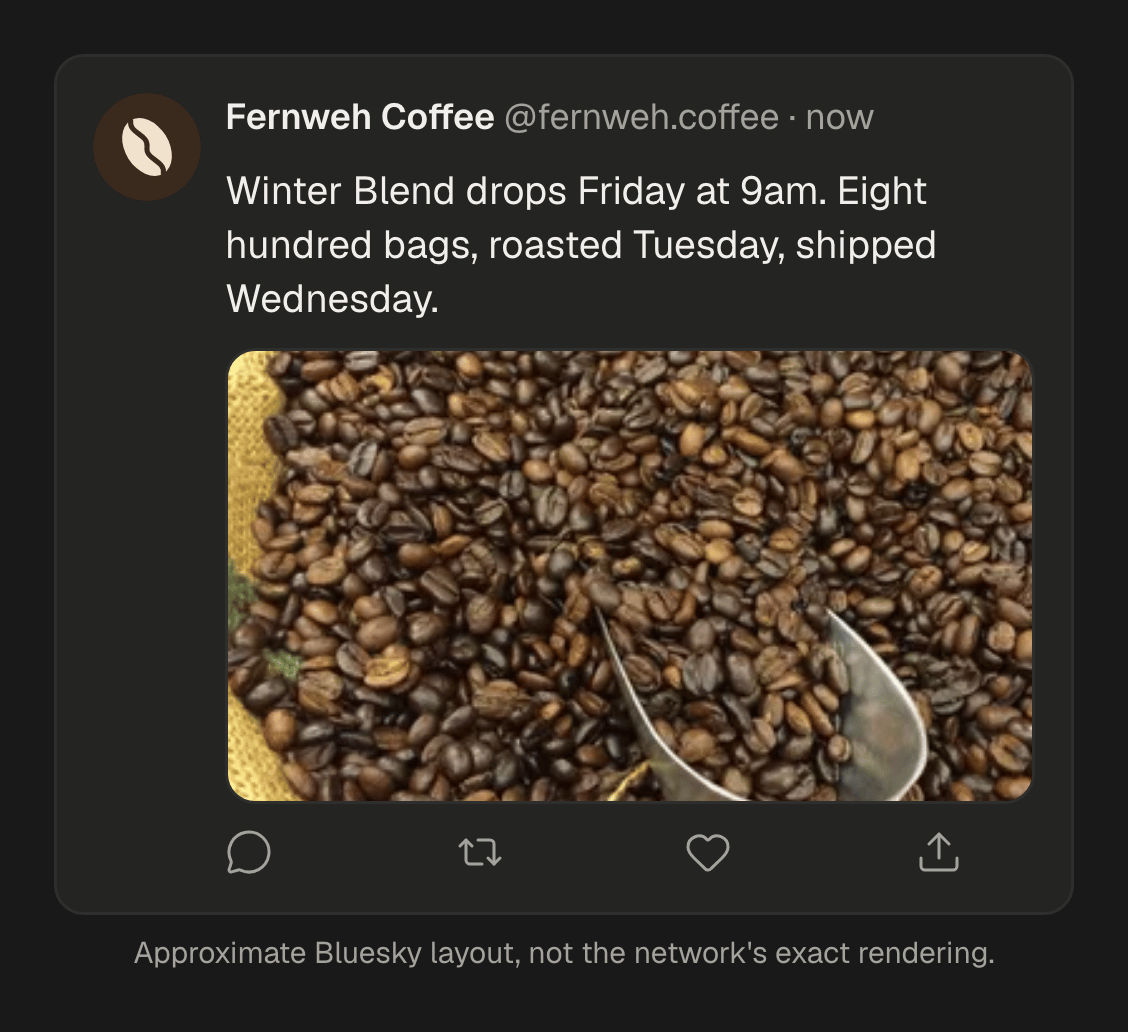
- Text of up to 300 characters, counted as you see them: an emoji or an accented letter is one.
- A link card, when the post has a link and no picture: Bluesky shows the page's title and image under your text. With a picture, the link stays in the text and counts toward the 300.
- Up to four images, each with its alt text, or one video of up to three minutes. Not both in the same post.
- Links, mentions and hashtags that work. SPREVA makes them tappable, as Bluesky's own app does.
Alt text comes from your library: each picture is described when it arrives, and that description is offered as its alt text, which you can change for one post. How the library describes a picture.
One post for Bluesky, Threads and X
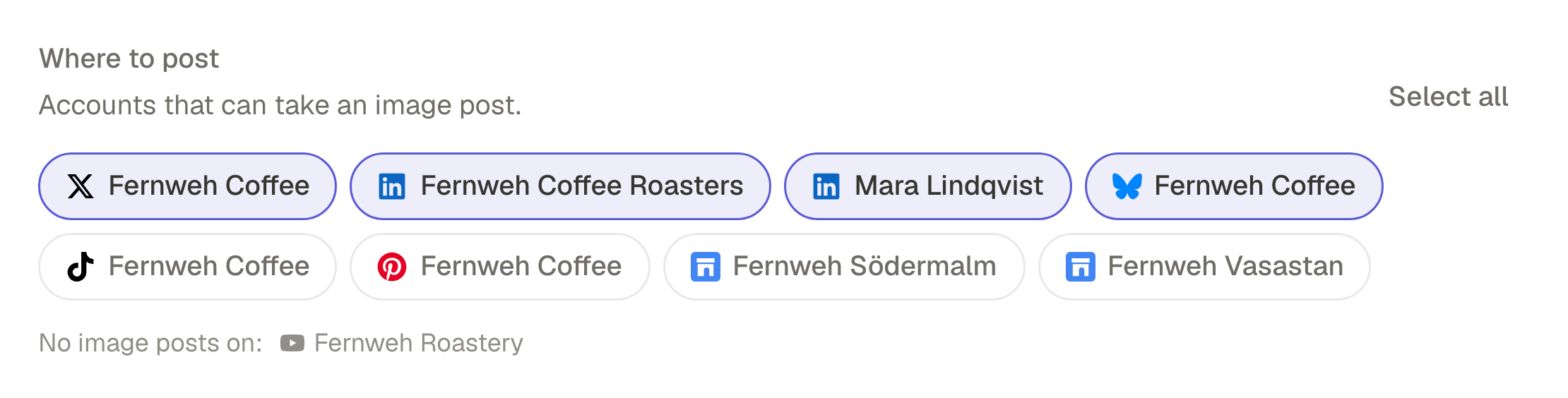
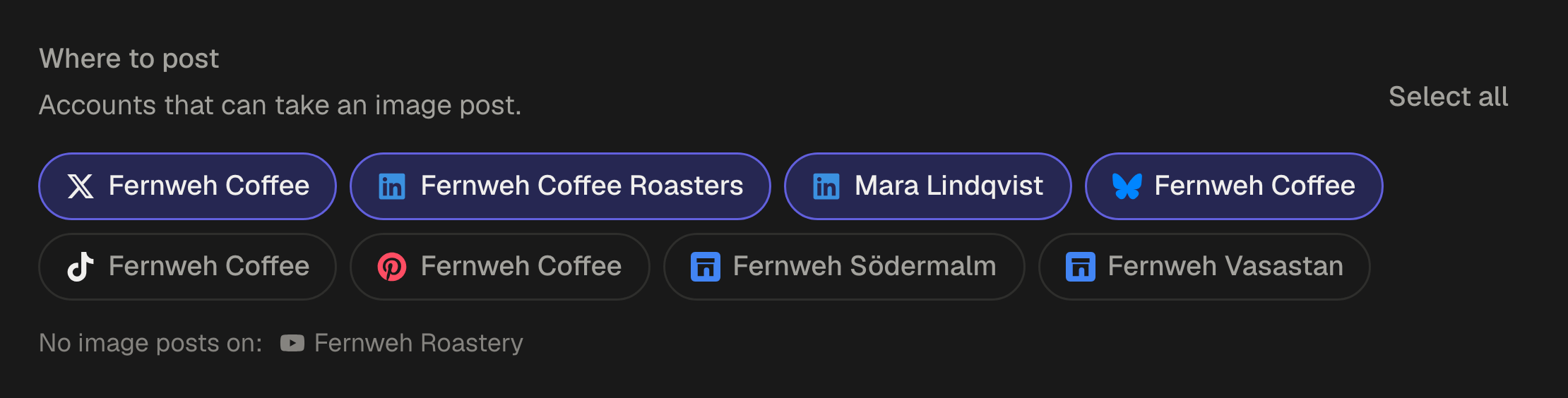
Pick the three accounts in the same post and write the text once. The counter follows the strictest network still using that text, so while all three share it, it turns red at Bluesky's 300.
When one network needs something different, open its row under Per account and type: that account now has its own text, with its own counter, and the others keep the main one. A post with any account over its limit cannot be scheduled until it fits, so nothing is cut off after it goes out.
Where the three differ
| Network | Length | A longer text |
|---|---|---|
| Bluesky | 300 characters, as you see them | Has to fit |
| Threads | 500 characters | Has to fit |
| X | 280, with a link as 23 and an emoji as 2 | Becomes a thread of up to 25 posts |
On X, a text over the limit is split into a thread on its own: at paragraphs first, then at sentences, and only then between words, never inside one.
Keep a rhythm with a queue
A queue is a set of weekly times in your time zone, say every weekday at 9am and 5pm. Add a post to it and it takes the next free time. With an AI agent connected to SPREVA, the same post for three networks is one request:
Post this to Bluesky, Threads and X in my weekday queue. Keep the Bluesky text under 300 characters, and let X run as a thread if it needs to. Show me the three texts first.
The agent writes a text for each account that needs one, and SPREVA checks each against its network before the post takes its place in the queue.
Schedule your first week
Connect Bluesky with an app password, add Threads and X if you use them, and fill a queue for the week. SPREVA publishes to 31 networks, and every plan starts with a 7-day trial.
Questions
Why does SPREVA ask for an app password?
Bluesky lets apps sign in with an app password instead of your main one. Create one just for SPREVA, and never enter your main password.
Can I schedule a Bluesky thread?
Not yet. A Bluesky post has to fit in 300 characters; only X splits a long text into a thread.
Does an emoji count as more than one character on Bluesky?
No. Bluesky counts what you see, so an emoji or an accented letter is one character, and SPREVA counts the same way. On X an emoji counts as two.
Can I add Mastodon or LinkedIn to the same post?
Yes. Pick any of your connected accounts in the same post, and give any of them its own text.
Written by
Rodolfo Mota
Founder of SPREVA
Makes SPREVA in Portugal: the Studio, the tools an agent works with, and the publishing behind them.
Keep reading
- How to adapt one post for Instagram, LinkedIn and XWrite one post and adapt it for Instagram, LinkedIn, X, Bluesky and Threads without rewriting it every time: a caption per network, each network's limits checked before it goes out, and scheduling on every account at once.
- A media library that knows what is in itFolders and file names stop working at about a hundred files. What SPREVA does instead: every upload described and tagged as it arrives, videos transcribed, alt text suggested, and a search that understands “the window at dusk”.
- A week of social media from one conversation with your AI agentMonday's photos become a video, Tuesday's post goes to every network in its own words, the queue fills itself and Friday brings the numbers. A week with an AI agent connected to SPREVA, prompt by prompt.