How to schedule Facebook posts, photos and videos on your Page
Facebook can schedule its own posts. The trouble starts when the same post also goes to Instagram, LinkedIn and a Google listing, and each wants it scheduled in its own place. This is how to schedule Facebook Page posts in SPREVA alongside the rest, and the two limits worth knowing first.

Rodolfo MotaFounder of SPREVA
The short answer
Yes, on a Facebook Page. Connect your Pages to SPREVA, write the post (text, a link, up to 10 photos or one video), pick the Pages, and schedule it or add it to a queue. Two limits come from Facebook: apps can publish to Pages only, not to personal profiles, and a video always goes out on its own, never with photos.
What a Facebook Page post can be
SPREVA checks each of these before anything goes out:
| Kind | What it is | Limits |
|---|---|---|
| Text and link | Words, with a link shown as a preview | 63,206 characters |
| Photos | One photo, or up to 10 in one post | 10 MB per photo |
| Video | One video, alone in its post, with an optional title | Up to 240 minutes; a title of 255 characters |
Scheduling a Page post, step by step
- 1
Connect Facebook in SPREVA and tick the Pages you manage. Each Page becomes an account of its own.
- 2
Press New in the sidebar, choose Post, then Text Post, Image Post or Video Post.
- 3
Pick one Page or several. Under Per account, give a Page its own text if it needs one.
- 4
For a video, add a title if you like: Facebook shows it with the video.
- 5
Schedule it, or Add to queue.
At that time SPREVA publishes to each Page on its own, so one Page with a problem never holds back the others.
Links and their previews
A post with a link and no photo or video becomes a link preview: Facebook fetches the page's title and image and shows them under your text. Add photos or a video, and SPREVA puts the link at the end of your text instead, after a blank line, unless the text already has it.
Never twice, never silently
When Facebook is slow to answer and the connection drops, a tool cannot tell whether the post went out. SPREVA looks for it on the Page before it tries again, so a retry never publishes the same post twice.
When a Page needs reconnecting, its posts stop and say so instead of failing quietly. Reconnect the Page, retry them, and the posts to your other accounts go out as planned.
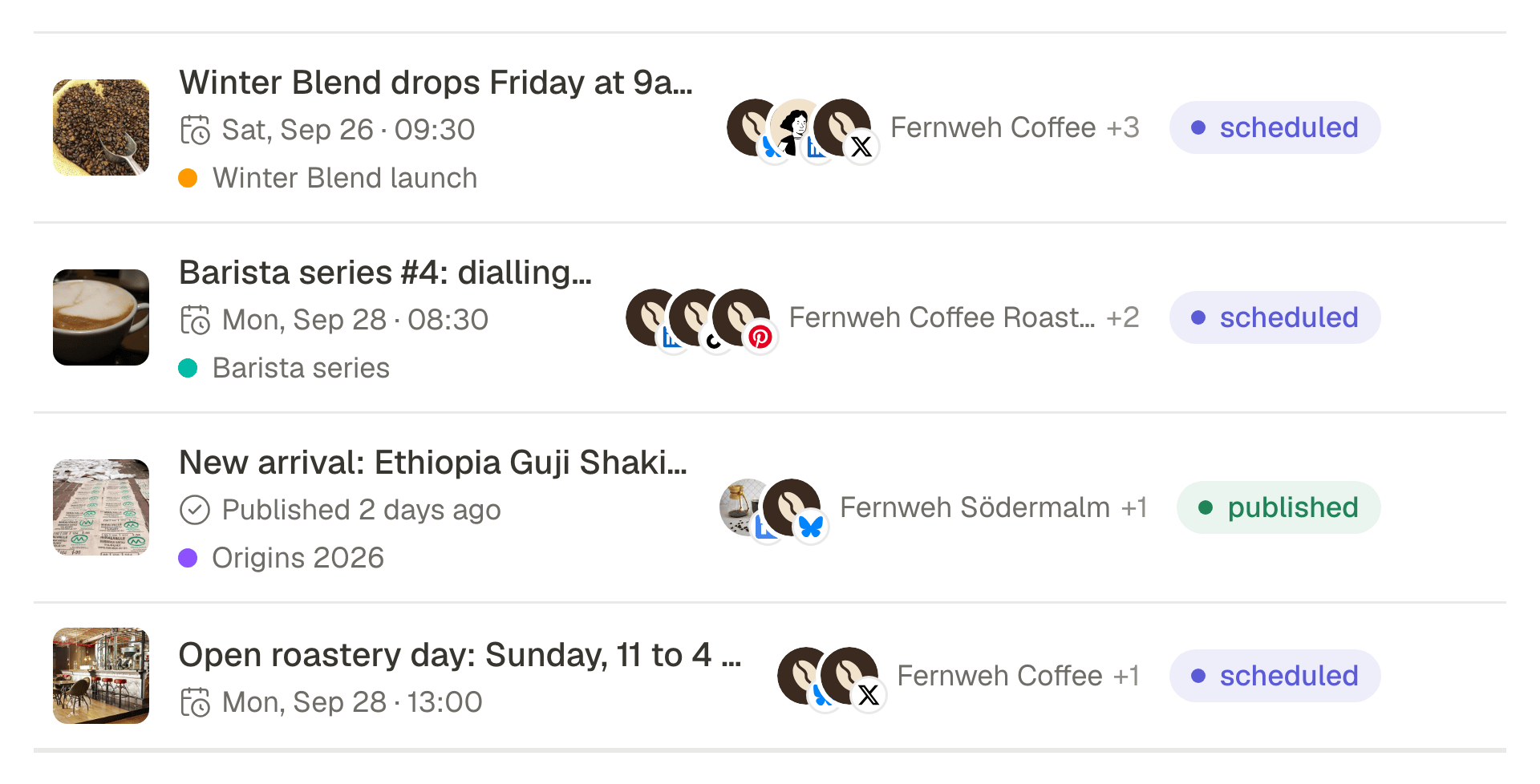
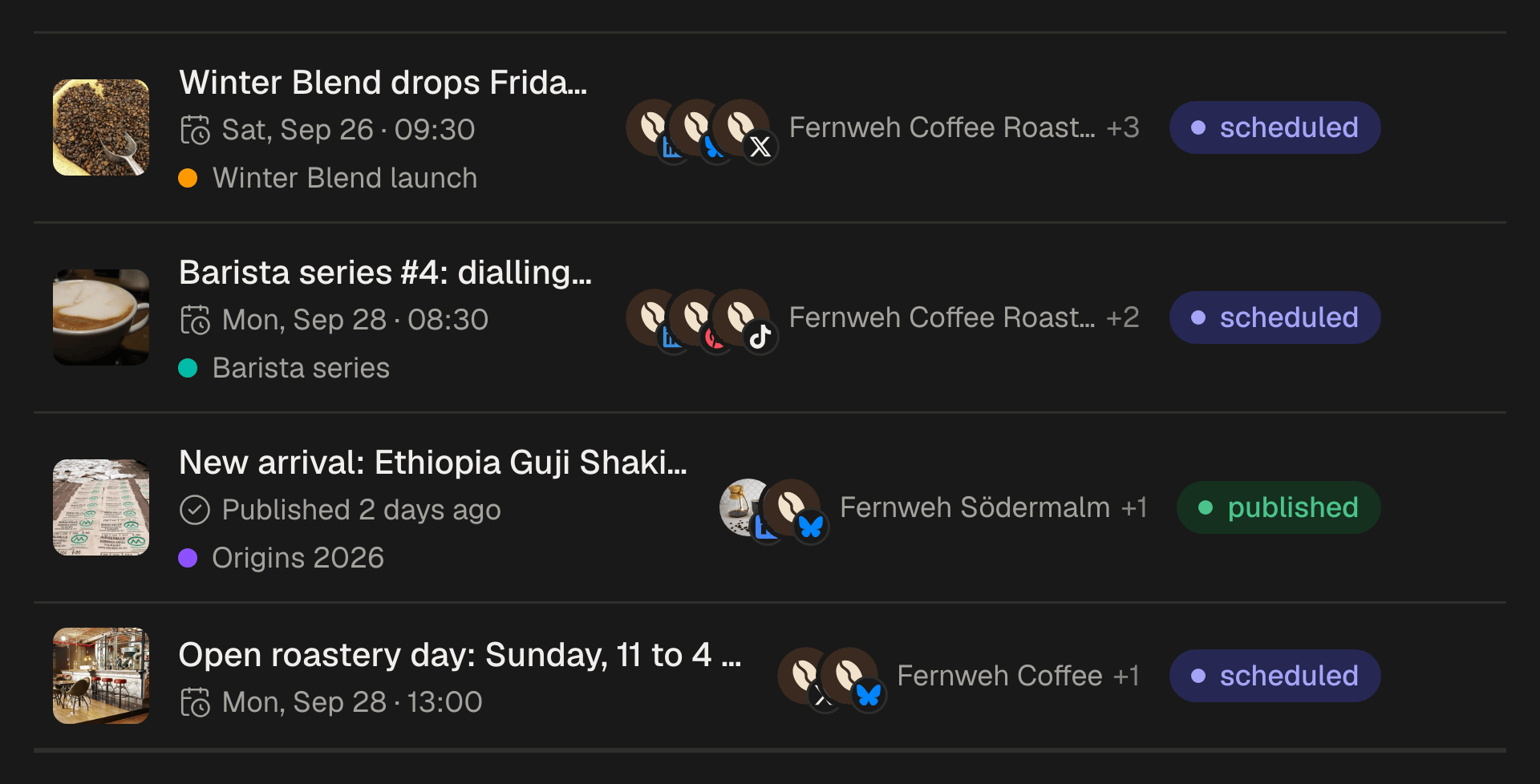
The same post on Instagram
The same photos can go to your Page and to Instagram in one post, each with its own text. Facebook takes up to 10 photos of 10 MB each; Instagram a carousel of up to 10, at 8 MB each, and SPREVA checks both. How to schedule an Instagram Story.
What comes back
Each post's numbers come back into SPREVA with the rest: views, reactions, comments, shares and clicks, and for a video, how many times it was watched. Each Page's followers too, so the month can be read in one place.
Schedule next week's Page posts
Connect your Facebook Pages, make a queue with the times you post, and fill it with next week's posts. Every plan starts with a 7-day trial.
Questions
Can SPREVA post to my personal Facebook profile?
No. Facebook lets apps publish to Pages only: the ones you manage and choose when you connect.
Can SPREVA post to a Facebook group?
No. Facebook stopped letting apps post to groups in 2024, so a group post is one to make in Facebook itself.
Can I schedule Facebook Reels or Stories?
Not yet: a Facebook post from SPREVA is a Page post with text, a link, photos or a video. Vertical video can go out in the same post as an Instagram Reel, a TikTok and a YouTube Short.
Can I schedule the same post to several Facebook Pages?
Yes. Pick every Page in the same post, give any of them its own text if it needs one, and publish now, on a date or through a queue. Each Page is published to and tracked on its own.
What happens when a Page needs reconnecting?
Posts to that Page stop and say it needs reconnecting, instead of failing quietly. Reconnect the Page, then retry them. Posts to your other accounts go out as planned.
Written by
Rodolfo Mota
Founder of SPREVA
Makes SPREVA in Portugal: the Studio, the tools an agent works with, and the publishing behind them.
Keep reading
- Can you schedule an Instagram Story? Yes, and here is what it leaves outYes, an Instagram Story can be scheduled. How to do it in SPREVA, what goes out with it, what stays behind (stickers, a caption) and the numbers you get after.
- How to manage social media for several clients without posting to the wrong oneOne workspace per client, accounts that cannot cross, a free reviewer each and a plan each. How an agency keeps clients apart in SPREVA, and what it costs.
- How to automate social media posting without sounding like a botQueues, bulk scheduling, an API and AI agents: four ways to automate social media posting in SPREVA, and the habits that keep automated posts sounding like you.