A week of social media from one conversation with your AI agent
This is what a week looks like when your AI agent does the posting and you keep the decisions: the prompts as you would type them, what SPREVA asks before it acts, and where the numbers end up.
Rodolfo MotaFounder of SPREVA
Before Monday
Four things, once:
- Your accounts connected to SPREVA, each through its own sign-in. Instagram publishes only to professional accounts.
- Your agent connected with the MCP address: Claude, ChatGPT, Gemini or any other that speaks MCP. Where to find it for each one.
- The rules set: what the agent may do on its own, what it asks first and what needs approval. The default asks before anything public and before anything that spends credits.
- Some photos and clips in the library. Each is described as it arrives, so the agent can find them by what they show.
Monday: from photos to a video
The week starts with material, not with a blank page. Say what you have and what it is for:
Make a 20 second vertical video from the photos I uploaded yesterday of the new menu. Start on the board, end on the plate, calm voice, captions.
The agent opens a Studio project, writes the script, asks before the voice-over spends credits, puts each photo on the line that describes it and exports the video into your library. If the opening is wrong, say so: only the opening changes. Why the video stays editable.
Tuesday: one post, every network
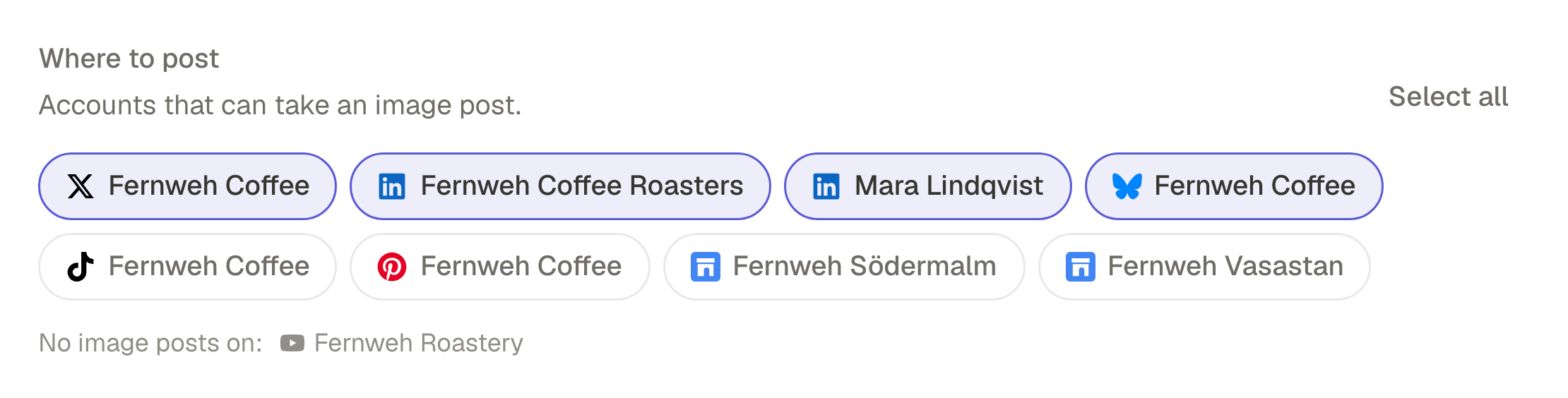
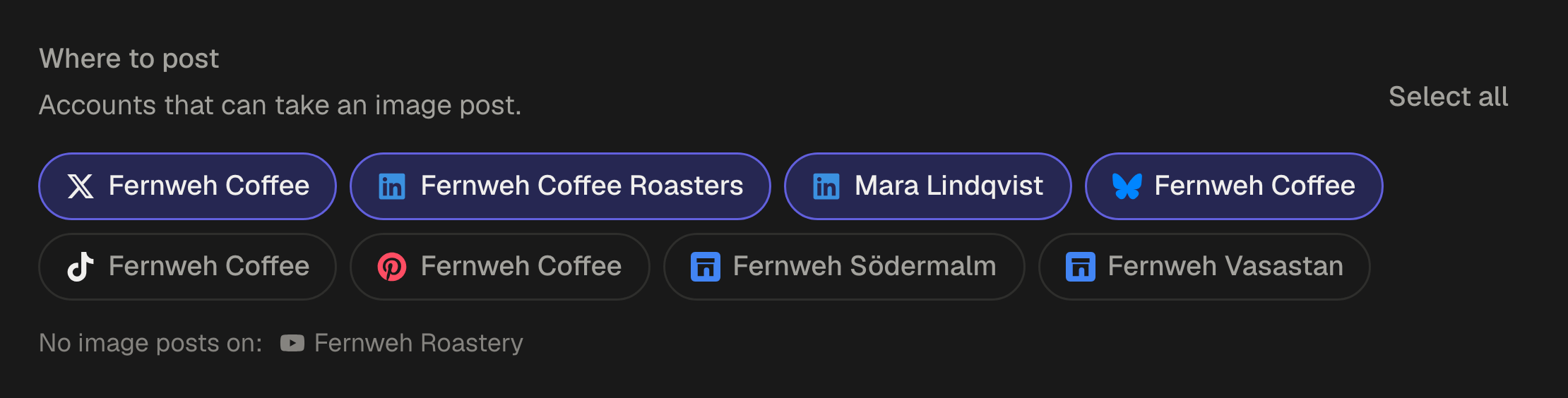
The video is made. Now it has to go out, and each network wants something slightly different:
Post Monday's video to Instagram, TikTok and YouTube tomorrow at 6pm, and write a LinkedIn version that leads with the story of the new menu. Show me the captions before you schedule anything.
The agent drafts one caption per account, in each network's length and tone, and shows them to you. SPREVA checks each network's rules while it drafts and again right before sending, so a caption too long for X or a missing YouTube title is caught before it goes out. You say yes, and the post is scheduled. What changes between networks.
Wednesday to Friday: the queue fills itself
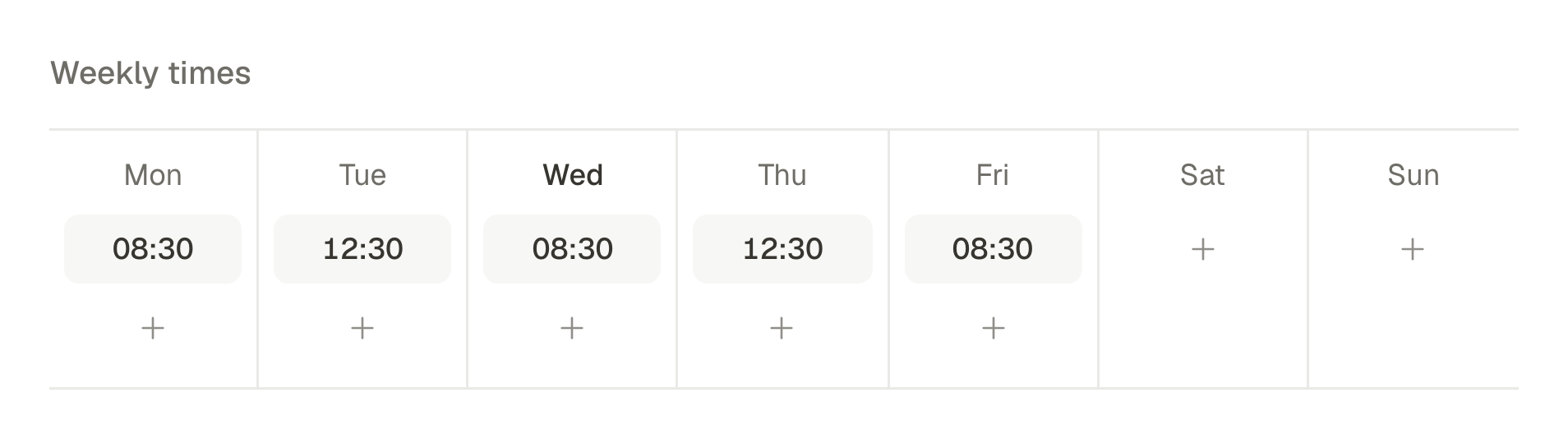
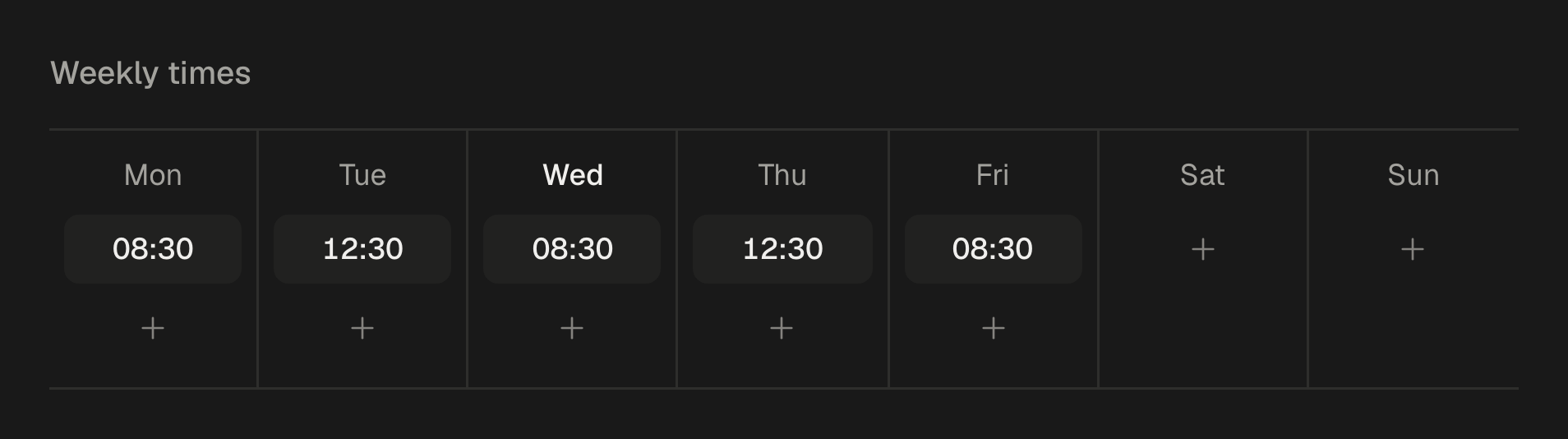
Queues are where the middle of the week goes. A queue has slots, say 9am and 6pm on weekdays, and a post added to it takes the next free one. So the instruction is not “post this at 9am on Thursday” but:
Turn the three clips from last week's tasting into posts for the queue, one per clip, each with its own caption. Leave them as drafts so I can read them tonight.
The next morning three drafts are waiting. Move them to the queue and they take the next three slots. Nothing goes out that you have not read, and nothing waits for you to remember a time.
Friday: read the numbers
Each post's numbers come back into SPREVA where the network reports them, so the week ends with a question rather than a spreadsheet:
How did this week's posts do compared to last week? Which network grew, and which post did best?
The agent reads the analytics and answers in words. The useful part is the follow-up: “make next week's video about what did best” starts Monday with a decision already made.
The rules that keep it safe
None of this works if you have to watch the agent. What makes it possible to look away:
- The agent never has your passwords. You authorise each network inside that network, and the agent works through SPREVA, which holds the access.
- Three rules per kind of action: Allow, Ask first or Needs approval. Publishing now and spending credits ask by default; saving a draft does not.
- Every network's rules are checked while the agent writes, when it schedules and right before sending.
- Everything is on record: who did what and when, the agent included. How to set the rules for your workspace.
Copy this week
Connect one account and your agent, upload five photos and ask for Monday's video. The rest of the week is the same conversation, continued. MCP is on every plan, the Studio tools need Pro or Business, and every plan starts with a 7-day trial with 300 AI credits.
Questions
Which agent do I need?
Any agent that speaks MCP. There are setup pages for Claude, ChatGPT, Gemini, Claude Code, Codex, Cursor and OpenClaw, and the address is the same for all of them. The MCP server.
Does the agent publish without asking?
Only if you tell it to. By default, publishing now and anything that spends credits ask first; saving a draft or scheduling a day ahead does not. Each workspace sets its own rules for each kind of action.
What happens if one network fails?
That account is retried on its own, and the others go out as planned. The post shows which account failed and why, and the agent can see the same.
Which plan do I need?
MCP is on Starter, Pro and Business. The Studio tools, which make and edit videos, need Pro or Business. Every plan starts with a 7-day trial, and the agent works from the first day.
Written by
Rodolfo Mota
Founder of SPREVA
Makes SPREVA in Portugal: the Studio, the tools an agent works with, and the publishing behind them.
Keep reading
- Why a video made by an AI agent should stay editableAn AI agent can make a video in a minute. The question is what happens when you want the second scene shorter. Why SPREVA keeps every video an editable project, and what that changes for the person asking.
- How to let an AI agent manage your social media safelyLet Claude, ChatGPT or another AI agent draft, schedule and publish your social media without giving it your passwords: what it can see, what it must ask first, who can approve, and how to switch it off.
- How to adapt one post for Instagram, LinkedIn and XWrite one post and adapt it for Instagram, LinkedIn, X, Bluesky and Threads without rewriting it every time: a caption per network, each network's limits checked before it goes out, and scheduling on every account at once.